


Layer panel refresh when switching documents
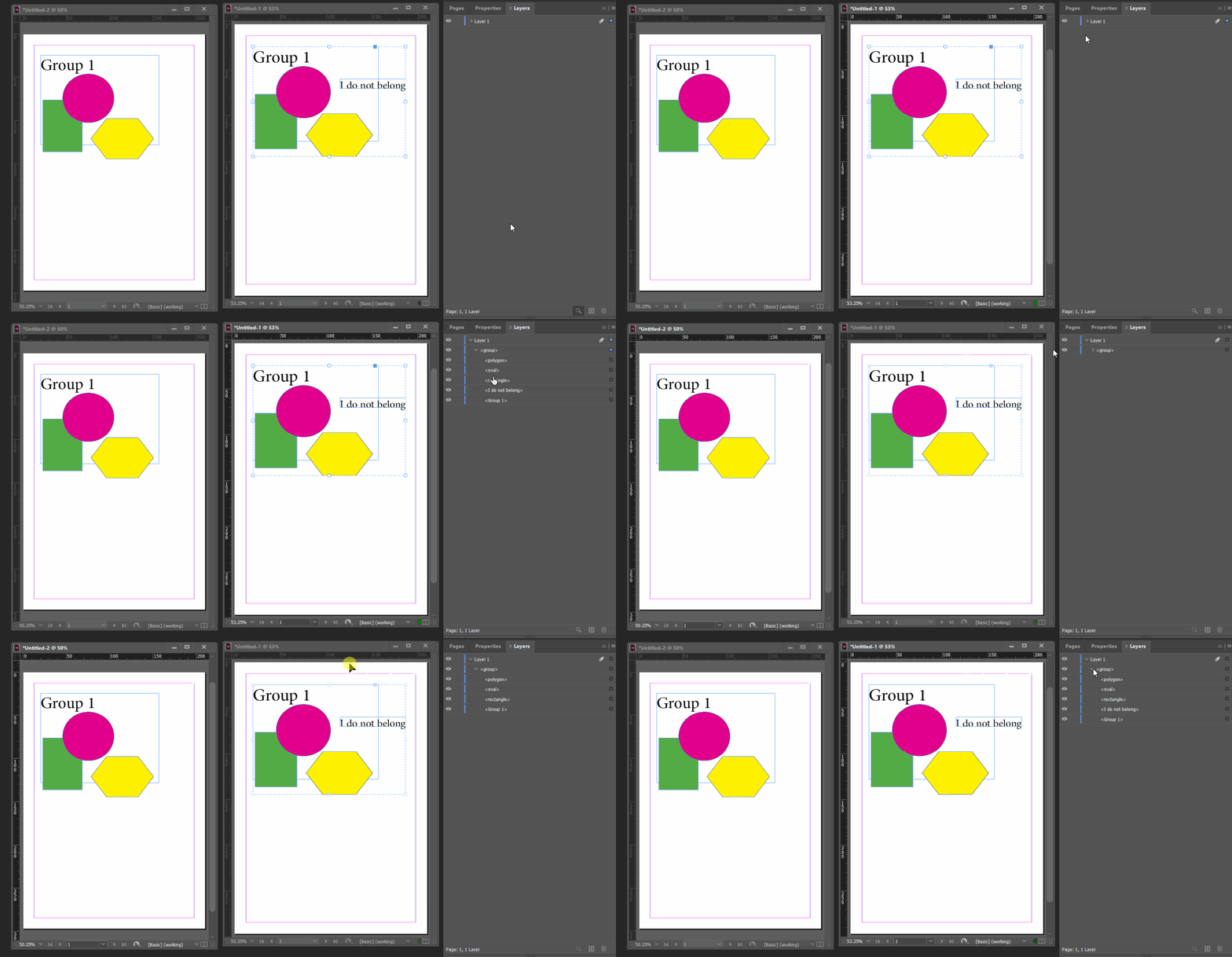
When I need to see the stacking order of objects in a given layer on the Layers panel, I click these little arrows (“disclosure triangles,” according to the docs) to expand the layer. If I want to compare the stacking order of a given layer in two different INDD documents, I’d expect to be able to expand the layer in both documents and control-tab between the two INDDs to compare. However, I find that control-tabbing from document to document refreshes some or all (???) of the exposed tree in the Layers panel, and collapses what I’ve expanded. I’ve seen the same behavior when I’ve been trying to compare bookmarks in two INDDs - leaving the document closes all of the expanded sub-bookmarks.
Is this something buggy about my install, or is this typical for v21? I can’t recall ever having encountered this behavior, but it’s not a task that my typical workflow would require me to perform. So maybe it’s been this way all along, and I haven’t noticed?
I added the caveat “some or all” to my explanation above, as I found that when I made a dummy document to do a quick screencap of the issue, my “group” sublayer seems to be willing to stay visible when I switch between documents:


 AdChoices