
Participant
September 9, 2020
Resuelto

Layers and Pages

  • September 9, 2020
  • 4 respuestas
  • 707 visualizaciones

hi,


i have been designing on indesign for a long time and realised a sudden change or update. I have noticed that all the layers show up on all the pages created in the file. is there a way of having a black page with not showing the entire list of layers on individual page from the file?
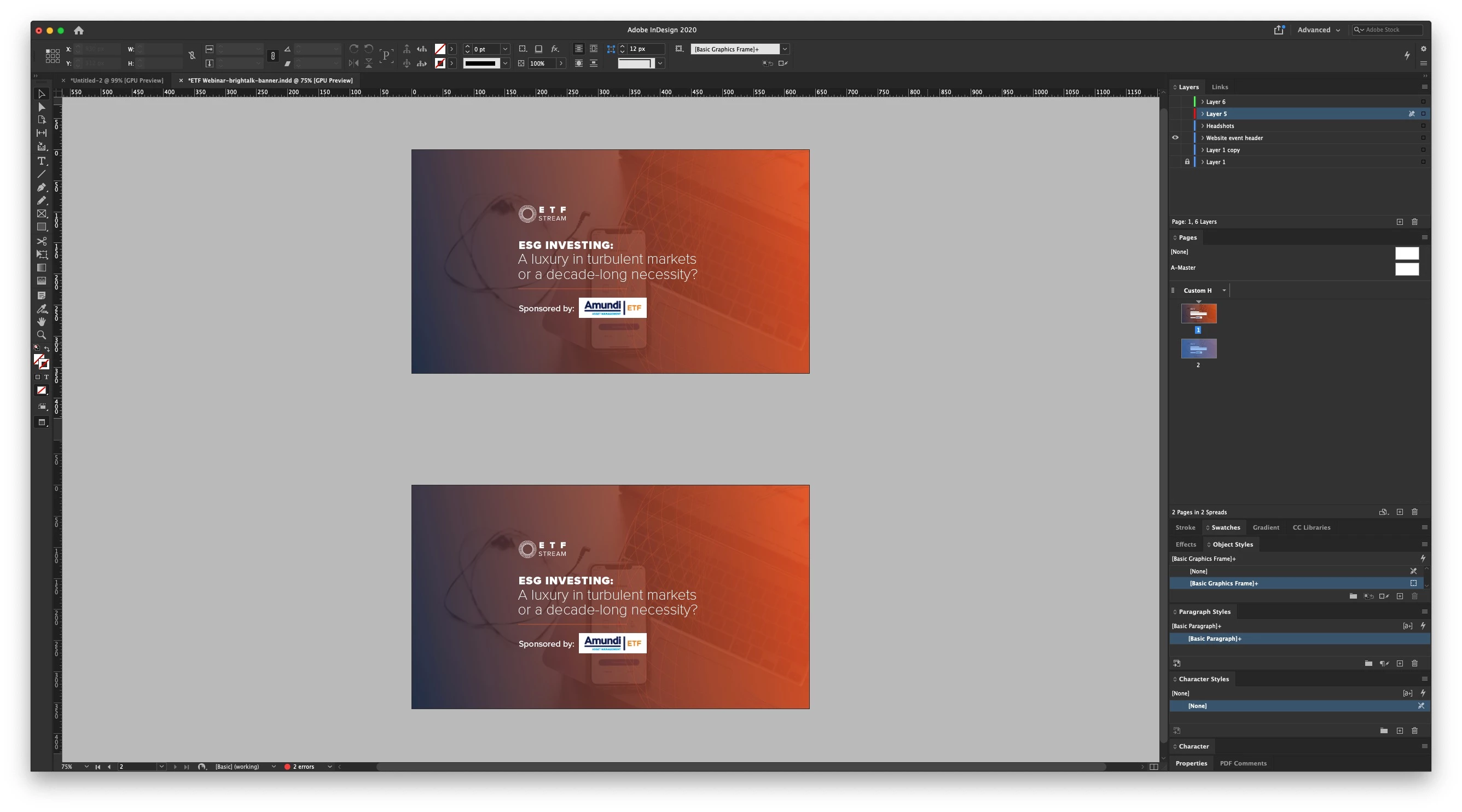
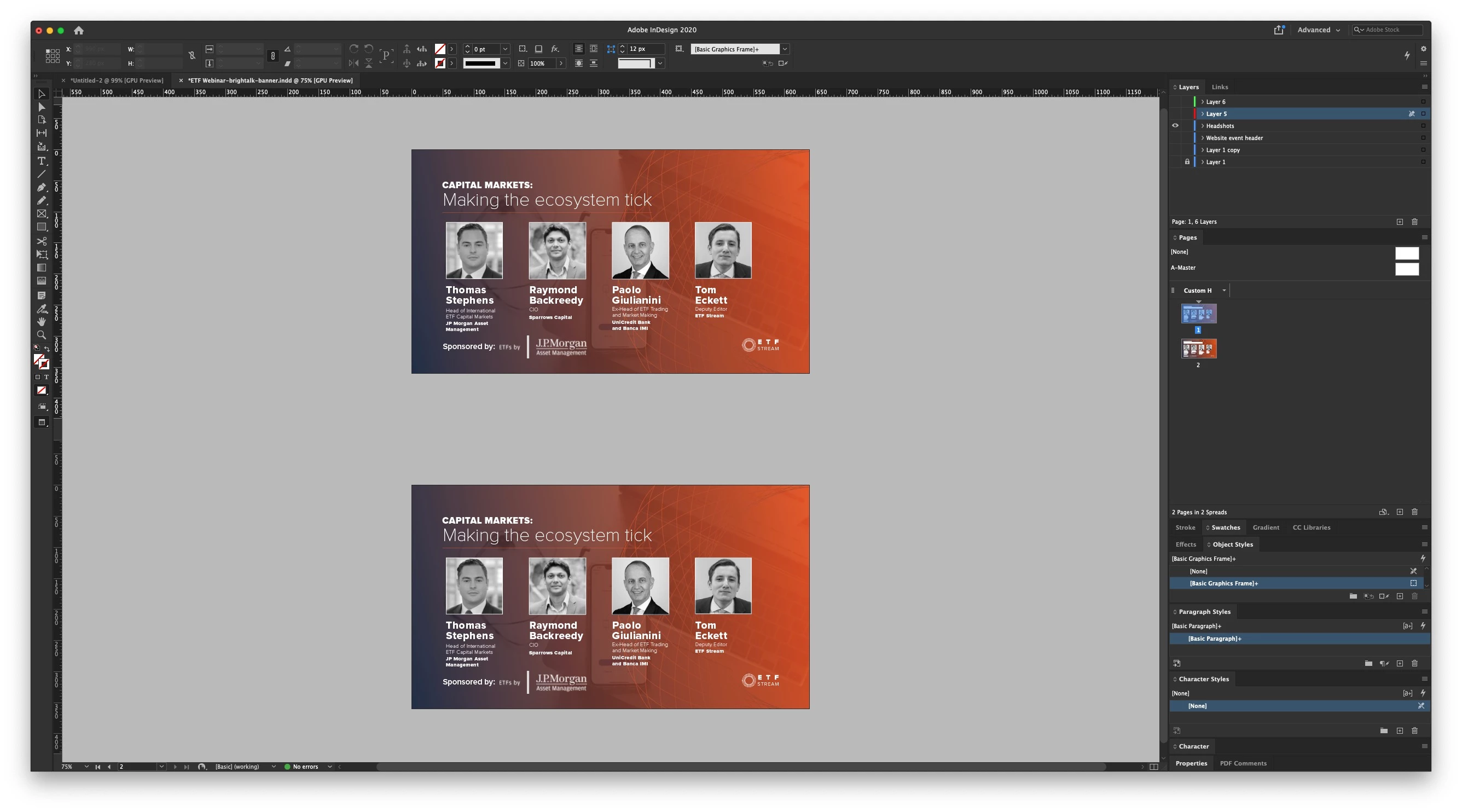


everytime i create a new page, it shows the previous page layers which is very annoying. 


please can someone advice me on how to get rid of this feature. 


thank you. 

Este tema ha sido cerrado para respuestas.
Mejor respuesta de Manan Joshi

We had an elaborate discussion on this topic in the following thread, Have a look

https://community.adobe.com/t5/indesign/viewing-only-layers-of-current-page/m-p/11384733?page=1

As already mentioned this has been this way always, I am not sure how you think otherwise. But to answer your question, no it is not possible. Layers are document wide and each page new/old will have all the layers of the document

-Manan

4 respuestas

JonathanArias
Legend
September 10, 2020

this has always been the case, not somethign that was added in a new version of the software,  you just never noticed it till now.

Which brings the question of what about your master pages?  how would you apply a master with its own layers over pages with all different layers? how would that work?


It opens a can or worms.

Geоrge
Legend
September 10, 2020

Nevertheless you can do many files with need it layers shemes and have them in a book. 

Here you go - https://helpx.adobe.com/indesign/using/creating-book-files.html

Remember, never say you can't do something in InDesign, it's always just a question of finding the right workaround to get the job done. © David Blatner
Dave Creamer of IDEAS
Community Expert
Community Expert
September 10, 2020

It's certainly possible to have single-page documents in a book, so it could work as long as the pagination is controlled. Not knowing much about the document, it's hard to tell if creating a book would be the best way to go.


If cost is not an issue, another option would be to check out DTP Tools plugin for layer groups:

http://dtptools.com/product.asp?id=lgid

(This is a subscription-based product with lots of other nice plugins.)

David Creamer: Community Expert (ACI and ACE 1995-2023)
Manan JoshiCommunity ExpertRespuesta
Community Expert
September 10, 2020

We had an elaborate discussion on this topic in the following thread, Have a look

https://community.adobe.com/t5/indesign/viewing-only-layers-of-current-page/m-p/11384733?page=1

As already mentioned this has been this way always, I am not sure how you think otherwise. But to answer your question, no it is not possible. Layers are document wide and each page new/old will have all the layers of the document

-Manan

-Manan
Dave Creamer of IDEAS
Community Expert
Community Expert
September 9, 2020

I don't think I understand your question. Layers have always been document wide, not per-page.

David Creamer: Community Expert (ACI and ACE 1995-2023)