
Inspiring
April 26, 2025
Question

linked docx file disappears from links window when text boxes are linked together

  • April 26, 2025
  • 2 replies
  • 782 views

Hi community,

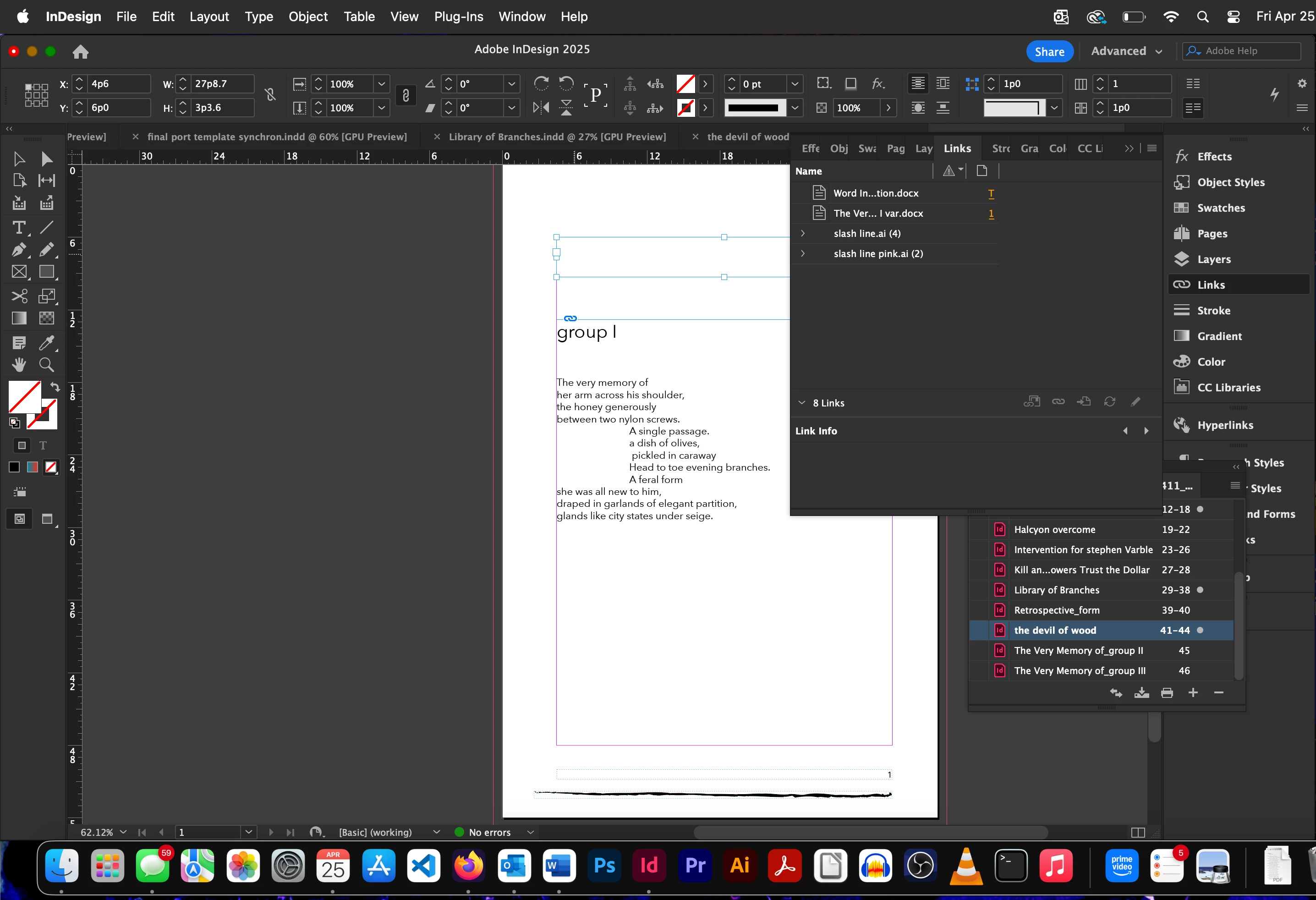
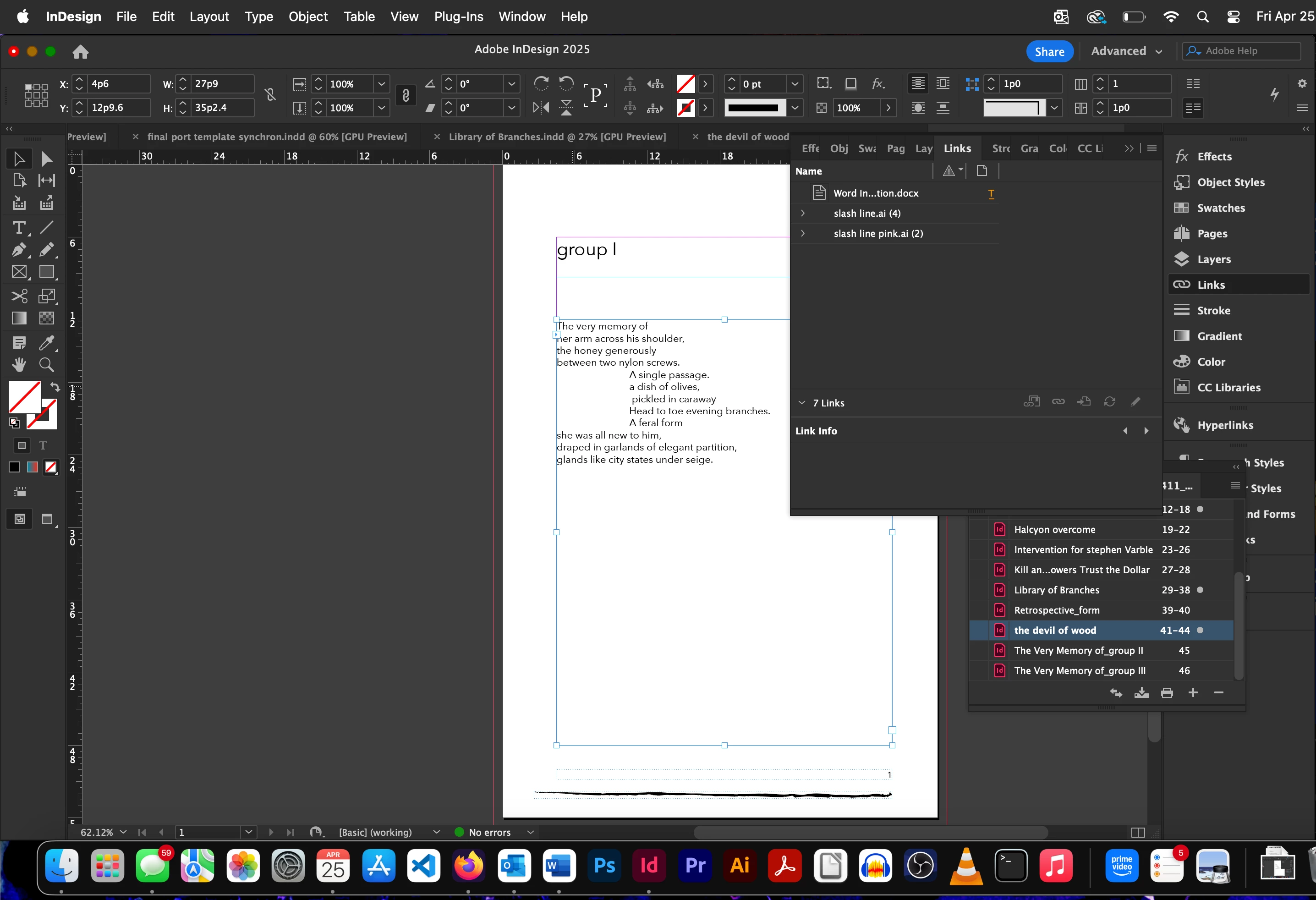
I have a book file made of document files. I have noticed sometimes when I have successfully placed a docx linked to a docx file, all is well until I try to format the page by adding a text box for a title. I add the text box above the original placing. Then I link the two boxes together to bring the title from the top of my docx into a higher position on the page. The file link disappears immediately. I am so confused. I have tried it with a new indd and same result. I then tried with a new Word file. Also, my paragraph styles are built with the same hierarchy across the two platforms.

I'm using an m2 mac.

It's got to be something I've overlooked.

Thanks in advance,

David
2 replies

Robert at ID-Tasker
Legend
April 26, 2025

@david mcnicholas


Order of linking matters.


I've posted recently about something similar: 


https://community.adobe.com/t5/indesign-discussions/three-chapters-missing-from-toc/m-p/15278963#M621545


When you link TextFrame (A) to another TextFrame (B) - parent Story of the (B) is being "absorbed" by parent Story of (A) - and cease to exist - including any links of (B)'s parent Story.


Robert at ID-Tasker
Legend
April 26, 2025
Community Expert
April 26, 2025

Right took some testing to find out what you might have done. I can't replicate exactly what you did, and seem to have done the opposite trick, but still demonstrates what might be happening.


Looks like you have a Text Frame on Parent Page T


When you untether things from Parent Pages - they tend to retain all the settings until they are overridden by the user. Here, you're untethering the link by threading between frames. 


The original link is removed, because you cannot have 2 text docs inside the same text frame. 


This seems to be linked to a Word Doc - but the Frame is empty - you possibly deleted the text out of the text frame to have a blank frame - but the link remains. 

Here you see the Link icon on top 


But you have Text Frame on Page 1 that appears to be Unlinked

Possibly you saw it was a Linked doc file - but choose the Unlink option from the Links Panel

This makes it a normal Text Frame


Here you can see a similar setup to what you have the Top Frame no longer has a Link icon, however, it's still linked to the Parent Page which does have a Link icon still.

So this text frame is still promissed to the Parent Page text frame with the lInk attributes. 


When I link the bottom frame to the Top Frame it the Link disappears.

Because now the text is inserted to a text frame that was promissed to another link - basically you can't have 2 text docs in the same text frame - so it unlinks the text file so it can do what you need.


Inspiring
April 26, 2025

Good morning (MT) Eugene,

Thank you for engaging with my question. I do have a linked doc on page T. The page in question is actually an A. I deleted page T and unlinked the other doc. This did not solve the problem.

For more detailed information I've added a few more screen shots.

Thanks, David

thanks