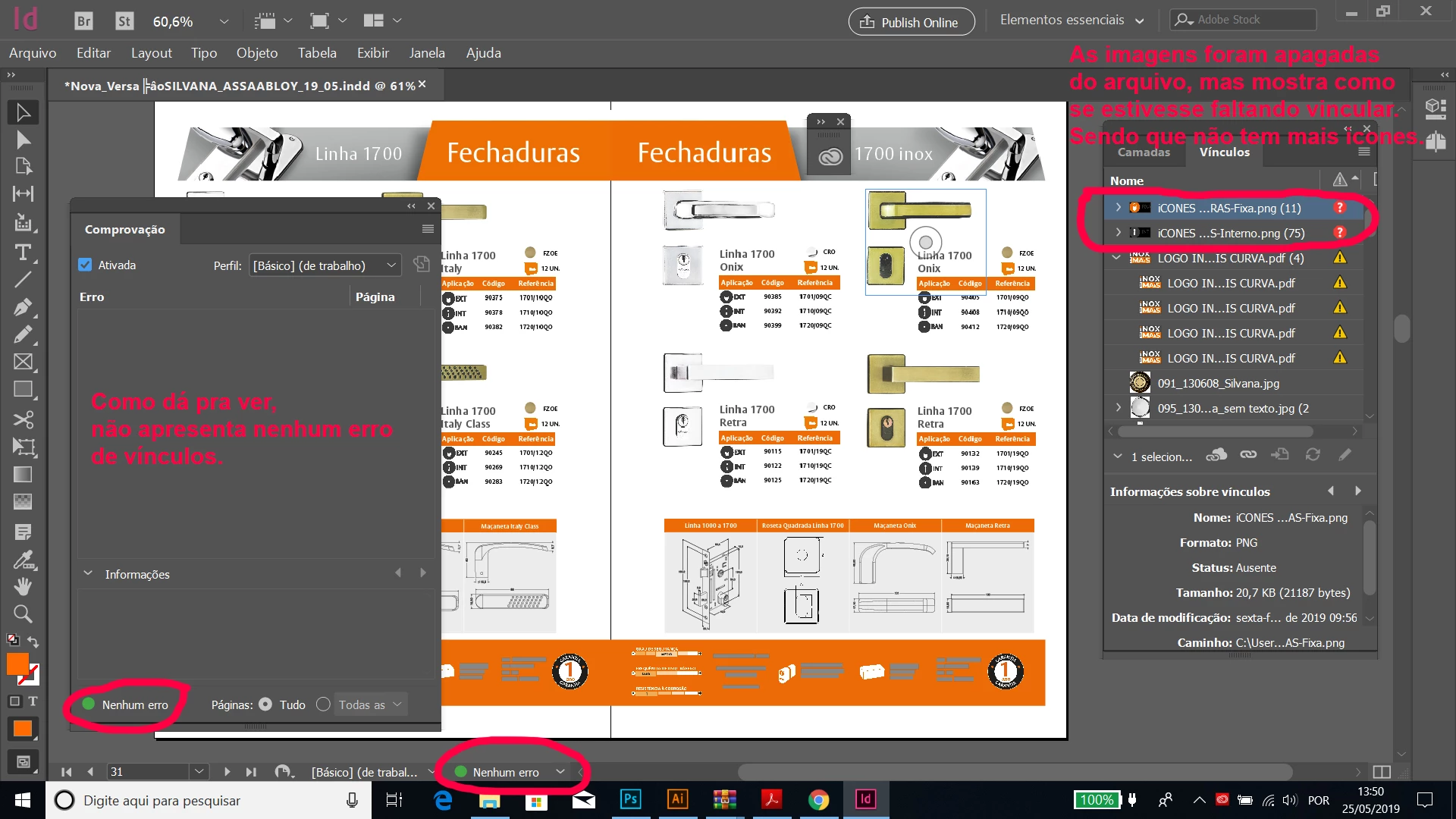
Linked images are deleted but still show up in InDesign Links panel.
Pessoal, estou tentando resolver esse erro, pois deletei os ícones em png que apareciam nessas tabelas do catálogo e refiz todas as tabelas no illustrator em vetor e deixei vinculei pela biblioteca do creative cloud, porém os nomes dos arquivos dos ícones ainda aparecem na janela de vínculos como se estivesse faltando, mas não tem mais nenhum desses ícones em png no arquivo.
Hey guys, I´m trying to fix this trouble, I was erease the icons in png extension file, they appear on the table of this catalog, but I rebuild all table whith all icon in illustrator in vector, and I put on the library of the creative cloud, I was doing every link, but the name of the icons still appear over there. No have more this icons on th file and I do no what can I do.
icons___Fixa.png 11
Icons___Interno.png 75
{Renamed by MOD}
 AdChoices