

Question
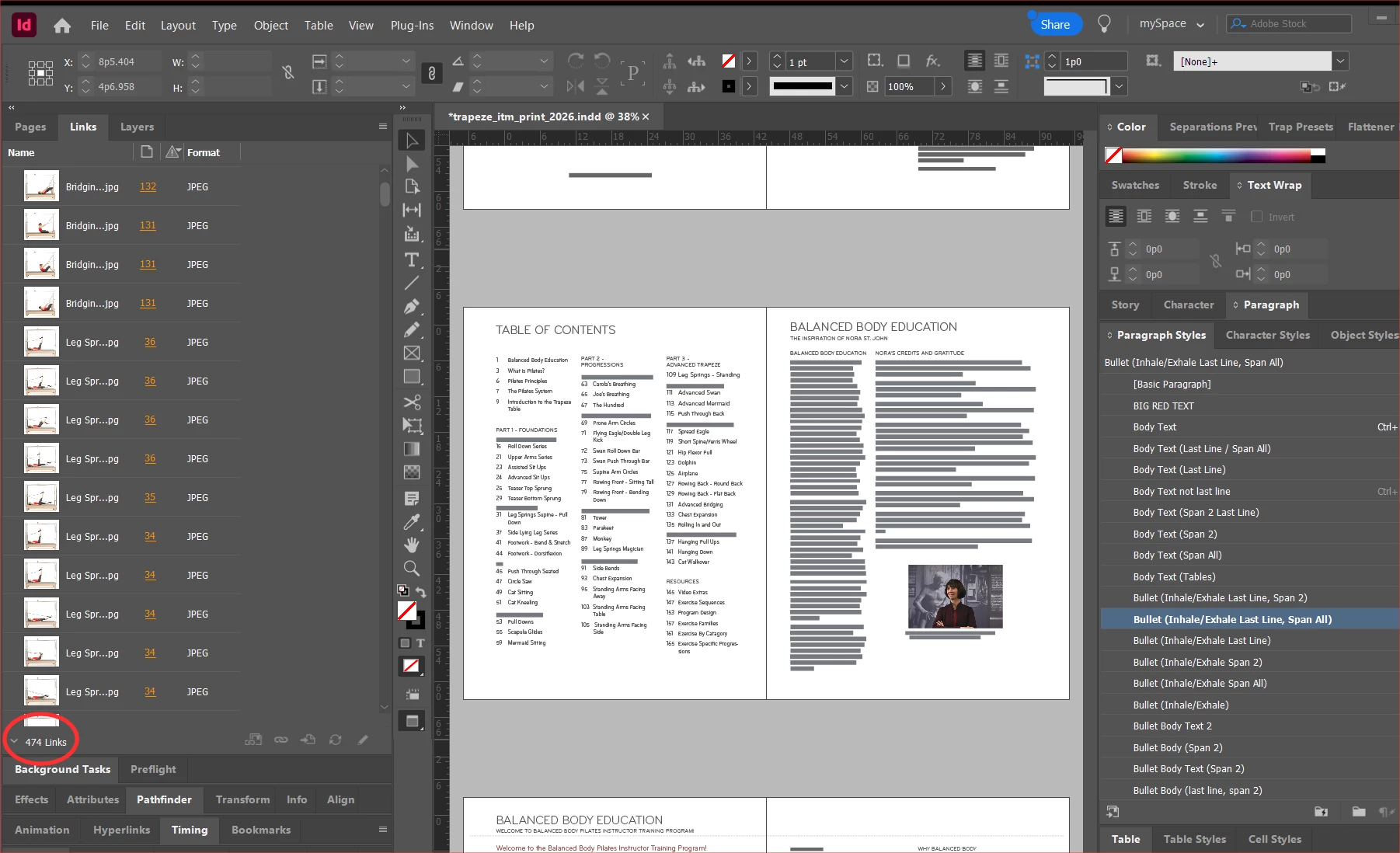
Links Panel > Show/Hide Link Information Not Working
I’ve had this issue on Windows and Mac where the Links panel > Show/Hide Information doesn’t work. When I open an InDesign file, the panel shows the Link Info. However, if I need more space to see other panels, I click the Link Info ˅ to collapse the panel. That part works. What doesn’t work is trying to relaunch it. I click the Link Info and nothing happens. I have to close InDesign and open it back up. This happens from the time I install the Adobe apps, so I don’t see this as being a Preferences issue. It’s been a problem for many years. Anyone know of a workaround?


 AdChoices