
Participant
September 6, 2023
Question

Links to Source Error

  • September 6, 2023
  • 1 reply
  • 159 views

I am having an issue with a shared InDesign file, when I open the file created by my colleague there are errors on the images and not displaying all of these linked images. The error messages says 
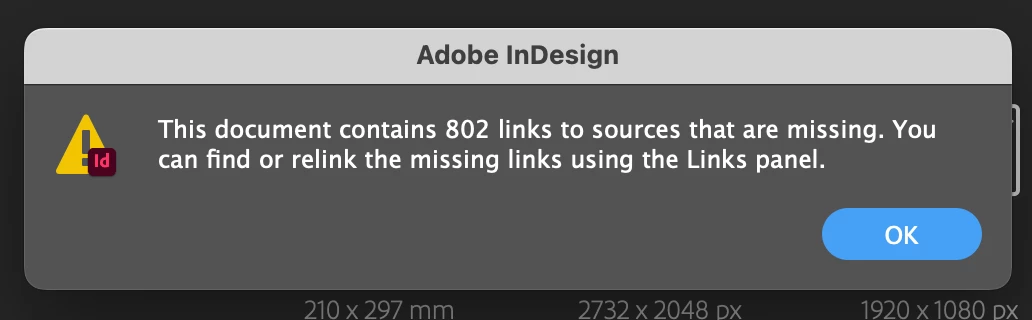
The images are shared on iCloud that we both have access to and where the files are linked from.  My colleague will also get this message when I link/import the images. We both pay for our own licences for InDesign but don't see this would be a problem.

This topic has been closed for replies.

1 reply

Robert at ID-Tasker
Legend
September 6, 2023

No idea how iCloud works - how it stores synchronised files locally - but InDesign saves absolute paths - so if you have different user names in the path - you'll get this error.


But it should work if your linked files will be in the Links subfolders, next to your INDD file. 


Rishabh_Tiwari
Community Manager
Community Manager
September 11, 2023

Hi @Pink64,


Sorry to hear about the trouble. Can you confirm if this is also happening on a file with assets saved locally? You can also turn off any smart sync feature for iCloud and test again. Let us know how it goes, we'll try our best to assist you. 

Thanks

Rishabh