Inspiring
July 1, 2016
Answered

Listbox question

  • July 1, 2016
  • 2 replies
  • 976 views

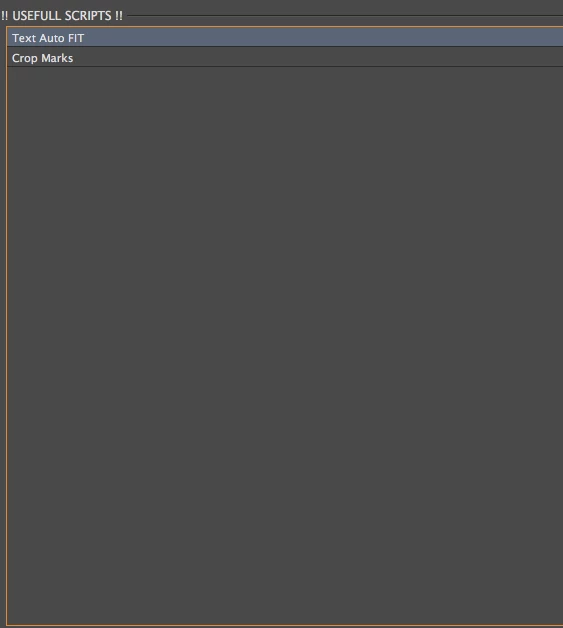
Is it possible to Run a different script from a listbox?  I have a listbox that will have a list of several different Scripts (Most used scripts). and when the scripts are selected from the list i want them to Run. 

var Pan1=w.tabs[0].add ('panel {text: "!! USEFULL SCRIPTS !!", preferredSize: [-1, 200],orientation: "column",alignChildren: ["left","Center"]}');

        mL = Pan1.add("listbox", ["0", "0", "600", "600"]);

    with (mL){

      for (var i = 0; i < 1; i++) 

        mL.add ("item", "Text Auto FIT" ) // Run this script and the one below. etc...

        mL.add ("item", "Crop Marks");


        mL.revealItem (mL.items.length - i/1); 

    Pan1.show () 

    }
This topic has been closed for replies.
Correct answer Stefan Rakete

Hi cbishop01,

for CC change this line:

//mL.onClick = function() {

mL.onChange = function() {

Thanks Stefan

2 replies

Stefan Rakete
Inspiring
July 5, 2016

Here is a sample to see if it would work with app.doScript:

var w = new Window ('dialog {text: "Script List", properties: {closeButton: false}}');

var Pan1 = w.add ('panel {alignChildren: "left"}');

mL = Pan1.add("listbox", ["0", "0", "600", "600"]); 

with (mL) {


         for (var i = 0; i < 1; i++)   


          var listItem1 = mL.add ("item", "Text Auto FIT" ) // Run this script and the one below. etc... 

          var listItem2 = mL.add ("item", "Crop Marks");      

         mL.revealItem (mL.items.length - i/1);   


mL.onClick = function() {

    var curSelection = this.selection.index;

    //alert ( "You clicked item: "  + this.selection.index );

    switch (curSelection) {

      case 0:

        app.doScript(script1);

        break;

      case 1:

        app.doScript(script2);

        break;

    }


}

w.show ();

function script1() { 

        alert ("run Text Auto FIT.jsx");

}

function script2() {

        alert ("run Crop Marks.jsx");

}

cbishop01Author
Inspiring
July 11, 2016

Sorry it took so long to get back to you.  I was on vacation.  This does not work for me.

Stefan Rakete
Stefan RaketeCorrect answer
Inspiring
July 12, 2016

Hi cbishop01,

for CC change this line:

//mL.onClick = function() {

mL.onChange = function() {

Thanks Stefan

tpk1982
Legend
July 2, 2016

Yes possible..use selectedIndex and with that selection use #include <script.jsx> or #includepath<your script path>

cbishop01Author
Inspiring
July 12, 2016

Do i add the selectedIndex in the function(){ area?  THe alerts are working but i cannot figure out how to get the scripts to run.  Does it matter if its a dialog or pallet?  Right now its a dialog window.