

dublove
Legend
March 23, 2025
Question

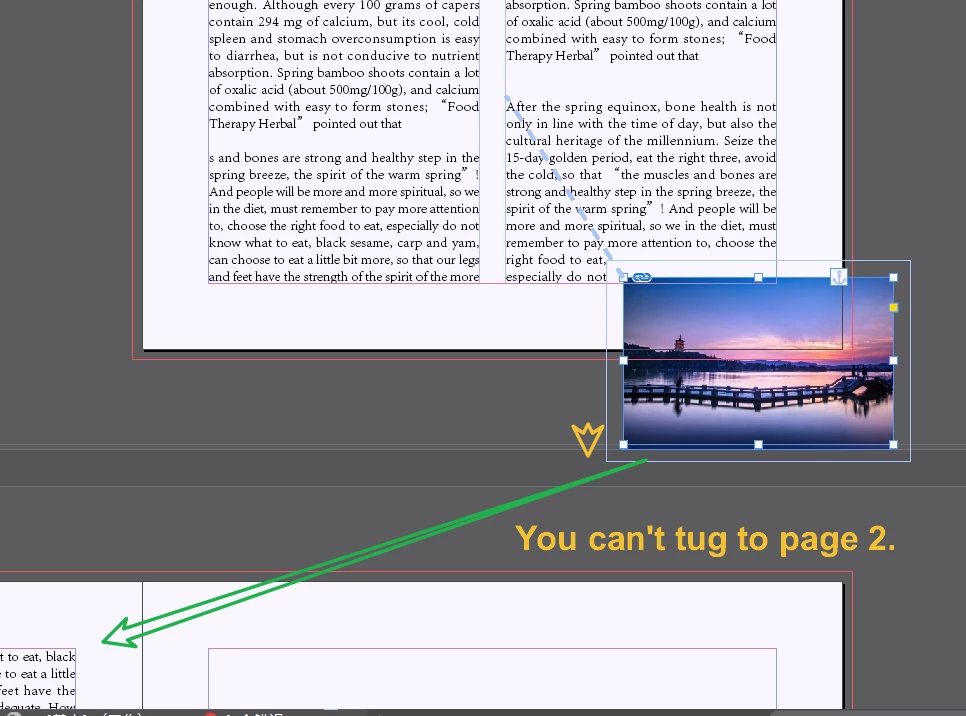
Locator points and images can't be split into two spanning pages? Any ideas?

  • March 23, 2025
  • 2 replies
  • 304 views

When the locator point is at the bottom of page 1, but you can't put the image at the bottom anymore, you have to put it at the top of page 2.

In this case you can't use the “Positioning Objects” function?


Another question, the positioning object only has a wrap around effect on text after the positioning point?
This bug this is a bit unscientific and inconvenient.


Any ideas?
2 replies

Robert at ID-Tasker
Legend
March 23, 2025

@dublove


Instead of Anchored - you can make image InLined.


Then it will behave like a glyph / letter. 


And it's not a bug - TextWrap - if TextWrap would affect text BEFORE the image - it could lead to a never-ending loop. 


Community Expert
March 23, 2025

I usually insert a 1 cell table - insert the image into the table.

As it's in a table now it flows better with the text - so it's a line of text and it you can select the table like you select text and set the paragraph options to keep with the previous or next line - whichever is needed if the image must always be with text. 


Using a table in flowing text has been better for me than anchoring.

dublove
dubloveAuthor
Legend
March 23, 2025

Yes, it seems better to put it in a table.
But it adds to the workload and is not a significant improvement.
Robert at ID-Tasker said in-line should be fine, just not used to not being able to drag images around.
I still like the custom positioning to anchors, I feel more flexible that way.

I actually usually prefer to keep it out in the open, I like to label the image location.


Maybe Adobe improved it one day.

Community Expert
March 23, 2025

It certainly doesn't add much to the workload, just as much work goes into anchoring the object, either inline or custom. 


Inline doesn't work really well at end of columns either, I have found. 

Especially in my case of needing images aligned to text - which is different to your needs here. 


All you have to do is insert a table in your text flow, then add the picture, it takes a couple of seconds
Once you have 1 setup I tend to copy and paste for the next instance and replace the image. 


You can do it any way you like - whatever works for you.


I'm not really sure what your issue is that you're reporting now, it's not very clear for me.