Answered
MacOS/InDesign: Enlarging Thumbnail View in File>Place
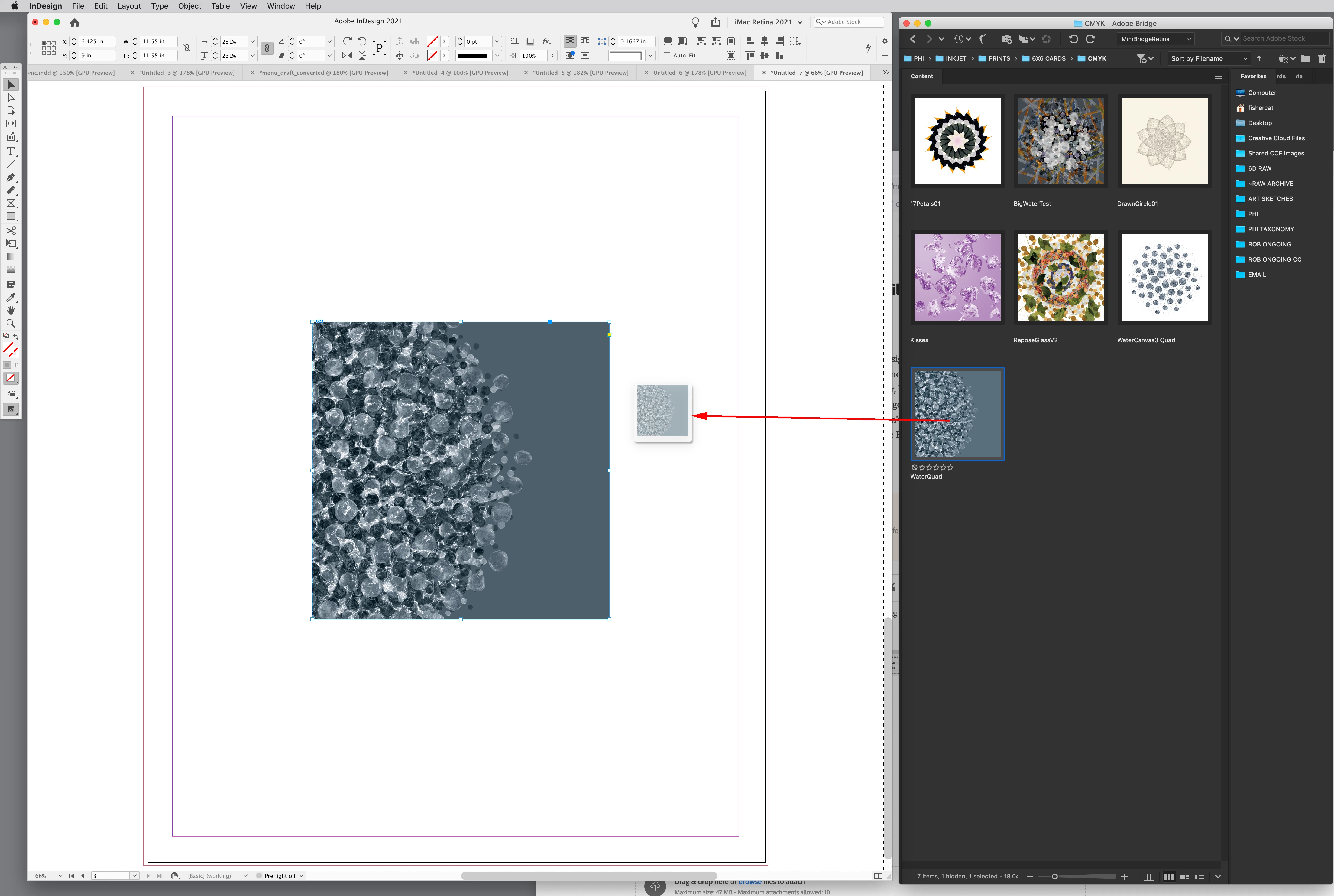
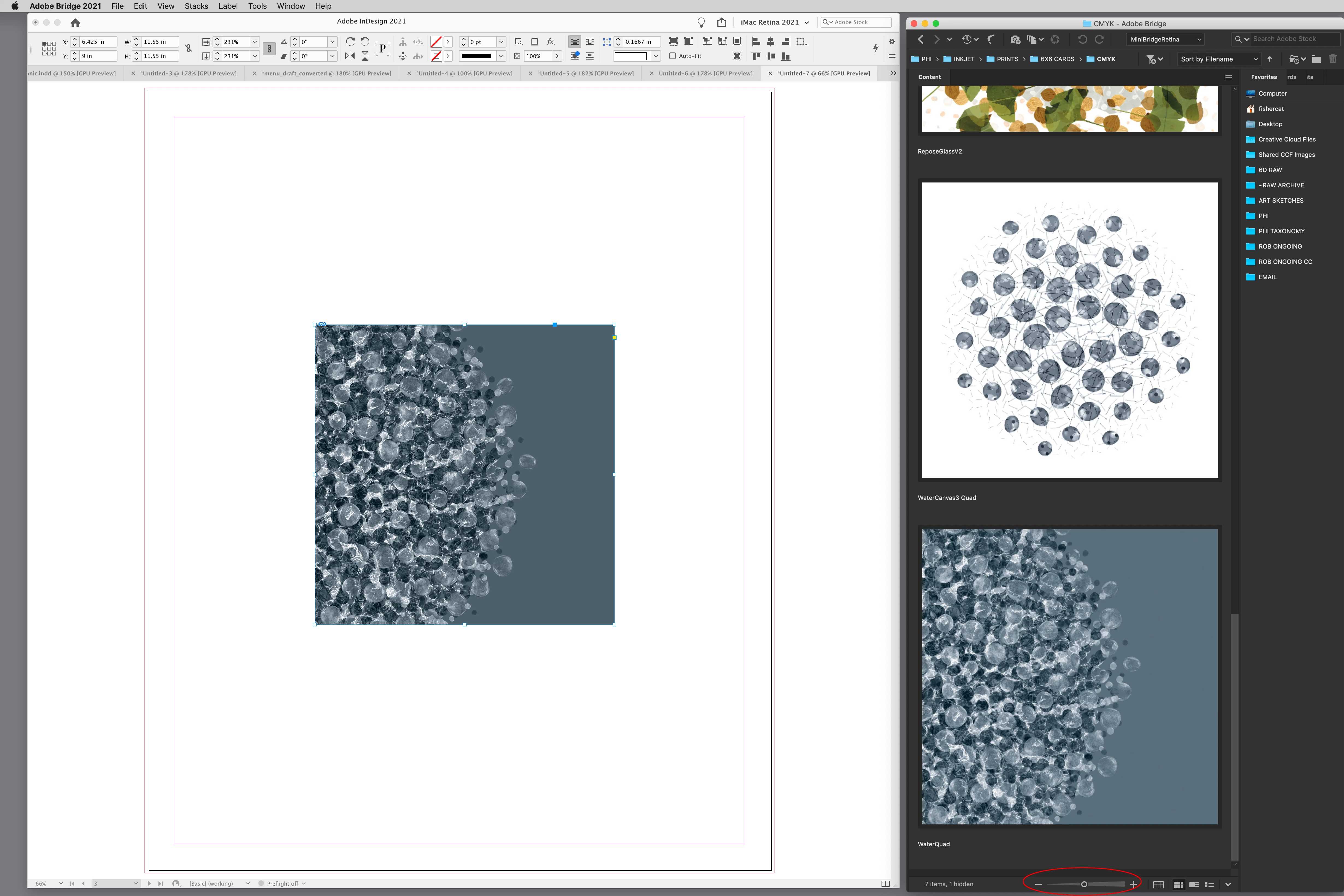
How do I enlarge a thumbnail / preview of a photo inside InDesign? Specifically, when I go to File > Place and browse out to a location with multiple similar photos, they are not large enough for me to see them and identify which one I am looking for. I can enlarge in File Finder, but not inside the InDesign software. I end up just placing what might be a good photo and then having to go replace it until I can find the right one. Has to be a better way than how I'm doing it for those of us who don't see small images well. I'm self-taught, so it could be something super easy that I just don't know, but please HELP me.
 AdChoices