jessical74697843
Participant
September 8, 2026
Question

Major display/rendering issues in InDesign 2026 – Web documents

  • September 8, 2026
  • 5 replies
  • 42 views

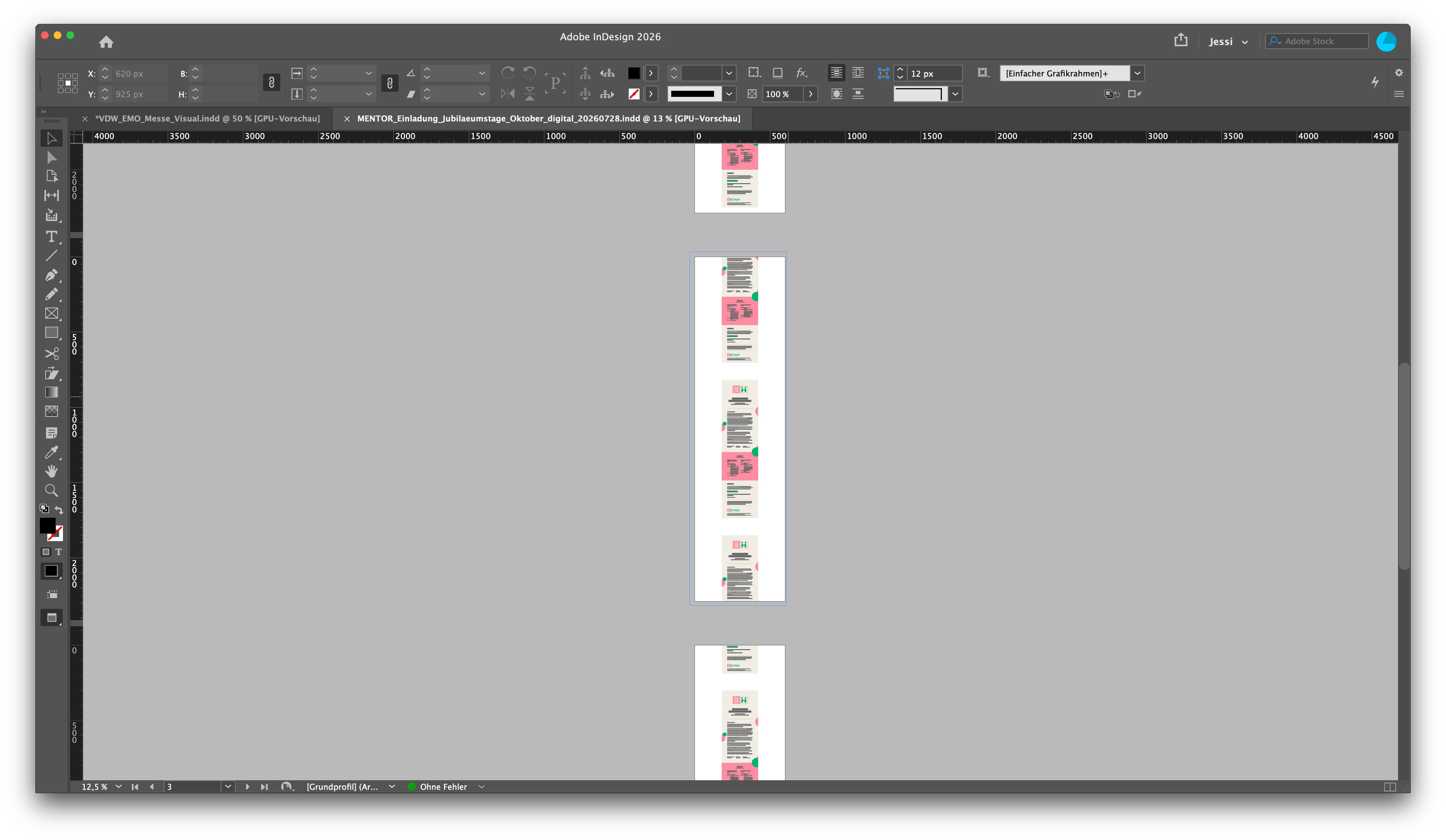
Since the 2026 versions of InDesign, I am experiencing major display/rendering issues when working with documents created for Web/Digital use. The problem occurs both when opening older existing documents and when creating completely new ones.

There are two main issues:

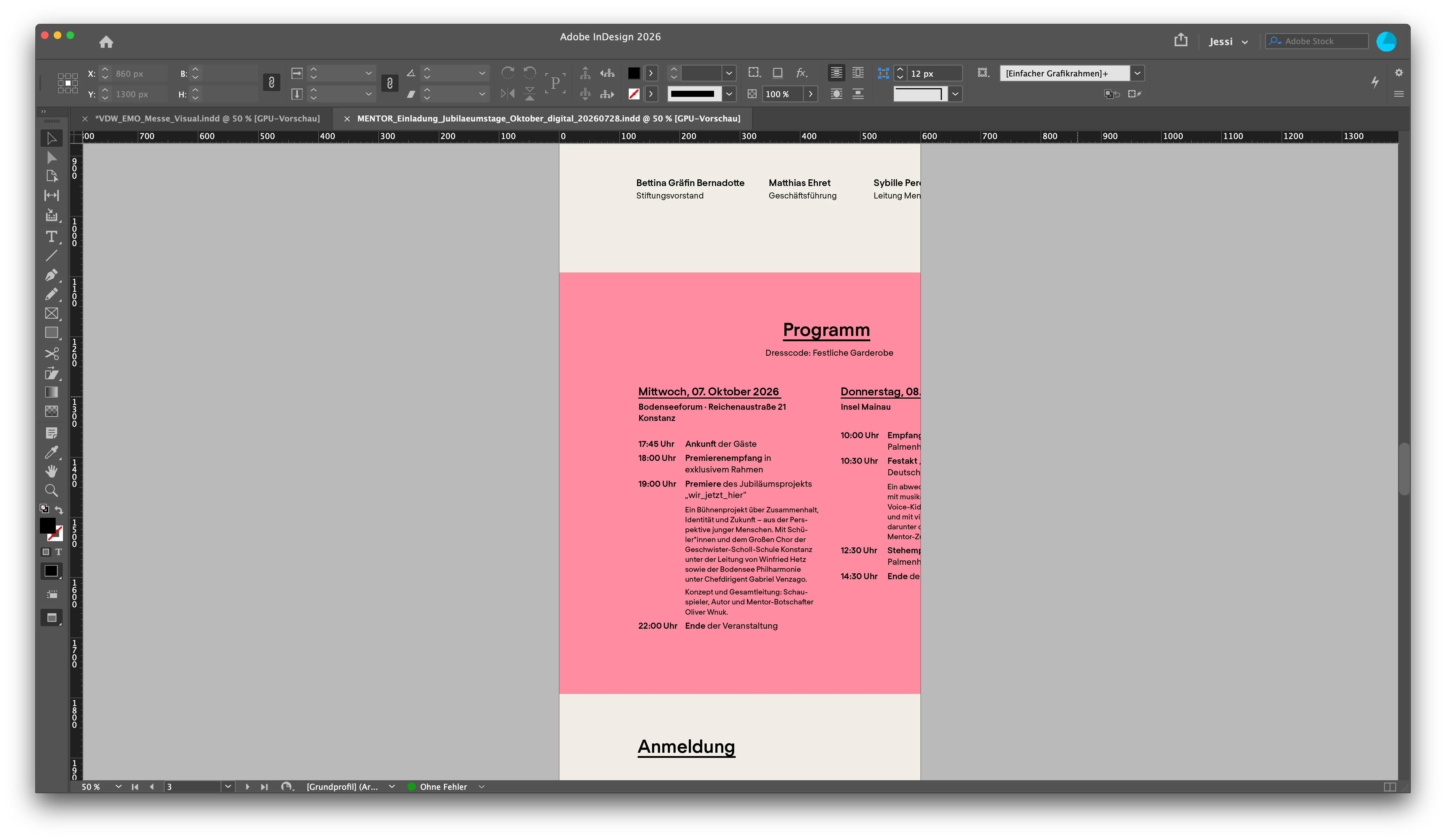
1. Incorrect scaling and positioning at different zoom levels
When changing the zoom level, the page/workspace and the designed elements are not displayed at the correct scale relative to each other. Frames themselves appear to be positioned correctly, but their content is visually shifted or incorrectly scaled. This makes precise layout work almost impossible because what I see on screen does not correspond to the actual document.

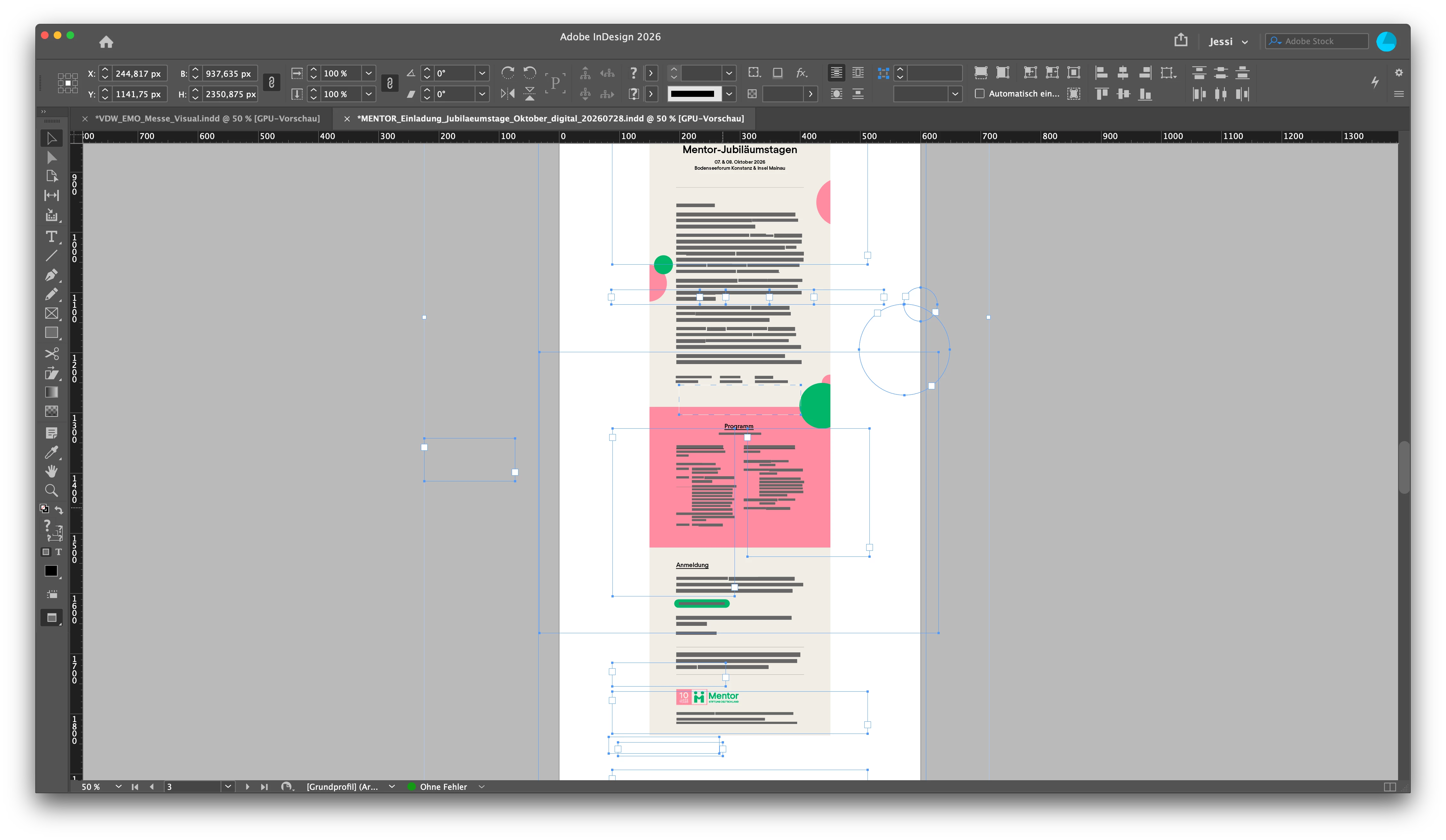
The document itself seems to be correct: the exported result is correct, and switching to Overprint Preview also immediately displays everything correctly. However, working permanently in Overprint Preview should not be necessary and for RGB its obsolet.

2. Incorrect RGB color display with transparency
In Web/RGB documents, colors are displayed incorrectly as soon as an element on the page uses transparency. Adding or removing transparency visibly changes the RGB color rendering, even though the actual color values have not changed. This issue remains also when export Sites with and without Transparent Objects.

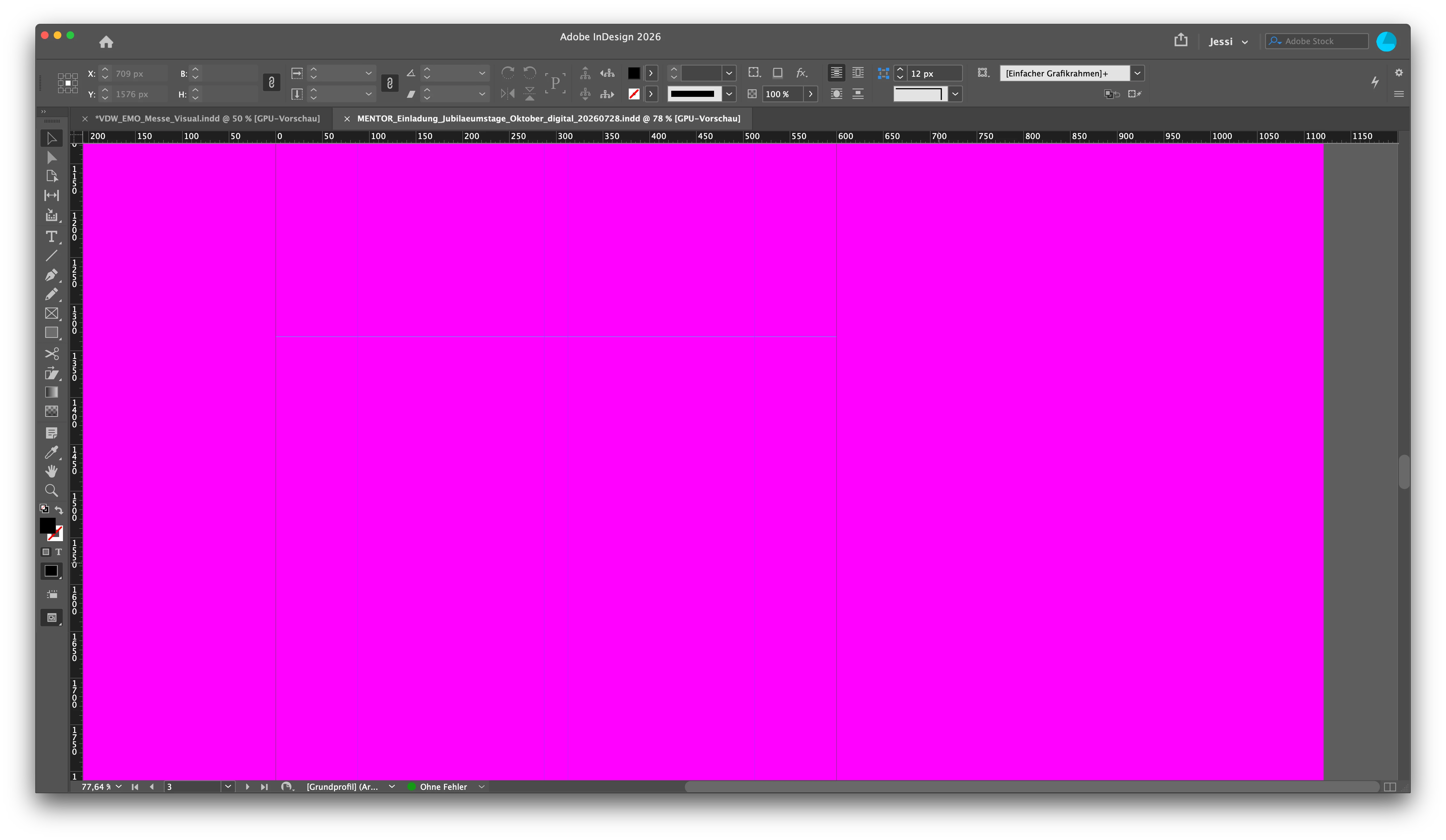
Both issues appear to affect InDesign’s normal on-screen rendering rather than the document itself and have been occurring since the 2026 versions. Sometimes is just see pink until i klock “Overprint Preview”

Could you please confirm whether this is a known display/GPU rendering issue and if there is a fix or workaround available?

I have been waiting for several InDesign updates, hoping that the issue would be resolved, but unfortunately nothing has changed so far. Several of my colleagues are experiencing the same display issues on their systems, so this does not appear to be an isolated problem with my setup.

 

    5 replies

    Participating Frequently
    September 11, 2026

    2026 Indesign is absolutely a headache and completely garbage - keep changing things I can’t even find half the stuff I normally use without searching and searching…. WHY DID THEY DO THIS TO US - the programers do not use these programs daily like we do but YET they seem to do these change NOBODY asked for over and over again, to the determint of their actual users. 

    leo.r
    Community Expert
    Community Expert
    September 12, 2026

    @margots58443892 Can you describe the exact issues you’re having with finding the stuff you normally use without searching? I don’t think InDesign 2026 introduced any kind of drastic UI changes. Also, if you do have such issues, please start a new thread as what you describe doesn’t seem to have anything to do with this thread’s subject.

    rob day
    Community Expert
    Community Expert
    September 8, 2026

    colors are displayed incorrectly as soon as an element on the page uses transparency. Adding or removing transparency visibly changes the RGB color rendering


    Hi ​@jessical74697843 , Have you tried turning off GPU as ​@BobLevine and ​@Abhishek Rao suggested?


    Also, double check that the document’s Transparency Blend Space is actually set to RGB—if the Blend Space is set to CMYK, adding any transparent object to the spread would display RGB color as it would output to document CMYK.


    Overprint Preview and Separation Preview should turn on and off together displaying a CMYK preview of RGB color when they are on even when the Blend Space is set to RGB:


    Abhishek Rao
    Community Manager
    Community Manager
    September 8, 2026

    Hi ​@jessical74697843,


    Sorry you're experiencing these rendering issues, especially since they're affecting both new and existing documents.

    As the expert suggested, please first disable GPU Performance and retest. You can also switch to View > Preview on CPU (Shift + E) and check whether the zoom/scaling, transparency color changes, and magenta display are resolved.

    Please also try View > Display Performance > High-Quality Display and update the status. 

    If the issue persists, please share your exact InDesign version/build, macOS version, Mac model/chip, and whether you're using an external display. Also let us know specifically whether CPU Preview displays everything correctly while GPU/Normal Preview does not.


    Thanks,
    Abhishek

    BobLevine
    Community Expert
    Community Expert
    September 8, 2026

    Did you try turning off GPU Performance?