Answered
Make a box a certain % the size of another selected box?
is there a way to make a box a certain % smaller or larger than another box?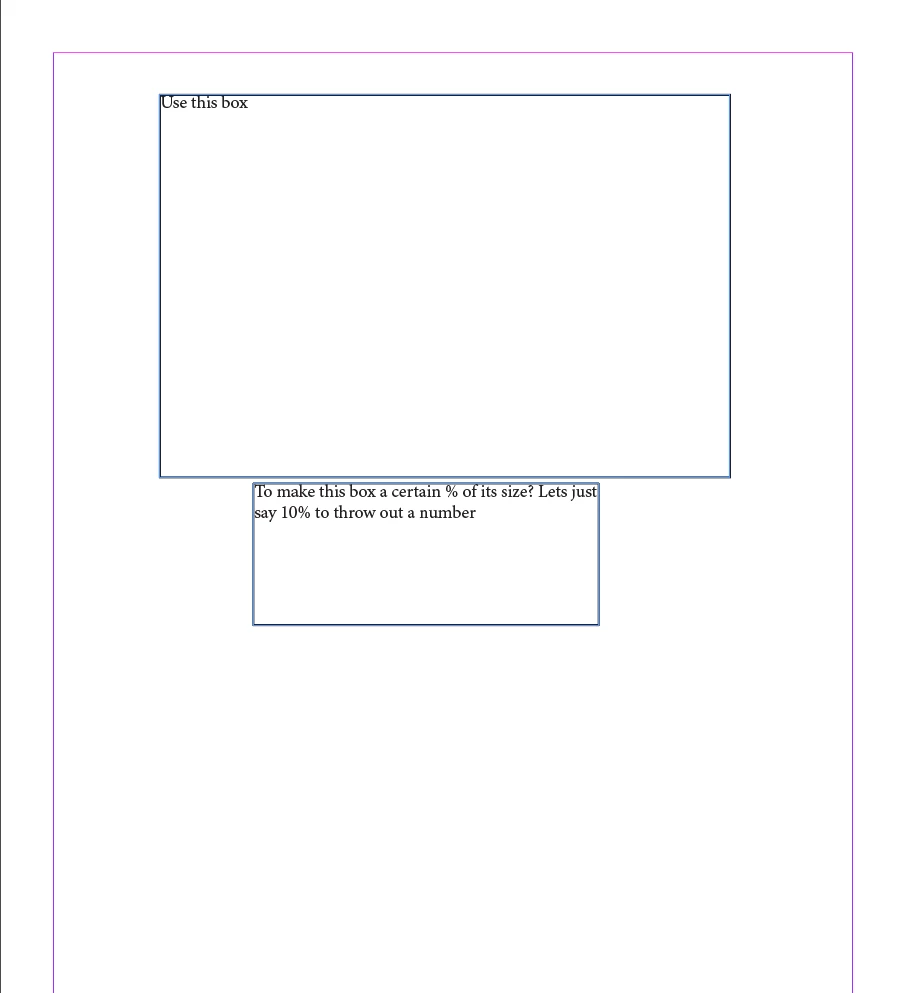
is there a way to make a box a certain % smaller or larger than another box?
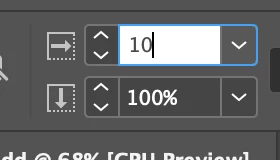
Make a copy of the first box, then, with second box selected, type your percentage into one of the scale field at the top of the page.
As soon as you hit return, the box will scale down (the readout in the fields will return to 100%)
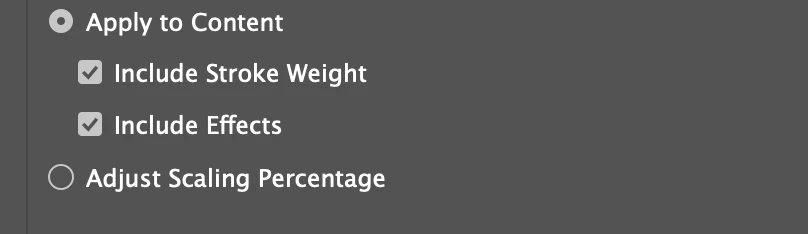
-- for this to work reliably, your Scaling preferences (under General) should be set to Apply to Content
Already have an account? Login
Enter your E-mail address. We'll send you an e-mail with instructions to reset your password.
 AdChoices