Hi @Stefanie Langwerden:
Mark's answer is correct and I've marked it correct for you, but I wanted to add one more thing.
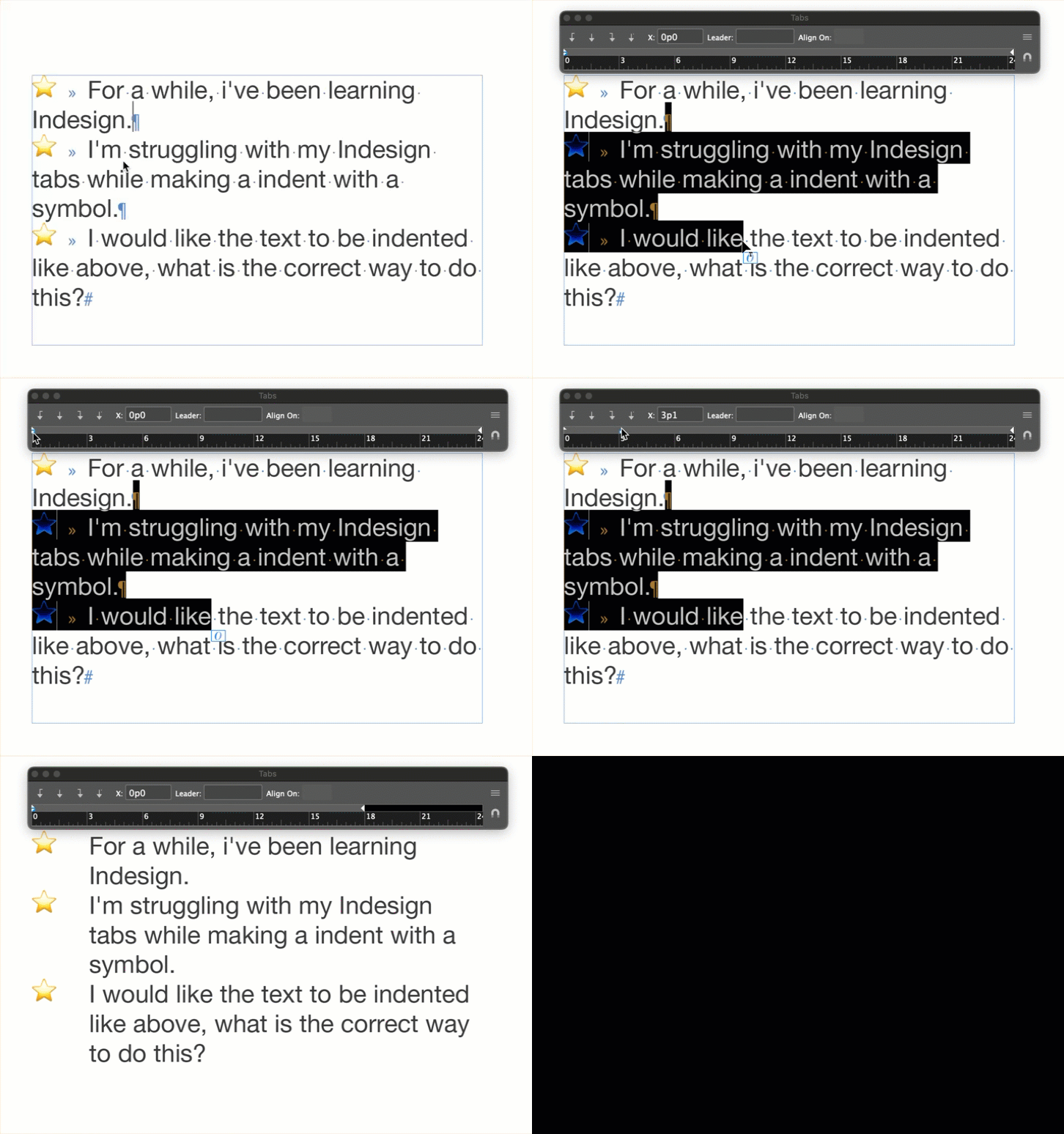
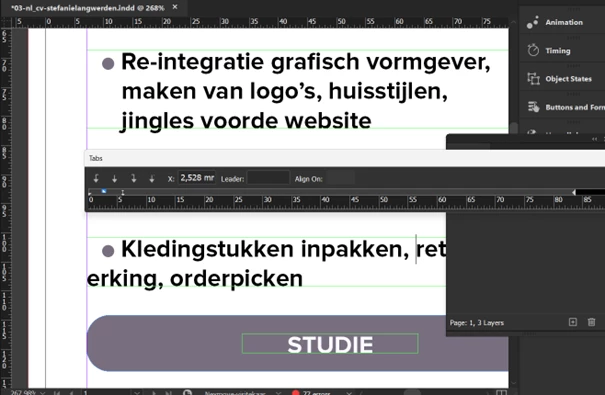
There are usually multiple ways to accomplish the same task in InDesign, including setting a hanging indent. The tab bar that you have open in your first screen shot can also be used to set a hanging indent. Those two white triangles at the far left represent the first line indent (top triangle), and the left indent (bottom triangle). The left indent usually moves them both together.
One of the best kept secrets in InDesign is that you can hold the Shift key and drag the lower triangle to set the hanging indent without fighting the constraints that Mark addressed in his last response to you.
~Barb



 AdChoices