Participant
April 14, 2024
Answered

MakeGrid work not correctly

  • April 14, 2024
  • 3 replies
  • 272 views

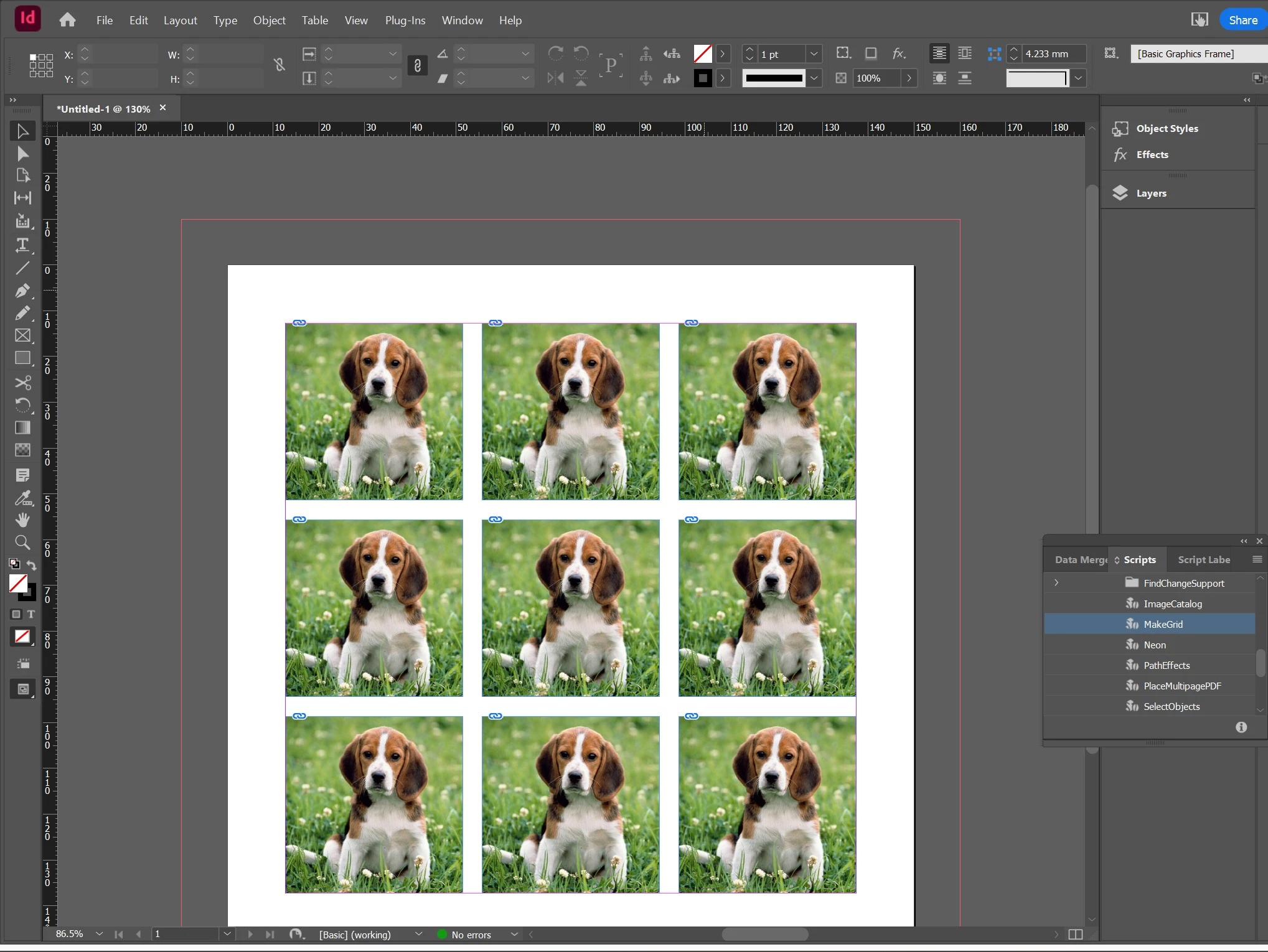
Window > Utilities > Scripts > MakeGrid
I chose 3 Rows and 3 Columns
But instead of splitting my picture 3 by 3, my image appeared in each of the 9 windows.
WHY ?

This topic has been closed for replies.
Correct answer rob day

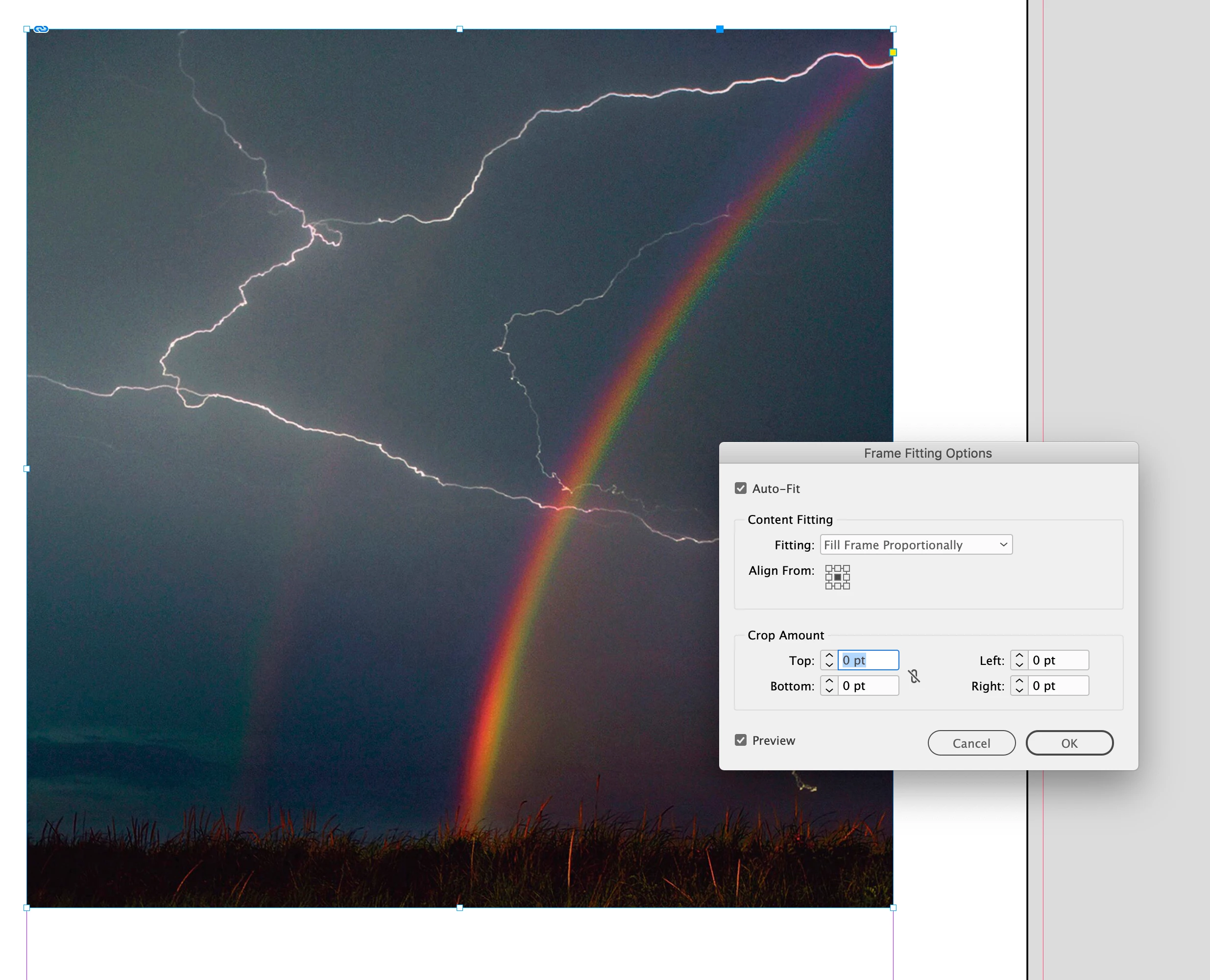
Hi @inna36726076xkx6 , Make sure the container frame of the image does not have Auto-Fit checked in Frame Fitting Options —it should not be this:


3 replies

rob day
Community Expert
rob dayCommunity ExpertCorrect answer
Community Expert
April 14, 2024

Hi @inna36726076xkx6 , Make sure the container frame of the image does not have Auto-Fit checked in Frame Fitting Options —it should not be this:


Participant
April 15, 2024

Thank you very much.
That was really the problem with this flag.
You saved me

leo.r
Community Expert
Community Expert
April 14, 2024

I don't have an answer why the script did this to you.


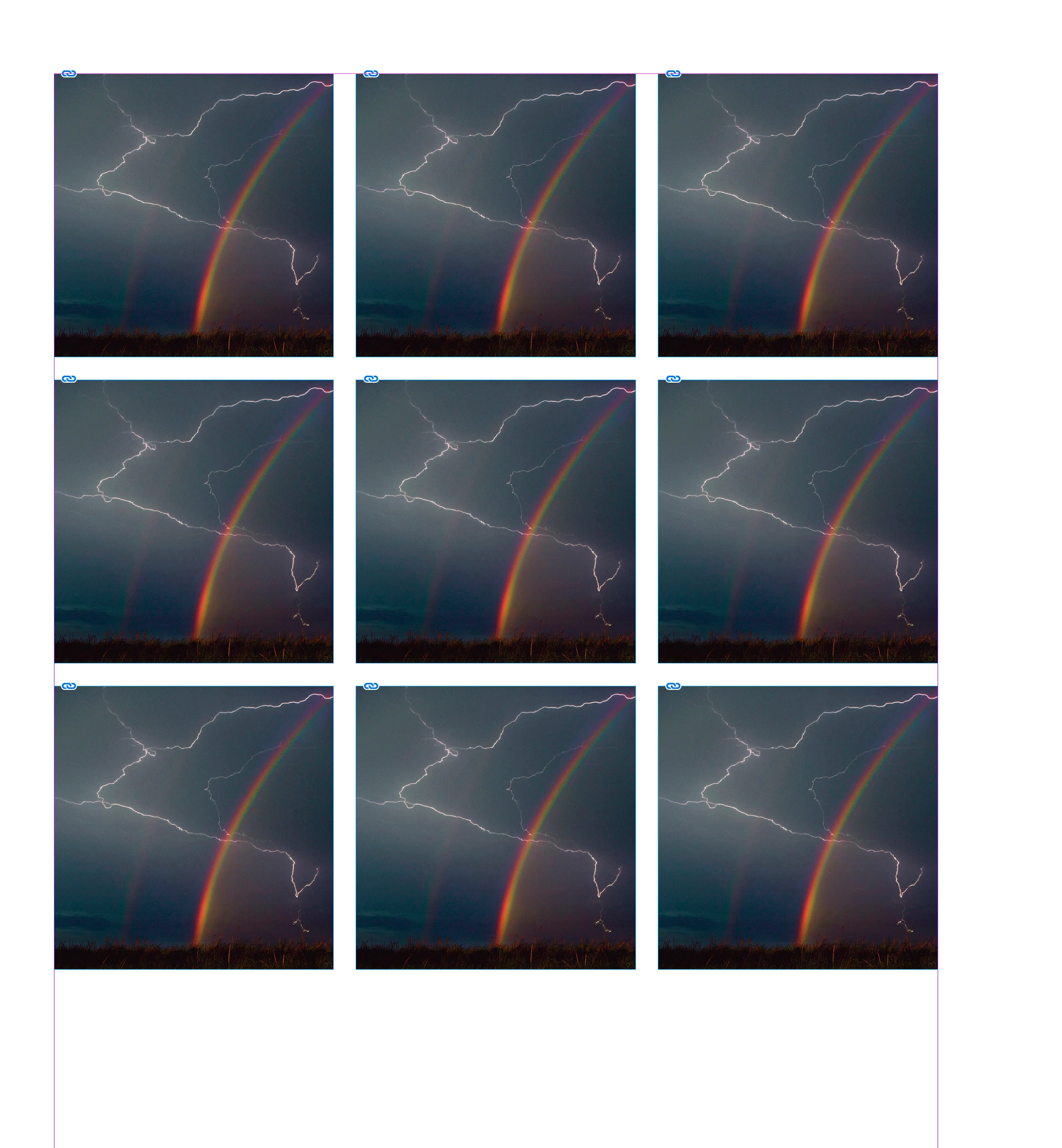
All I know is that I tried to run this script and it did split the picture:


I'm sure others will chime in. In the meantime, please provide your versions of operating system and InDesign.

Bill Silbert
Community Expert
Community Expert
April 14, 2024

Is this happening with all images both in this file and any others? I could not duplicate this problem on a Mac. On the Mac three sets of the same scripts are provided in the Scripts panel—AppleScript, JavaScript and UXPScript. Each list of scripts has the Makegrid script. If that is the same on your PC then try the Makegrid script from one of the others provided and see if you get the same results.