
Master Page Main Story Frame position being overridden
I am laying out an 8.5 x 11 in. textbook that will be around 300+ pages. The author has created the text in MS Word with each chapter in a separate file. I am reusing a layout I created for a previous book.
I use two different Master Pages when laying out a chapter.
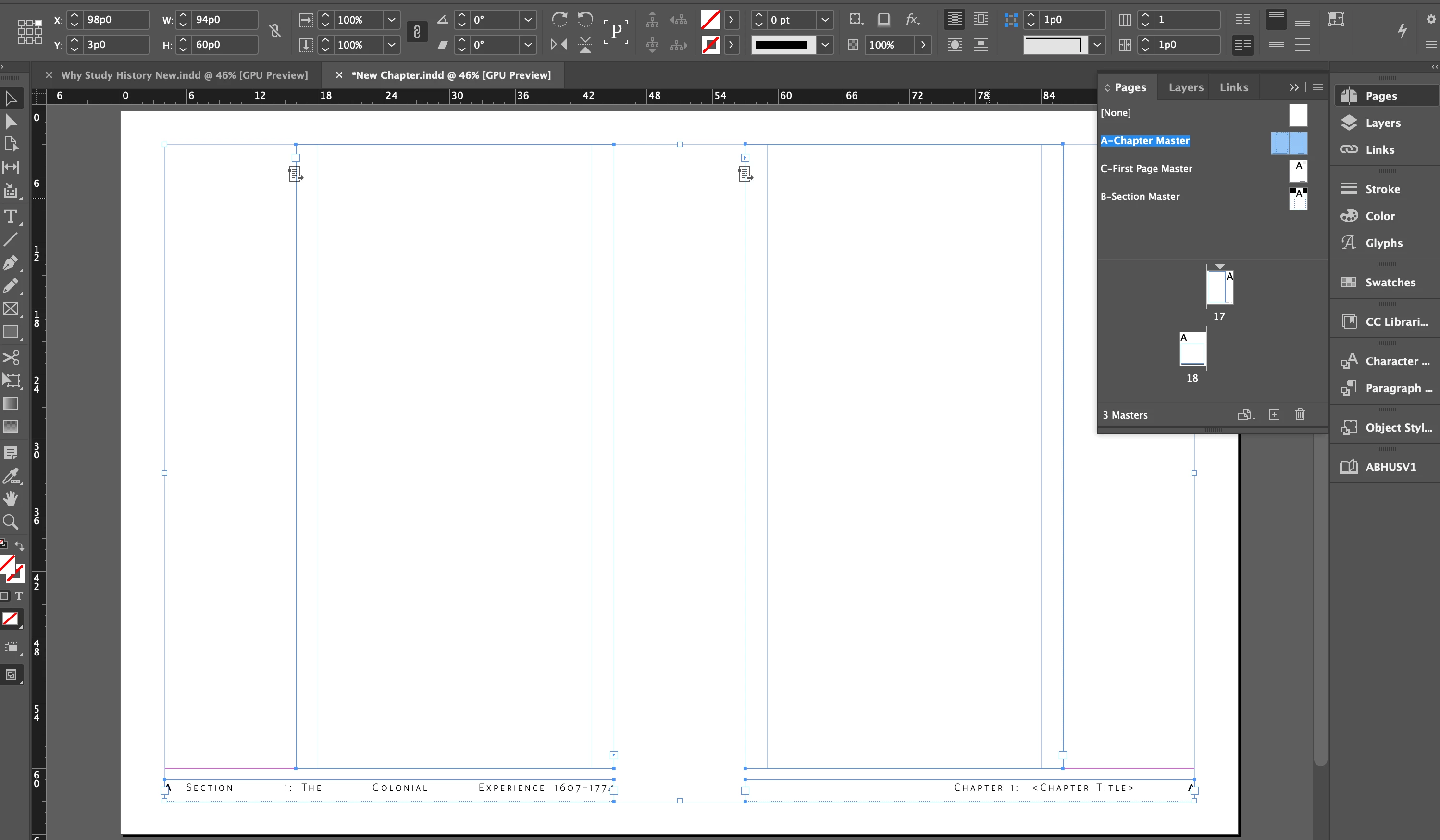
The Master used for most of the chapter is laid out with facing pages that leave a wider outside space for definitions and other info that will be sometimes placed in that space, staying inside the overall page margin, using anchored objects. Therefore the Main Story frame is 29p wide and 57p tall.
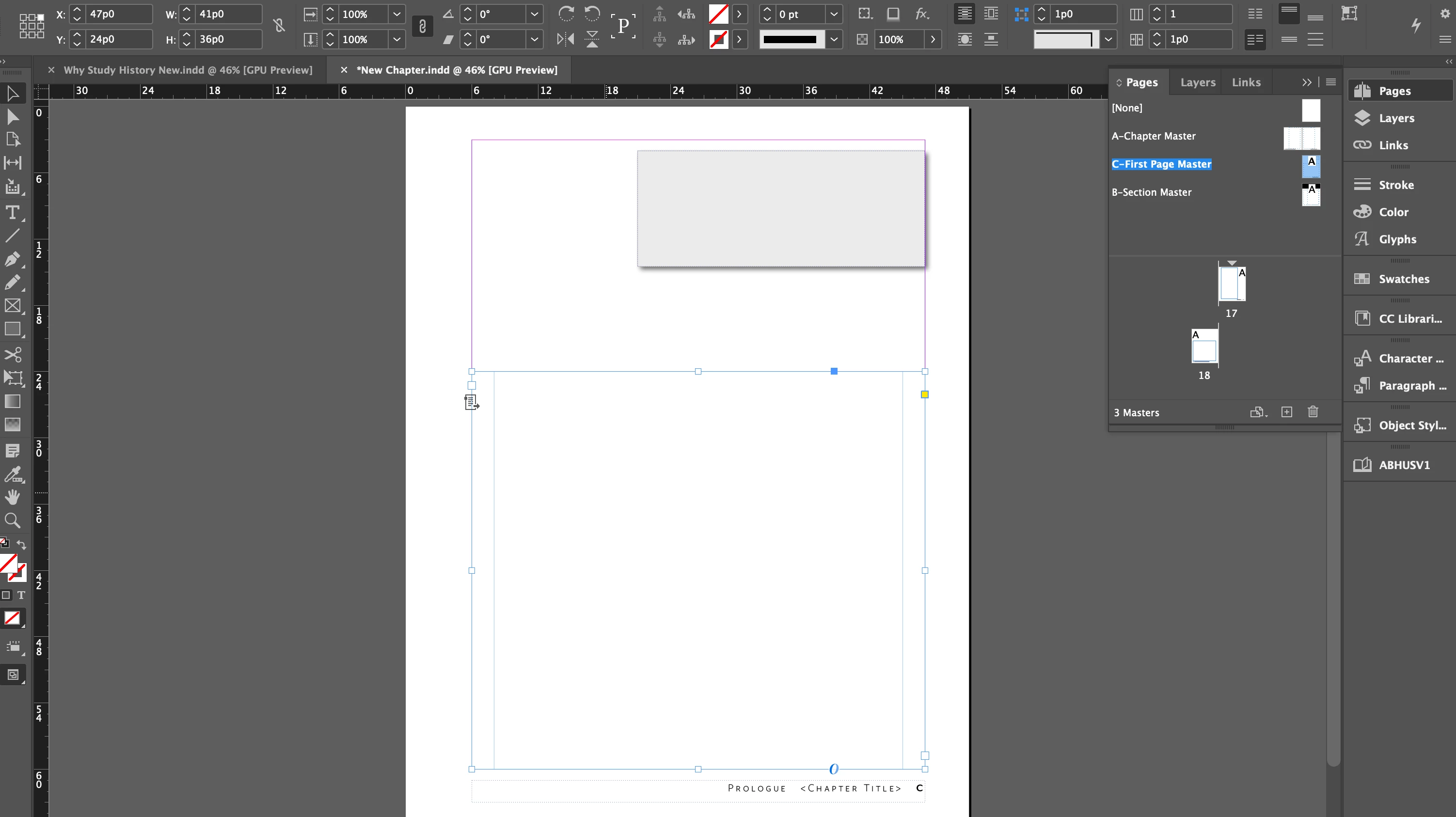
The first page of the chapter uses a different Master Page layout with an additional text frame at the top right for a TOC, and a shorter and wider main story frame: 41p x 36p.
The text frames used in these Masters are set up using Object Styles. and are marked as Main Story Frames. However, when I try to create a new chapter and sync the book, the frame positions on the new Masters are shifted and the Object Styles are overridden. If I clear the overrides it corrects the position, but when I try to add pages and apply the Masters, either by adding pages manually or by placing the Word text, the text frame positions on all new pages also shifts.
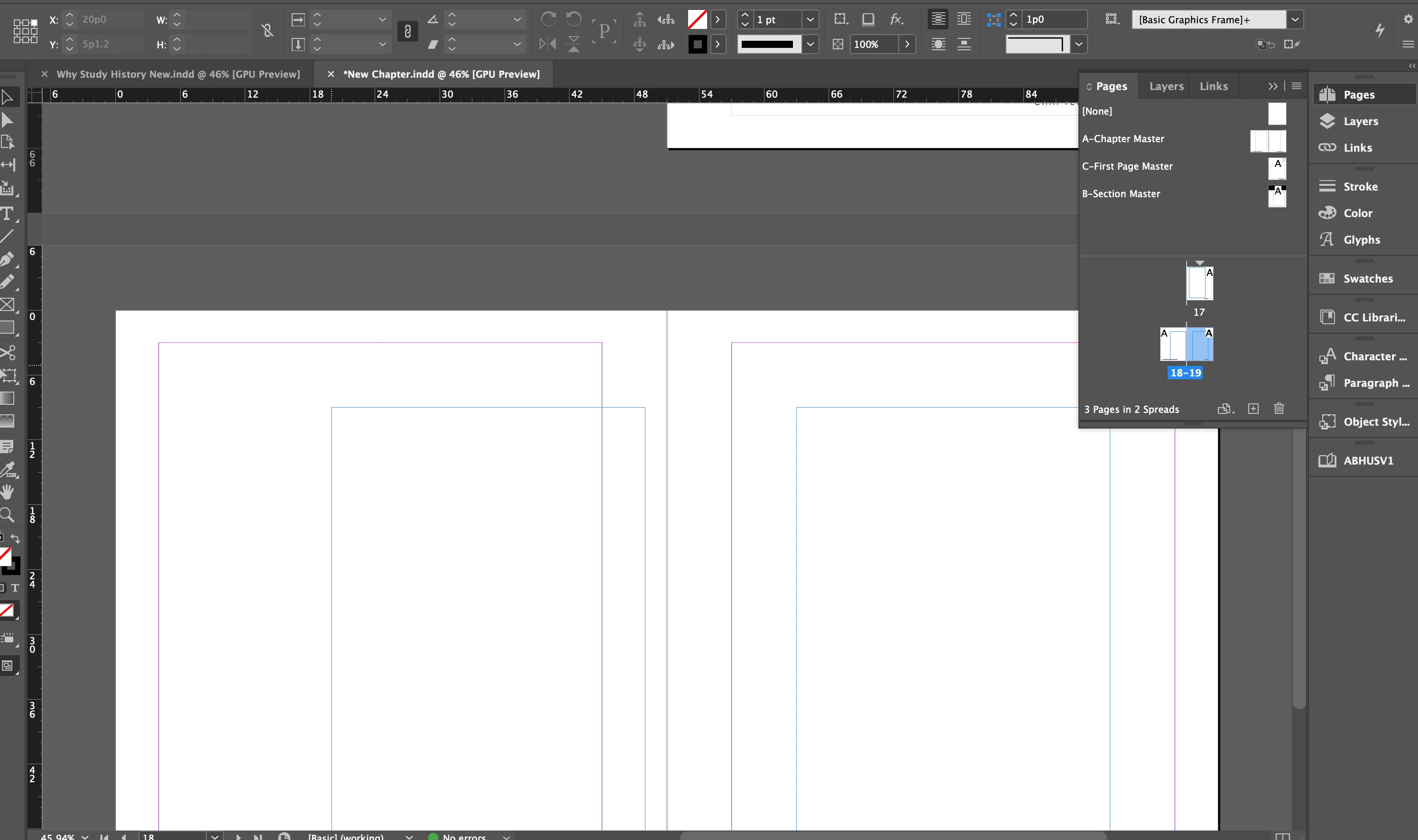
This adds a lot of "clearing Object Style" overrides. Is there someting I could do differently to simplify my steps and avoid all the overrides?
 AdChoices