Master Pages & Pages have different size and/or origin
I am using an existing document to start a new one. The existing doc did not have master pages set up, but I would like to set them up (for page numbering, etc.) However, when I do, and then drag the Master down to the page, I get a warning that the Master Page and the Page have different sizes.
I can see, using the Page tool and Document Setup, that the pages are the same size.
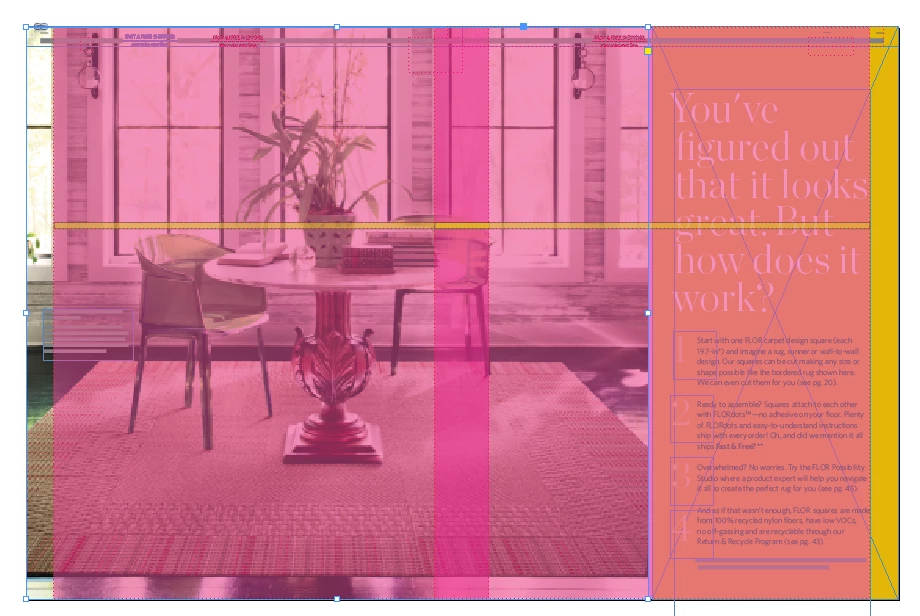
The items seem to have shifted to the right, on the left-hand page, and to the right on the right-hand page.
See attached screen shots:
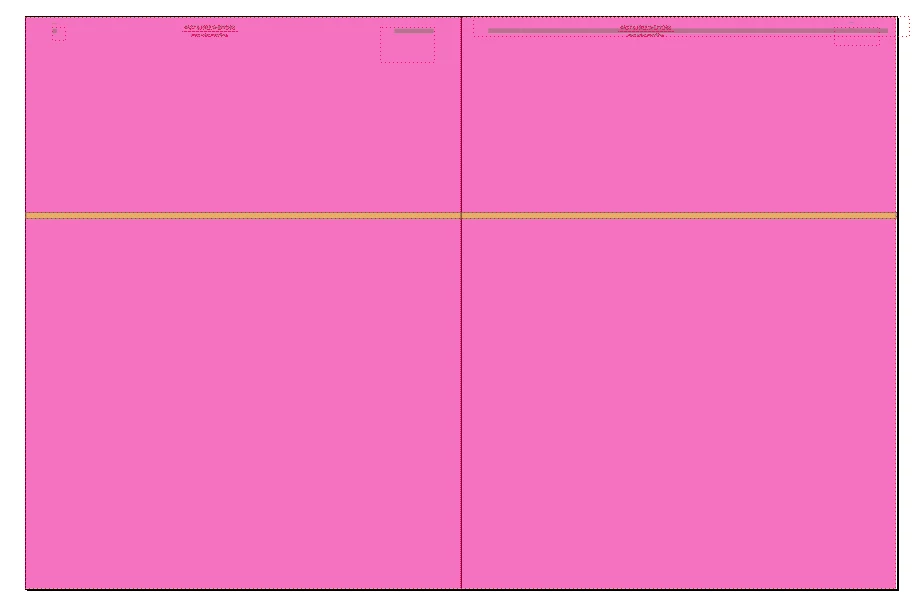
This is the master (items on page to show shifting)
When I drag the master pages down to the pages, this is what happens:
This is the error message I get when I try to place master page items on the page. I select, “Keep current page size.”
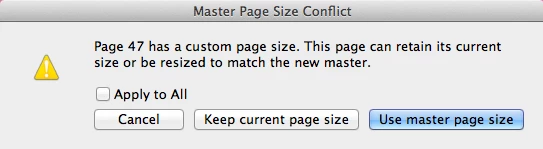
When I say “Use master page size, it appears correctly:

Both the master pages and the pages are this size:
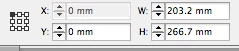
I’m not sure what is going on here.
 AdChoices