Inspiring
October 13, 2021
Answered

Merge data from excel table to InDesign table

  • October 13, 2021
  • 2 replies
  • 2349 views

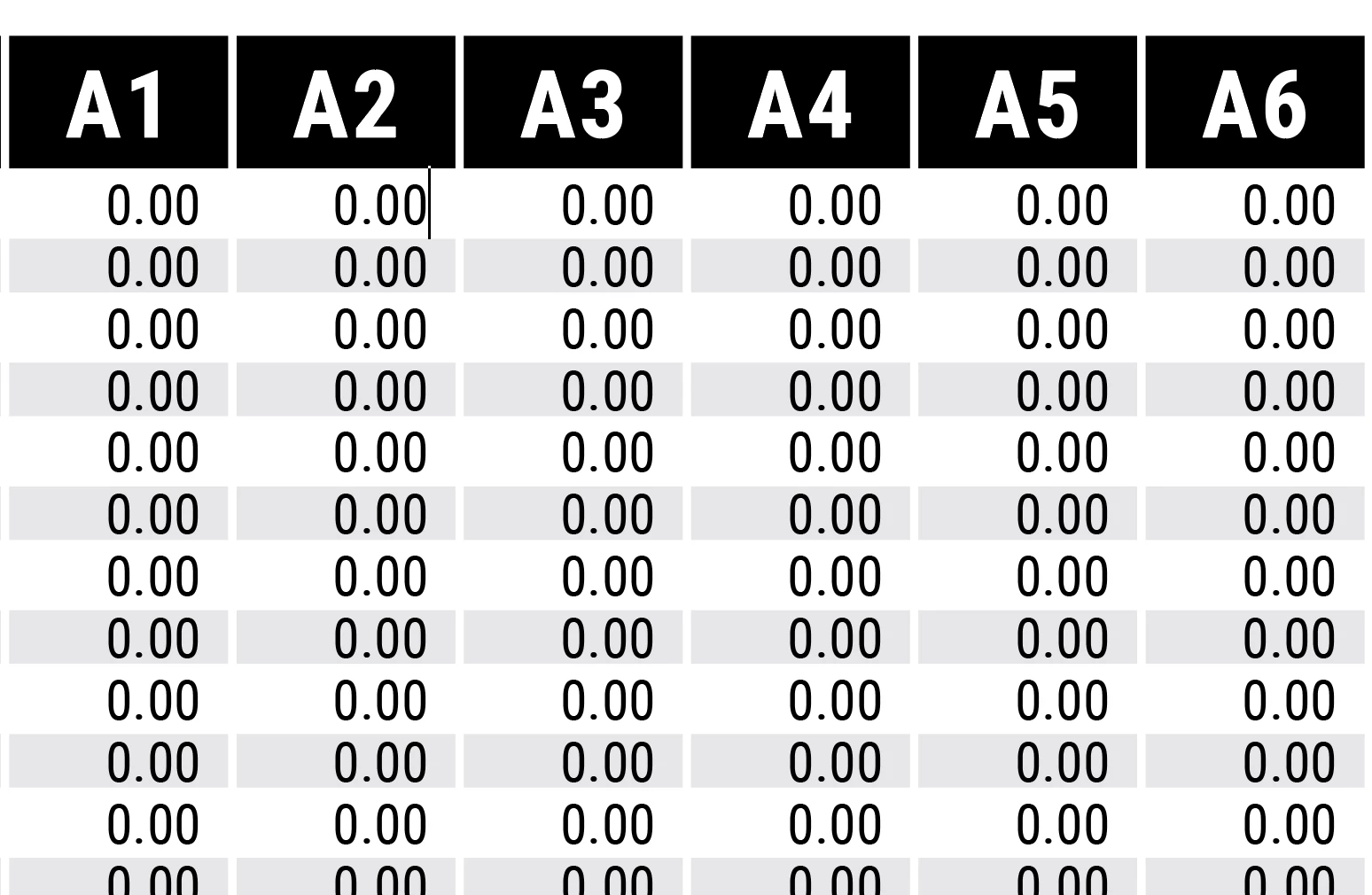
Have a Excel table with 45 columns and 63 rows. I want that data to go into a similar table in InDesign. Multiple records won't work in this scenario. is there any way of assigning different column and row in the merge fields. for instance, A1 row 1; A1 row 2; A2 row 1; A2 row 2, etc.? 
 

This topic has been closed for replies.
Correct answer SJRiegel

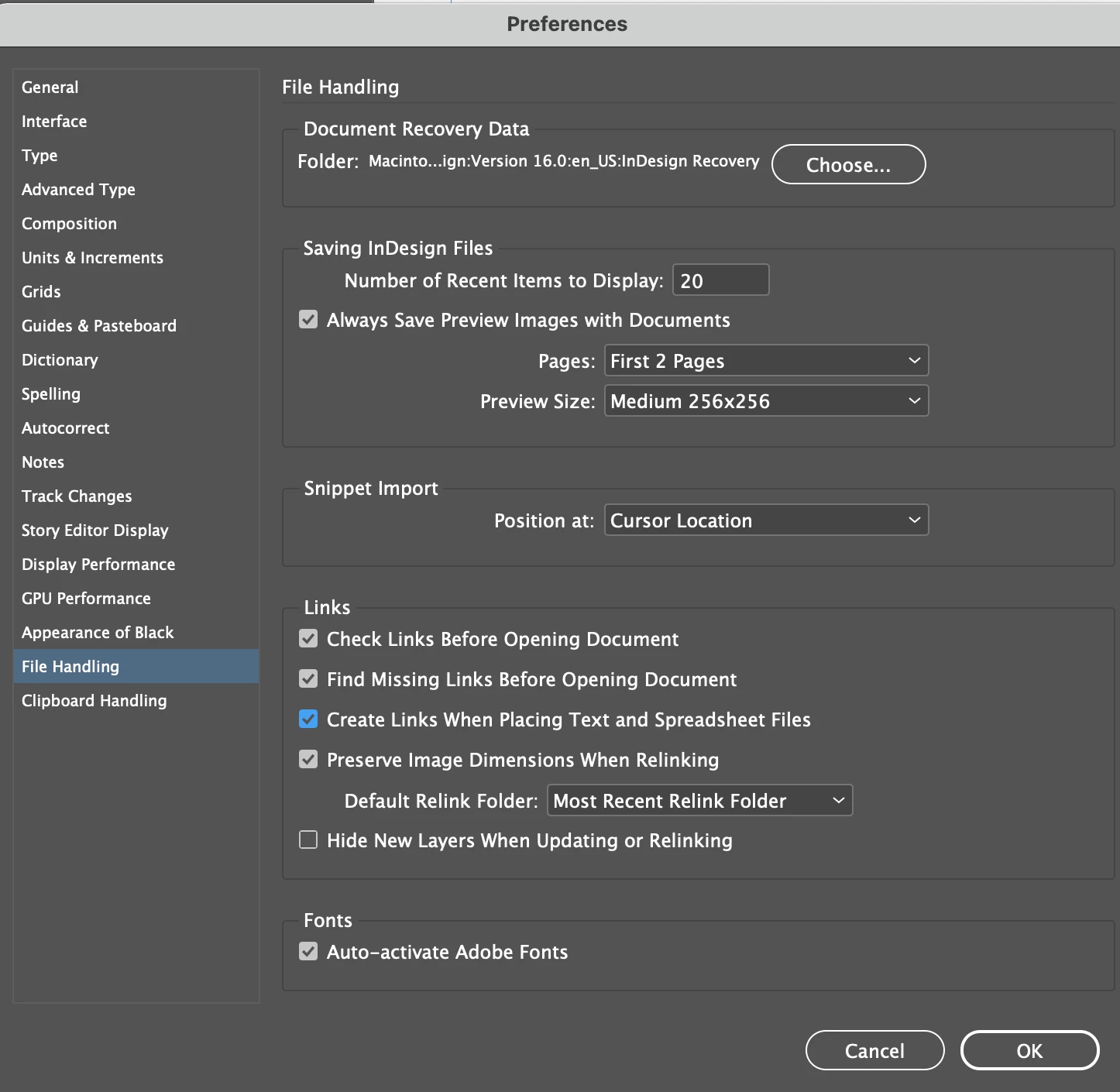
In your InDesign preferences, check the box to Create Links When Placing Text and Spreadsheets.

Then the imported info will be linked to the Excel file. If you import it using a Table Style, and do any additional interior formatting using Cell Styles, you can update the info in the table through the links panel. 

2 replies

Community Expert
October 14, 2021

Another note on linked Excel files:

Put that table in its own story ( and text frame or set of threaded text frames).

Do not add text to the frame(s) outside the table.


Why? In case you are updating the linked Excel file you would erase any other text in the frame(s) where the table lives. InDesign always updates the whole story!


Regards,
Uwe Laubender

( ACP )


Zoe5FCEAuthor
Inspiring
October 14, 2021

thanks for the tip. noticed that cell and table styles are essential. Any styling of content that is not part of cell style gets wiped if updated.

Legend
October 13, 2021

If you are going from an Excel table to an InDesign, then Data Merge is not the way. You can Place the Excel table (with or without its formatting) directly from the Excel file into InDesign.

Zoe5FCEAuthor
Inspiring
October 13, 2021

will it be Accessible?

Legend
October 13, 2021

I don't know what you mean by Accessible in this sense. 

You can place it as a link, and if you do the InDesign table formatting exclusively with Table Styles, you should be able to update it from the Excel sheet without losing formatting. (I have not done this, so I don't know for sure if separately applied Cell Styles will hold during an update)