Hi Amir,
see into this here where Marc Autret wrote a script for merging cells:
Indiscripts :: Improve the Way you Merge Cells in InDesign
Perhaps it's not exactly what you want, but I think, you could benefit from it.
Here a use case of this script. Supposed all cells that I colored should be merged vertically.
With adjacent columns we can use Marc's script to our advantage. Select nothing. Double-click the script in the Scripts panel to do some preferences:
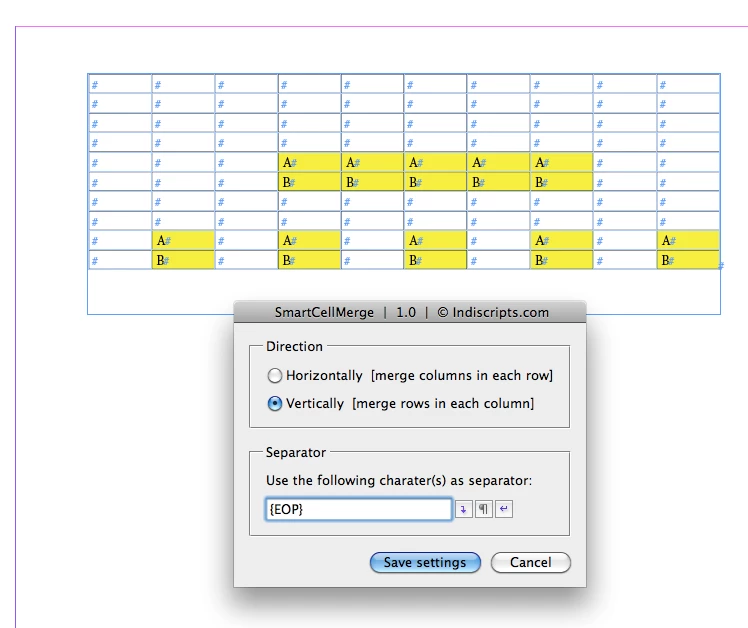
Now select adjacent cells—unfortunately one cannot select cells that are not next to each other—and run the script:
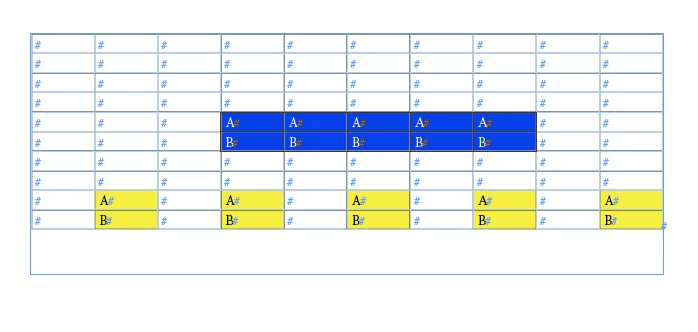
After running the script:
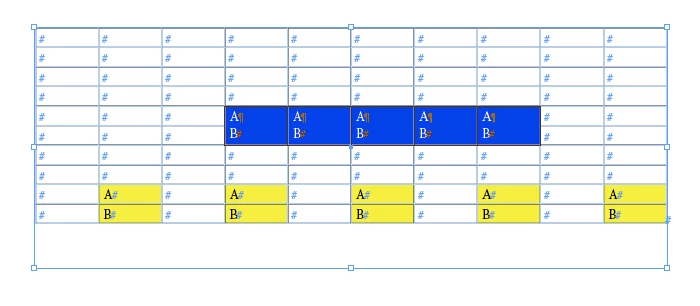
In effect all that means, that working on all other merges would require 5 additional steps.
In this case the script can be used, but it will not diminish the required number of steps.
The main problem in writing scripts like that is how one can identify cells that should be merged.
When your only means is to do selections of cells you can minimize the steps by using Marc's script. In every other case a new script has to be written, provided you can formulate a common rule what cells should be merged.
E.g.: Merge all adjacent cells vertically that are colored with color "x".
Regards,
Uwe

 AdChoices