Participant
September 23, 2023
Answered

Mismatched Column Vertical Alignment when Wrapping

  • September 23, 2023
  • 3 replies
  • 498 views

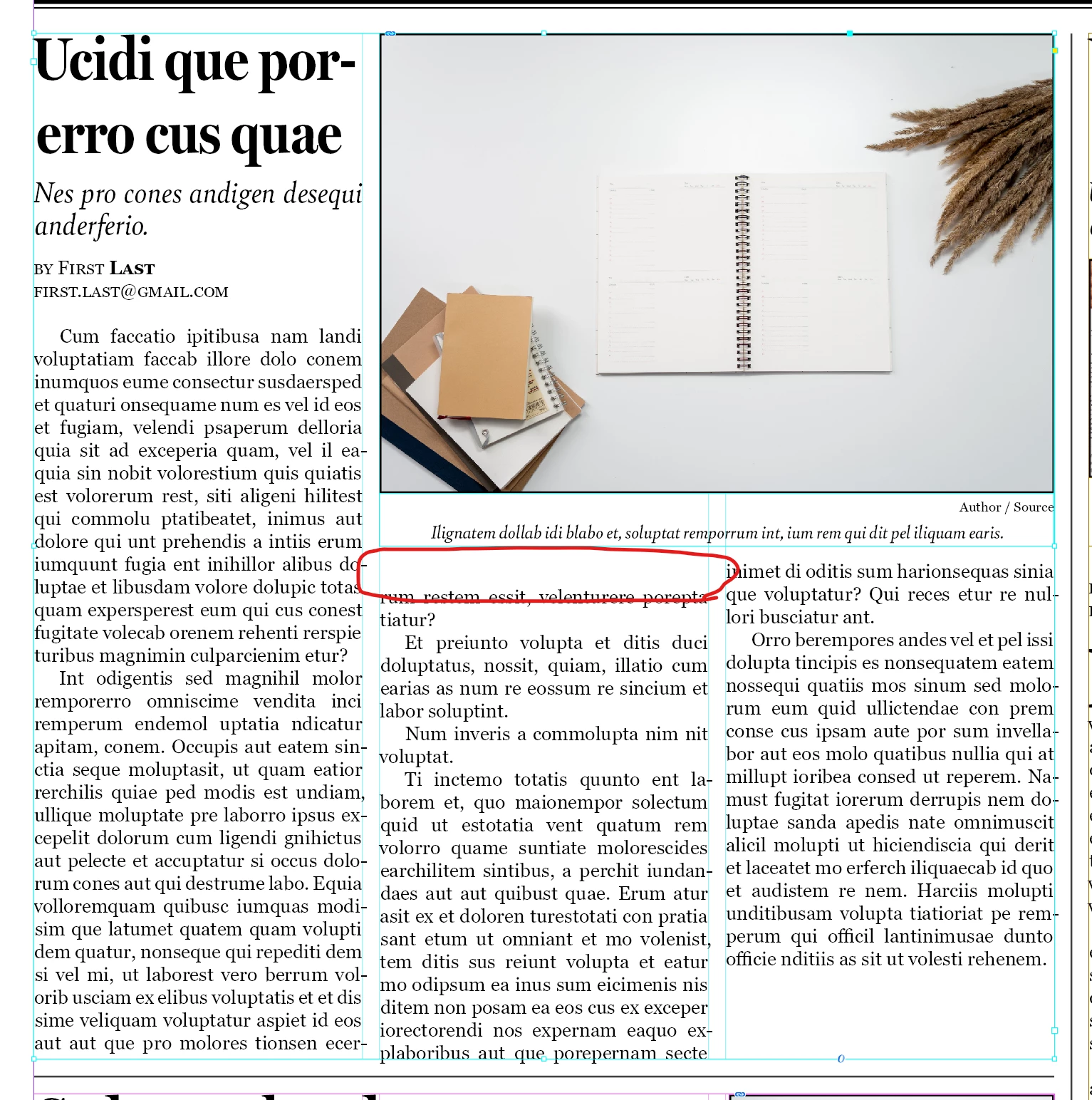
I have a large textbox with an article header, byline, and body. It has three columns of text. On top of this text box, I have an image and a caption box that I can move to fill the space. Sometimes the text in the second and third columns is misaligned. I want the text to start right underneath the caption, but in the second column, it skips a line.


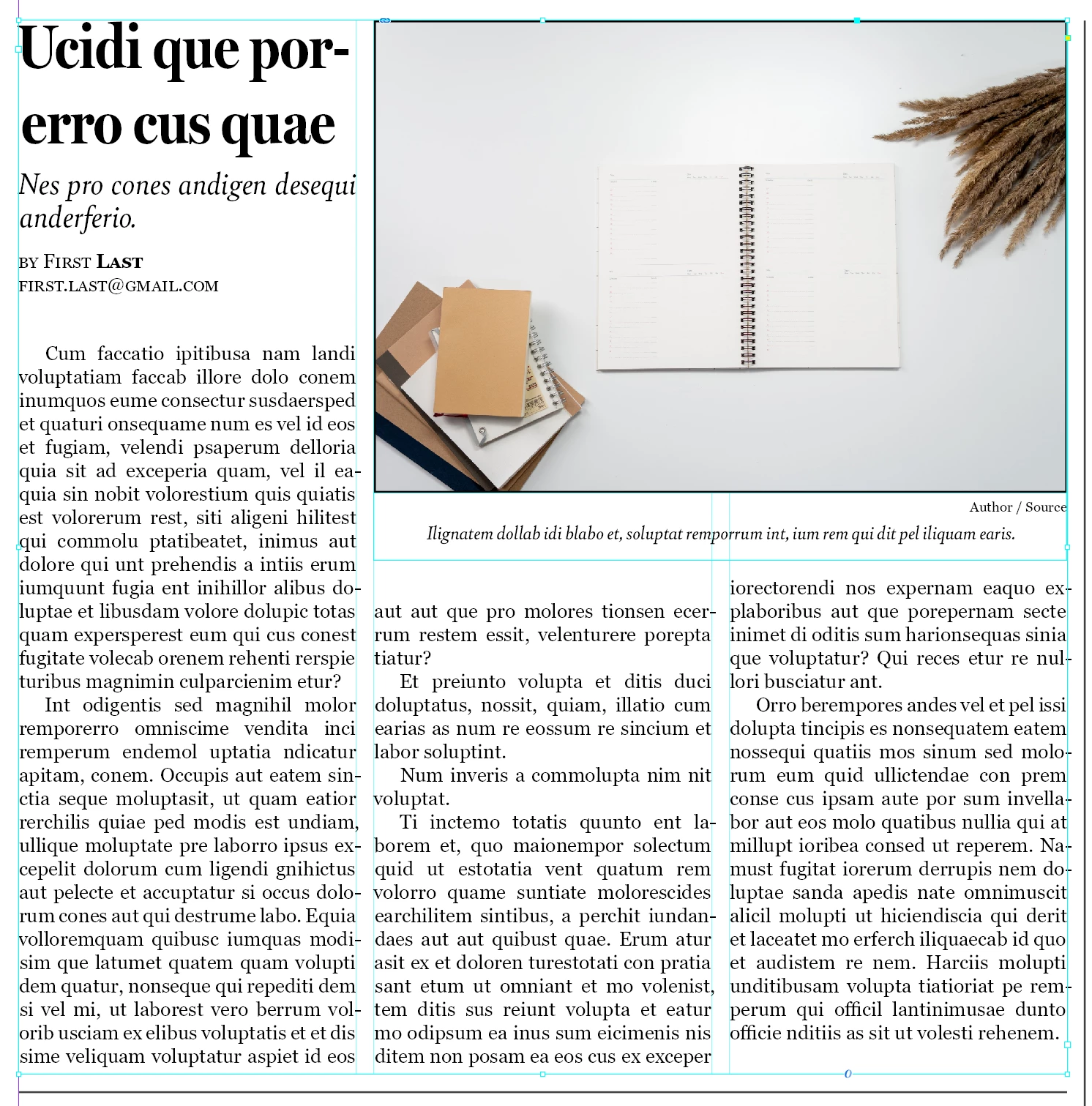
I have tried setting the text to align to the baseline grid, but this doesn't fix the issue. Or rather, it only fixes it sometimes, depending how far down I bring the caption. (And I'd prefer to leave that setting disabled anyways, because then the text won't come up right to the bottom of the caption.)


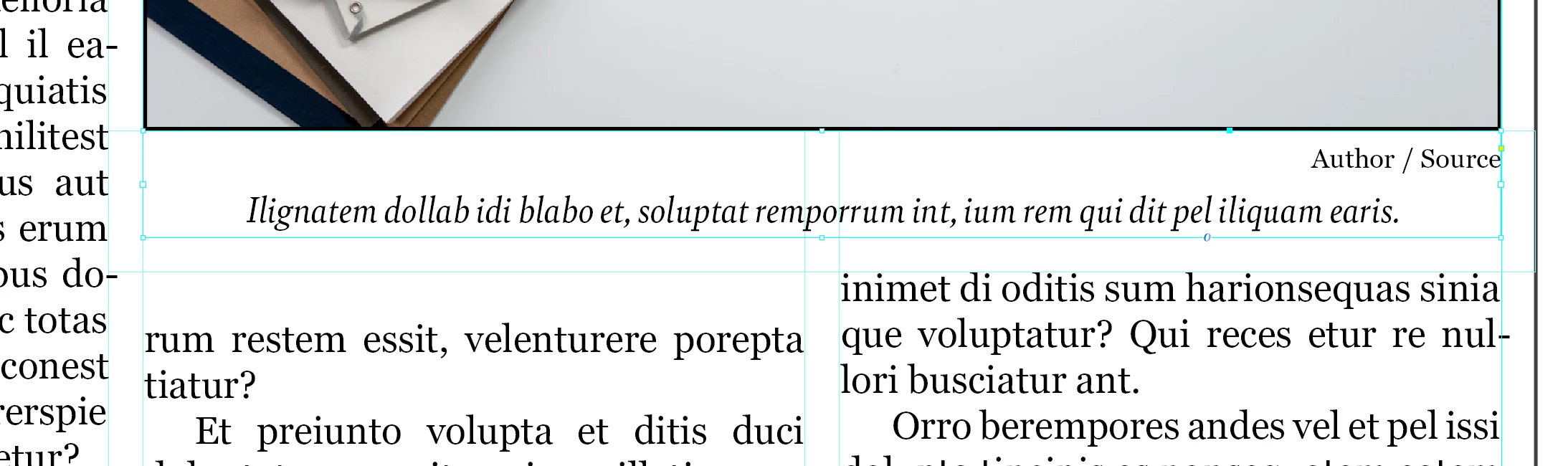
The caption text box has a text wrap offset applied. It's 0.125" on the left, right, and bottom. The box autoresizes vertically based on the length of the caption.


Without snapping to baseline:
With snapping to baseline:
Caption text box margin:
This topic has been closed for replies.
Correct answer Barb Binder

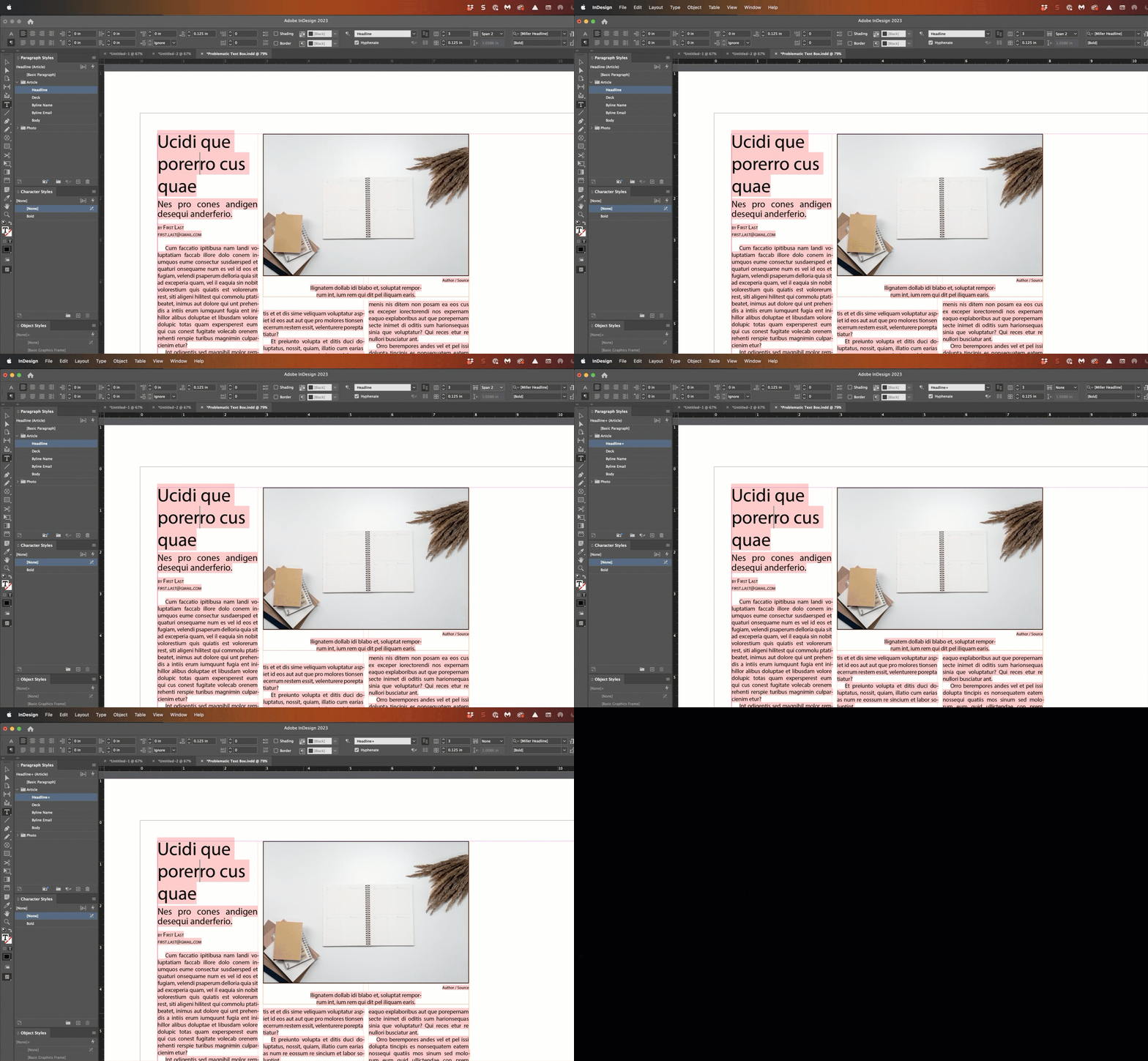
It's the span on the Headline.


~Barb


3 replies

Barb Binder
Community Expert
Community Expert
September 24, 2023

Hi @Jacob5C0B :


I've never encountered this specific situation before either. You could create a second Headline style (i.e., Headline 1-Col, based on Headline) so that if you need to modify other properties of Headline, it will modify both at the same time. Or just work with the Style Highlighter enabled so that you can see that you have an override when you change the span on the 1-column Headline. 


~Barb

~Barb at Rocky Mountain Training
Barb Binder
Community Expert
Barb BinderCommunity ExpertCorrect answer
Community Expert
September 23, 2023

It's the span on the Headline.


~Barb


~Barb at Rocky Mountain Training
Jacob5C0BAuthor
Participant
September 24, 2023

Ah, well that's a bit annoying. The image isn't always that large (it's usually just one column wide), which is why I have span on that paragraph style. It's quite strange that the span would affect text so much farther down.


I guess I'll just have to remove it manually every time I need to make an image larger.


Thanks for the help.

Joel Cherney
Community Expert
Community Expert
September 23, 2023

Can you post your actual sample file? I can't recreate your issue on my side (although my recreation of your sample is perhaps missing some visible details). You might try reducing the wrap on the caption to see if the wrap is causing unexpected behavior.


Jacob5C0BAuthor
Participant
September 23, 2023

Ok, here's my file. I simplified things somewhat while the issue persisted.