
Participant
June 26, 2018
Answered

Missing Character Styles Box

  • June 26, 2018
  • 2 replies
  • 1203 views

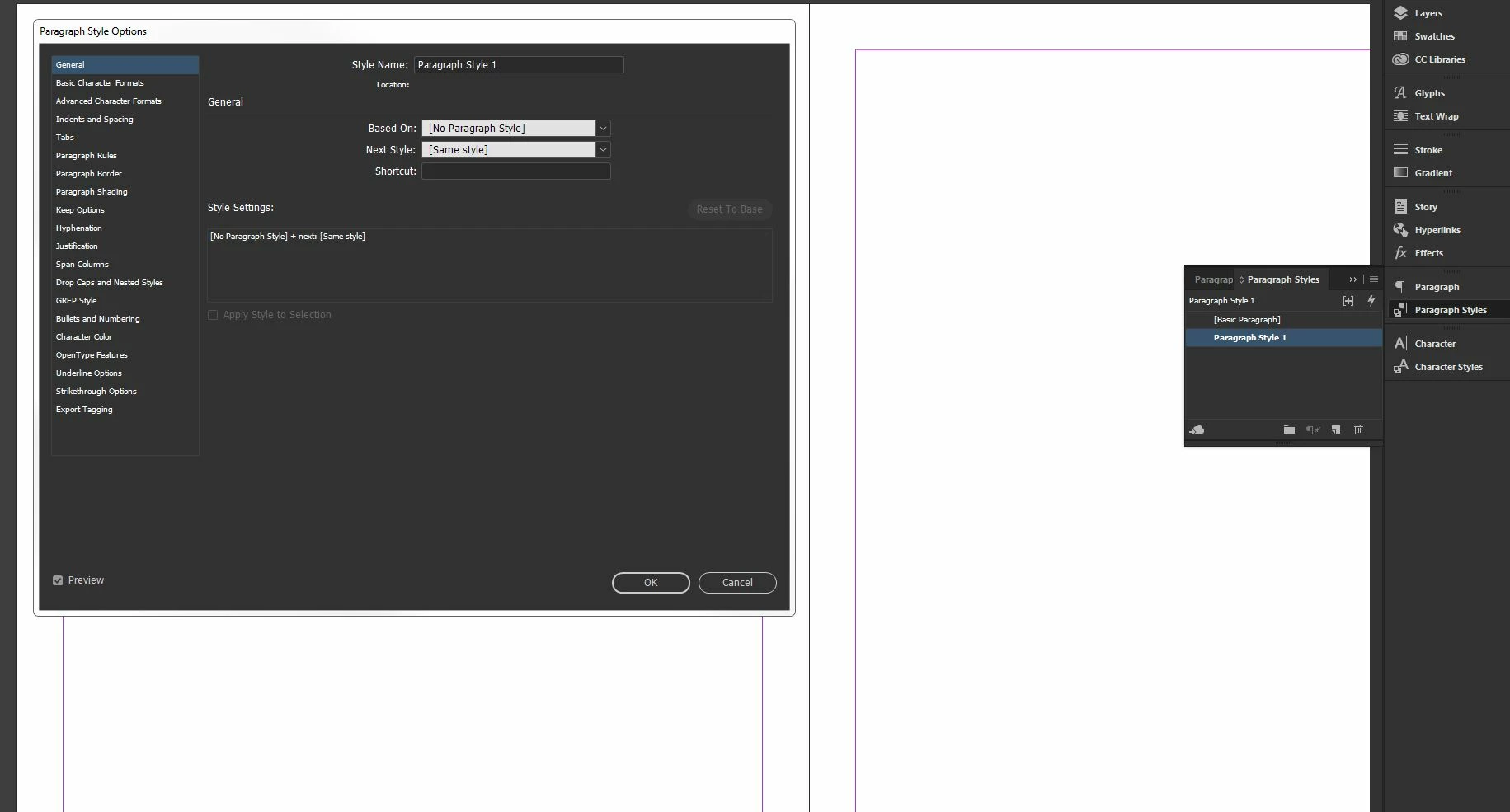
I see the character styles menu but when I try to edit a character style, the options box does not load. It works fine for paragraph styles but not character. It's like InDesign thinks the box is open as I cannot do anything until I press ESC or ENTER. However, I cannot see the actual box.

Just to be clear, the box I am referring to is the one which has options such as basic character formats, advanced character formats etc. I have included the Paragraph Style Options box as a reference.
This topic has been closed for replies.
Correct answer garetht49106838

OK, so resetting my preferences fixed it.

2 replies

Participant
June 27, 2018

I'm having the same problem- how do you reset your preferences?

Thanks

Participant
June 28, 2018

Here is an article about resetting preferences. Please take note of the warning that you will delete any custom settings.

https://seventrumpet.com/how-to-reset-preferences-in-adobe-indesign-to-improve-performance/

garetht49106838AuthorCorrect answer
Participant
June 26, 2018

OK, so resetting my preferences fixed it.