Question
Missing font for a font I don't even use in my indesign document
Hello.
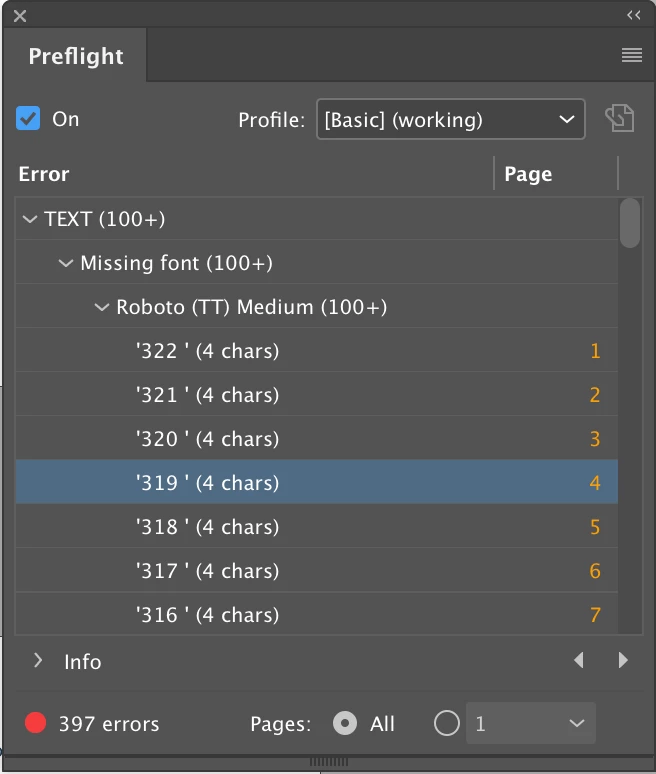
I just opened my indesign file from another macbook and some of the texts have changed font to 'Roboto Medium' but with a '(TT)' on their own and now I have '397 missing fonts' in my preflight panel. I have already downloaded and activated all the fonts I use in my document and I have never even used 'Roboto' in the entire document. (see attached image).
Some details:
- I'm using Adobe indesign 2021
- I'm using macOS Mojave version 10.14.6
- I'm using the 'english + arabic supporting' version of indesign
I don't understand why this is happening. Any ideas? Some help would be highly appreciated.
Thanks!
 AdChoices