Okay. The Futura font you do have is the font you can use. You need to use it.
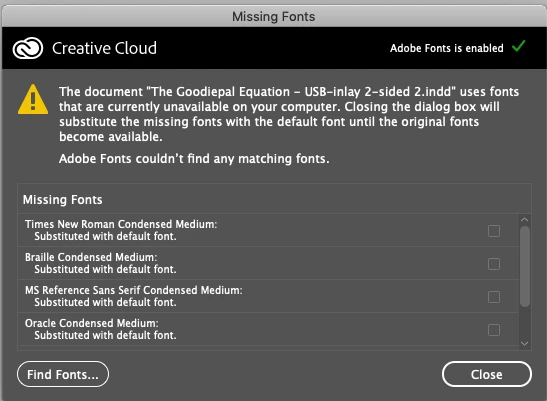
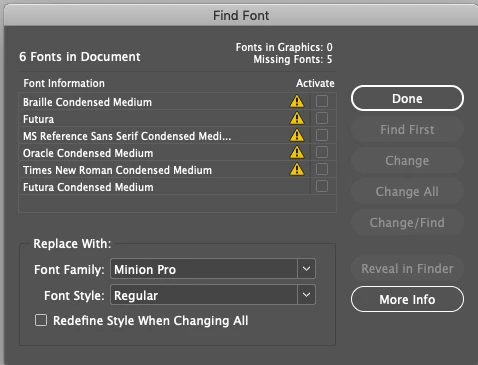
The alerted instances in your Find Font dialog box are fonts you cannot use because you do not have them.
Follow the process below to fix the problem:
1) Make sure your Futura font is activated in FontBook.
2) Click on each of the alerted instances in the dialog box, which show Futura fonts you do not have. In the Replace With: section of the dialog box, change the edit box to show the Futura you do have, using the font weight(s) you want to use, then click the Change All button. For each instance. That will remove the alerted instances, and replace the fonts you do not have with the font you do have.
3) When the alerted instances are all gone, click the Done button. Then save the file.
4) Use that fixed file forevermore, and delete all the old files which still have problems.
That will be the end of your problem.



 AdChoices