
Participant
August 30, 2021
Answered

Missing link message but no links are missing

  • August 30, 2021
  • 2 replies
  • 2117 views

When I receive files from a specific co-worker, I get a pop-up that tells me links or URLs are not accessible, but the little errors panel shows no errors and if I go into the links panel, nothing shows as missing there. 
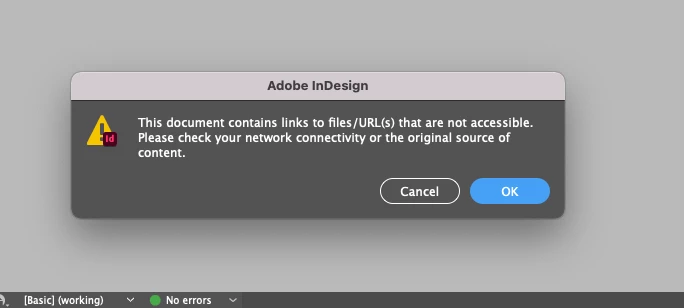


Furthermore, I am unable to export a pdf or even package the files at all. I get this message instead:
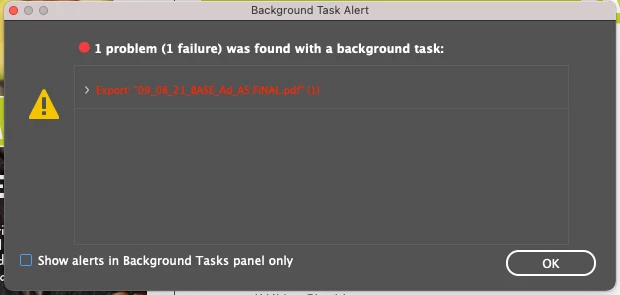
 

We are both running the latest version of InDesign and I have tried shutting down completely and re-starting. I am able to make an idml file, but all of the links unlink if I do so (like the normal way of unlinking where it shows up in the links panel). I end up having to go through and relink each one individually which is cumbersome as these files can have 200 links. 


Has anyone else encountered this issue and do you have a fix for it?

This topic has been closed for replies.
Correct answer Laubender

Hi Alicia,

hm, that's just a guess: Are there any issues showing in the Hyperlinks panel?

Could be that there are links to targets in external InDesign document pages and the documents cannot be reached anymore.


Regrads,
Uwe Laubender

( ACP )

2 replies

LaubenderCommunity ExpertCorrect answer
Community Expert
August 31, 2021

Hi Alicia,

hm, that's just a guess: Are there any issues showing in the Hyperlinks panel?

Could be that there are links to targets in external InDesign document pages and the documents cannot be reached anymore.


Regrads,
Uwe Laubender

( ACP )

GhostFactory
Participant
December 3, 2024

This ended up being the fix for me. Thanks!!

Jeff Witchel, ACI
Community Expert
Community Expert
August 30, 2021

Are you and your coworker working off of a server? Is this just happening to you or to other coworkers as well?

Are you possibly working off of Drop Box or something similar?

Or are you working locally off of a Packaged File on your own hard drive?

Can you show a screenshot of your links panel with this document open? How about the Preflight panel?

Participant
August 30, 2021

Great questions. We are still working from home, so we upload finalized files to a server, but while works are in progress, we work locally on our own hard drives. I've gotten packaged files from her, let's call her Co-Worker A, a variety of ways, she's put them on the server for me to grab, we've used a file transfer site, she's used email or even Teams to send smaller files. I always download and work locally. I encounter the same problem regardless. 


I had another designer, Co-worker B, try to export a file I had trouble with a few weeks ago and she had some issues with fonts (which is another issue I have with Co-worker A's files, we use the same fonts but they always come up as missing and I have to replace), but she didn't experience the missing links issue like I do.


Links panel looks like this, nothing shows as missing here:

Pre-flight is the same, all looks good there:


Jeff Witchel, ACI
Community Expert
Community Expert
August 31, 2021

If you're working on your own hard drive from a Packaged file, have you tied opening the IDML file that should be a part of the Package? I'm wondering if the InDesign files are somehow getting corrupted during transit.

Just guessing here!

But it may be worth a try.