

gspiros
Participant
May 31, 2024
Question

Missing links after import

  • May 31, 2024
  • 2 replies
  • 325 views

Hello all, running ID 19.4 on an newly bought iMac mini M2 Pro with Sonoma 14.5. on a NAS with afp protocol.

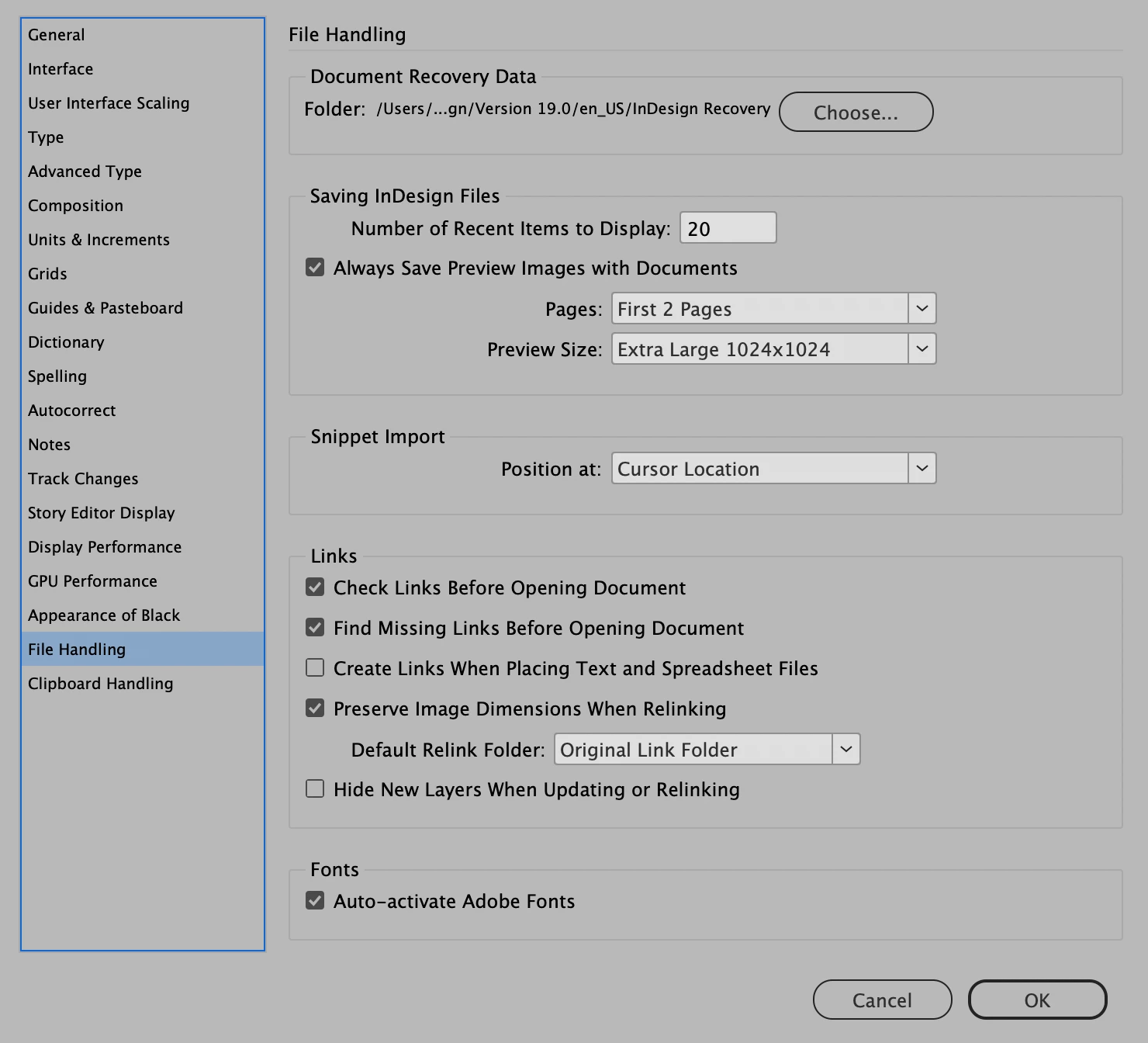
I import the links but after a while ID shows error and I'm forced to relink them in order to work.

Previously I was working on an iMac running BigSur with no issues and nothing else has changed.

Any thouhts?
This topic has been closed for replies.

2 replies

Community Expert
June 5, 2024

Hi @gspiros ,

as far as I know Apple will drop the afp protocol sooner or later.

Could you connect the NAS with the SMB file protocol and see if that is working?


See:

https://kb.synology.com/en-me/DSM/tutorial/file_protocol_AFP_not_recommended


https://www.macworld.com/article/234926/using-afp-to-share-a-mac-drive-its-time-to-change.html


Regards,
Uwe Laubender
( Adobe Community Expert )

Steve Werner
Community Expert
Community Expert
May 31, 2024

I'm running the same version of InDesign and the same OS Version. Our settings are almost exactly the same. I'm running a MacBook Pro M1 computer.


I'd suggest restoring your InDesign preferences and caches. Here are instructions how:


https://www.rockymountaintraining.com/adobe-indesign-rebuilding-preferences-cache/


gspiros
gspirosAuthor
Participant
June 1, 2024

Done that already... I spoke with Adobe support yesterday and they remotely uninstalled and reinstalled ALL Adobe apps and that didn't work either. Seems to be a MacOs issue. Does yours work?