Sam A.
Inspiring
June 8, 2021
Answered

modify settings for footnote reference marker in footnote

  • June 8, 2021
  • 2 replies
  • 723 views

Hi, how do I modify the appearance of the footnote reference marker in the footnote?

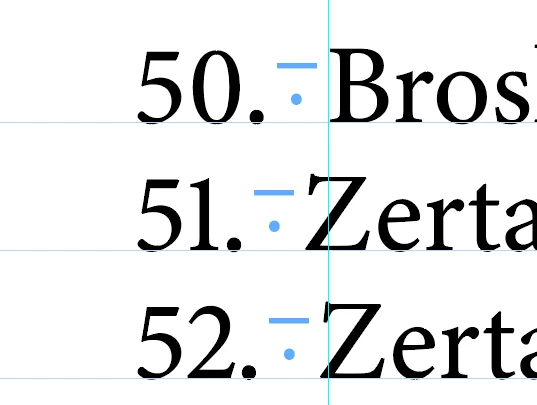
I use OpenType proportional lining digits in the footnote text, and so the reference markers are also OpenType proportional lining:


For the reference marker, I'd like to use OT tabular lining instead:
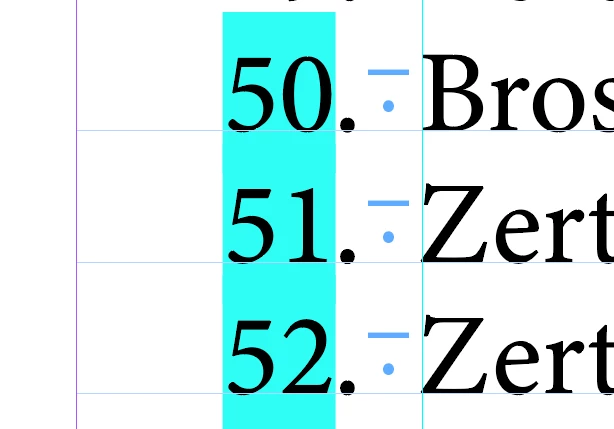


The rest of the footnote, however, should still have OT proportional lining footnote digits. I have created a character style that I can apply (by searching for ~F). Is there a solution to build this into the style itself so that no subsequent Find/Change is necessary?


Thanks

Samuel
This topic has been closed for replies.
Correct answer Laubender

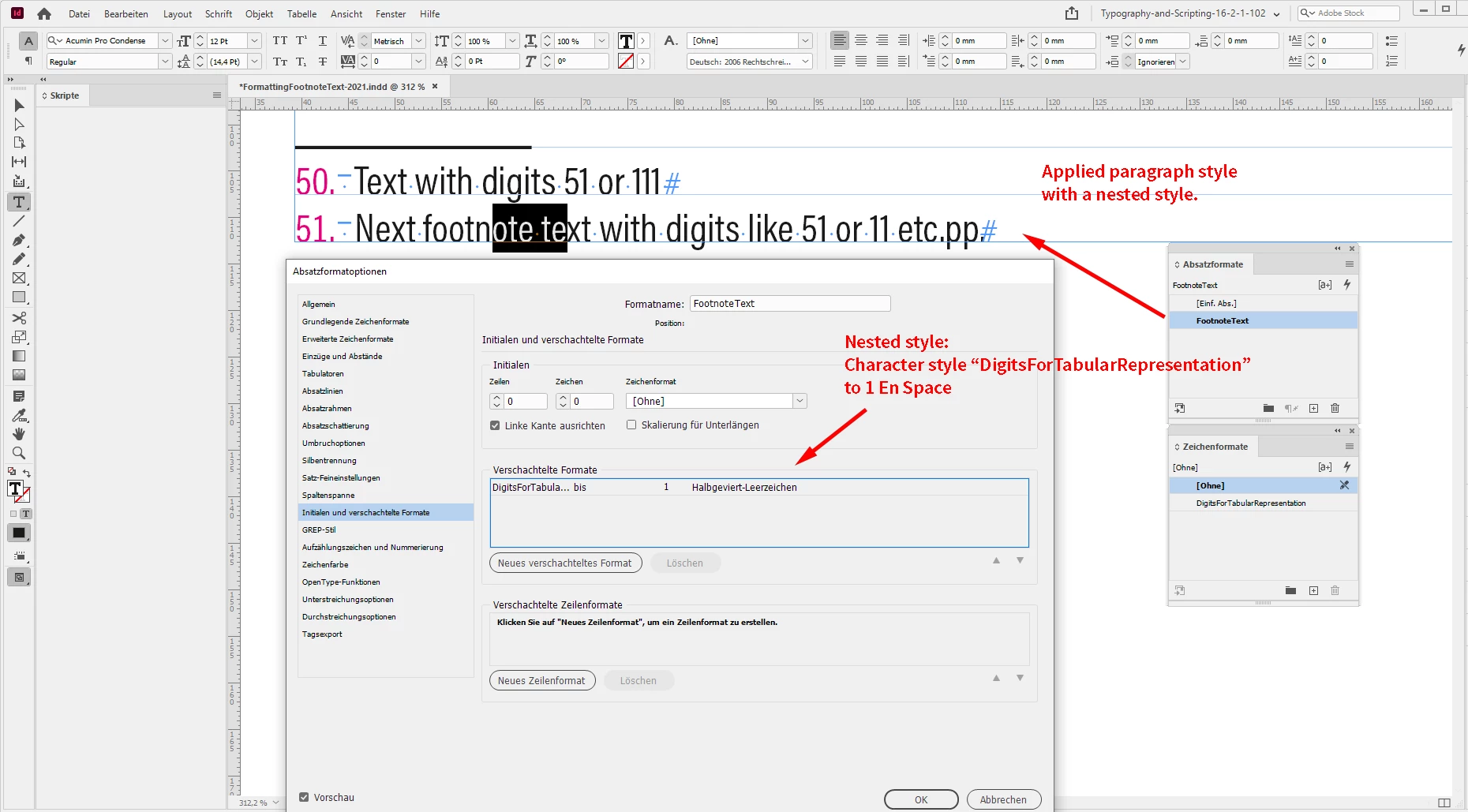
Two screenshots from my German InDesign 2021 on Windows 10:


Regards,
Uwe Laubender

( ACP )

2 replies

LaubenderCommunity ExpertCorrect answer
Community Expert
June 8, 2021

Two screenshots from my German InDesign 2021 on Windows 10:


Regards,
Uwe Laubender

( ACP )

Sam A.
Sam A.Author
Inspiring
June 26, 2021

Sorry I've only just now seen that you had provided some further info (for some reason I had turned off all email notifications – they're turned on now).

Community Expert
June 8, 2021

Hi Samuel,

look into Nested Styles in your applied paragraph style.

https://helpx.adobe.com/indesign/using/drop-caps-nested-styles.html


Your character style to 1 EN Space


Reagrds,
Uwe Laubender

( ACP )


// EDITED

Sam A.
Sam A.Author
Inspiring
June 8, 2021

Thank you, Uwe, this is great!