Inspiring
November 6, 2023
Answered

Moire appears after PDF export

  • November 6, 2023
  • 4 replies
  • 3206 views

I'm laying out a book with many TIFFs of paintings - when I export to PDF, a moire pattern shows up in three of them.
The moire doesn't show up in inDesign unless I'm at 100% - it's gone at all other resolutions.


The moire doesn't show up in PhotoShop unless I'm at 33% - otherwise gone.


The moire shows up at all resolutions in the PDF.


I'm using PDF/X4:2008 for export. Is there something else I should be doing?


Another question: Will the moire show up in print if I do nothing?


I'm running inDesign 18.5 and Acrobat Pro 2023, OS Ventura 13.6.1 on a MacBook Pro.


This topic has been closed for replies.
Correct answer rob day

Thank you - I redid this without any scaling this time - see my note below to Rob Day -


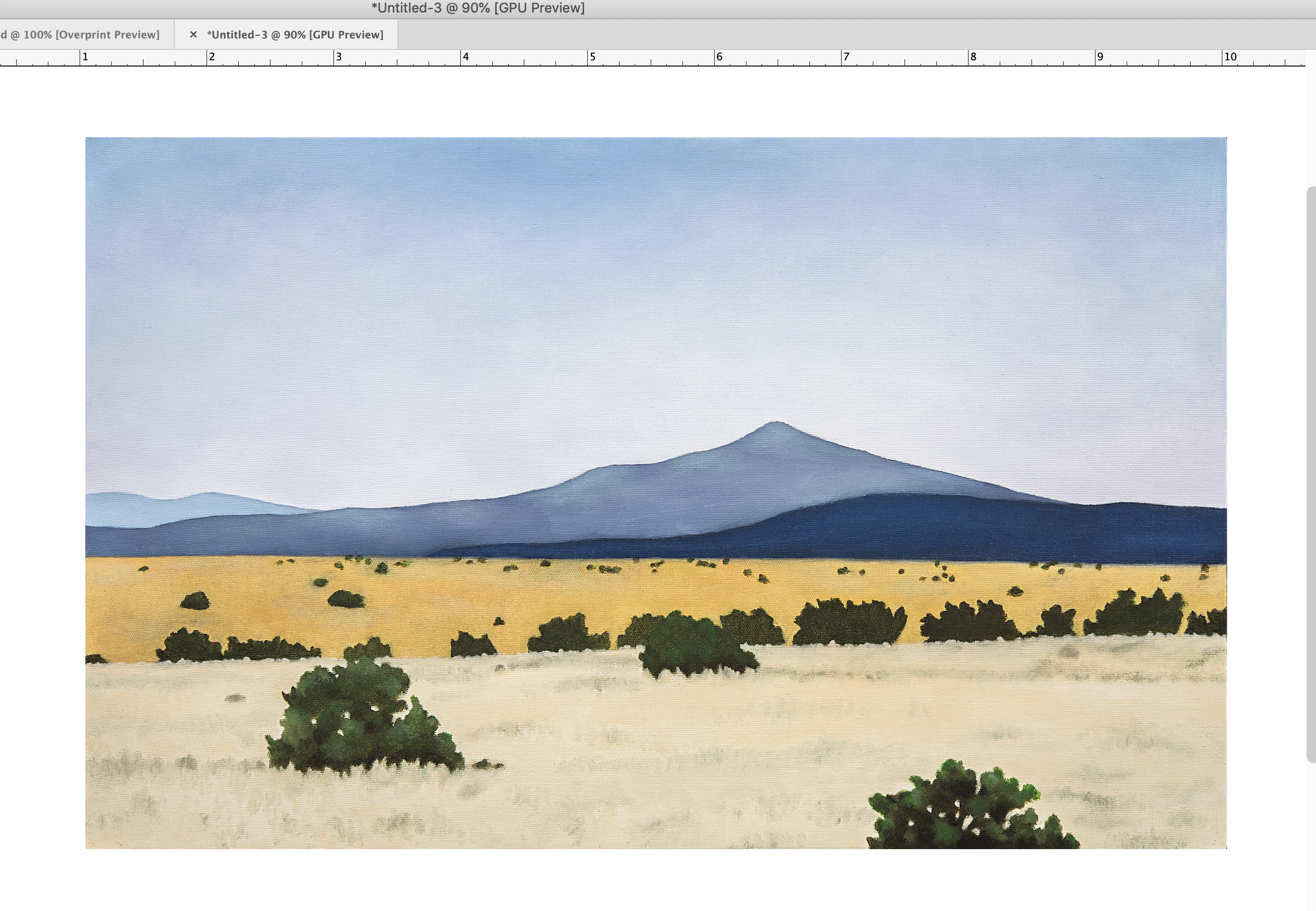
I think it is safe to say the moire is from the screen display resampling—the resampling that has to happen in order to preview the image at various magnifications—and is caused by the canvas texture interference in the painting.  I have two displays running at different resolutions, and it’s difficult to find a magnification where it happens on my high res retina display, but happens at a number of magnifications on my low res cinema display. Here it is placed in Indesign at 90% on the low res display:


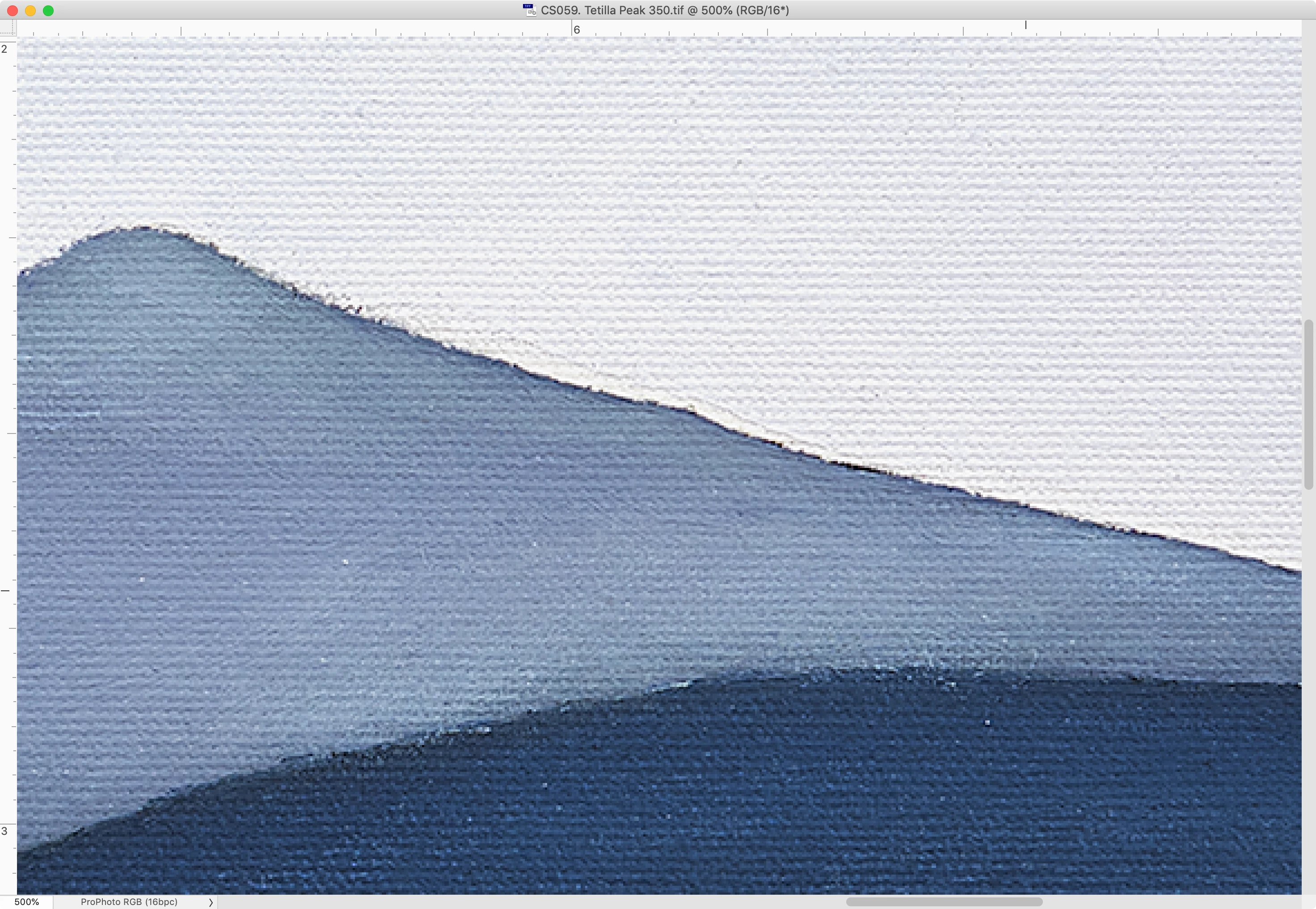
And on the retina display:


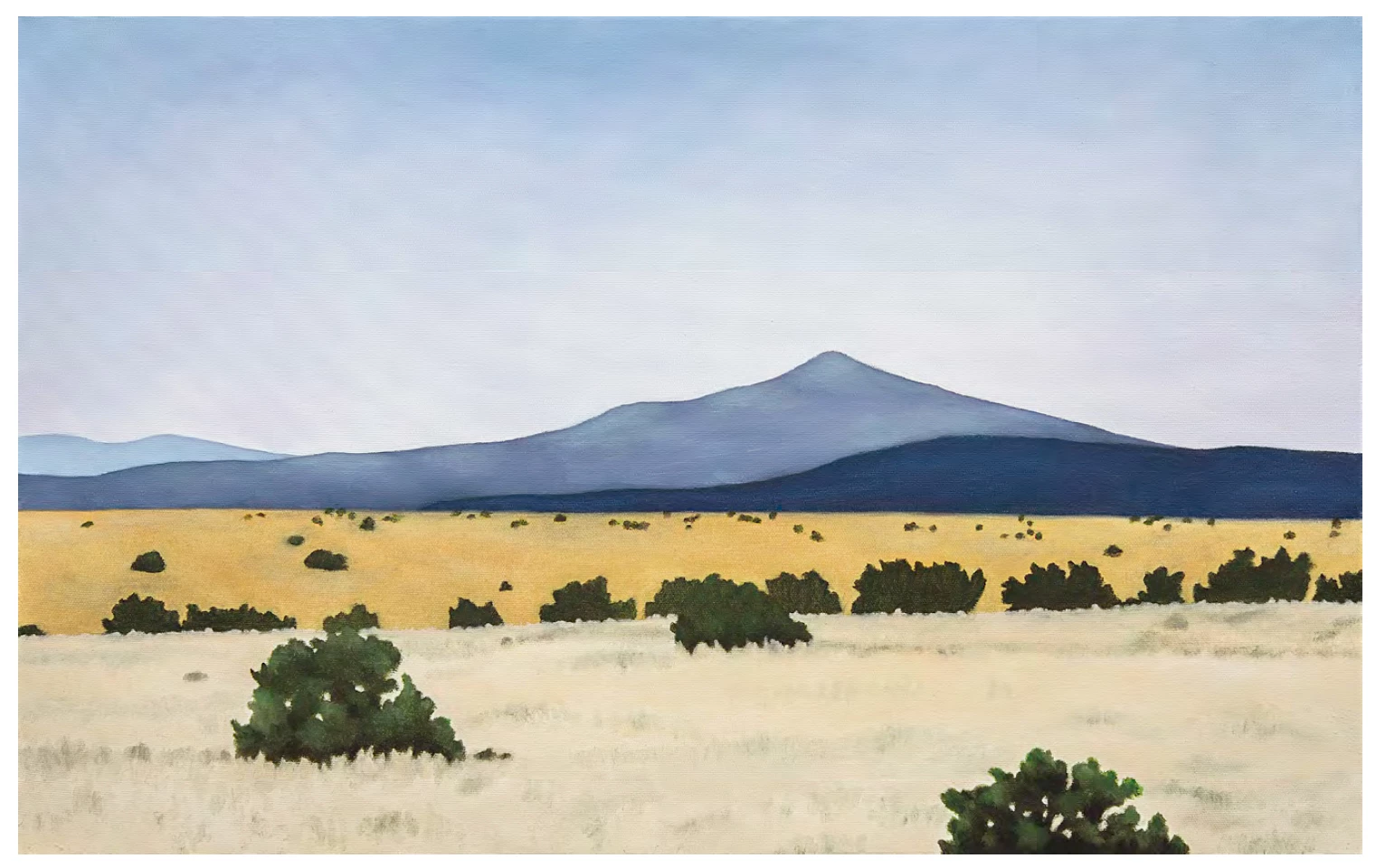
The moire is not in the file, so it’s unlikely to happen in print:


4 replies

rob day
Community Expert
Community Expert
November 7, 2023

Can you share the TIFF you are placing?

Inspiring
November 7, 2023

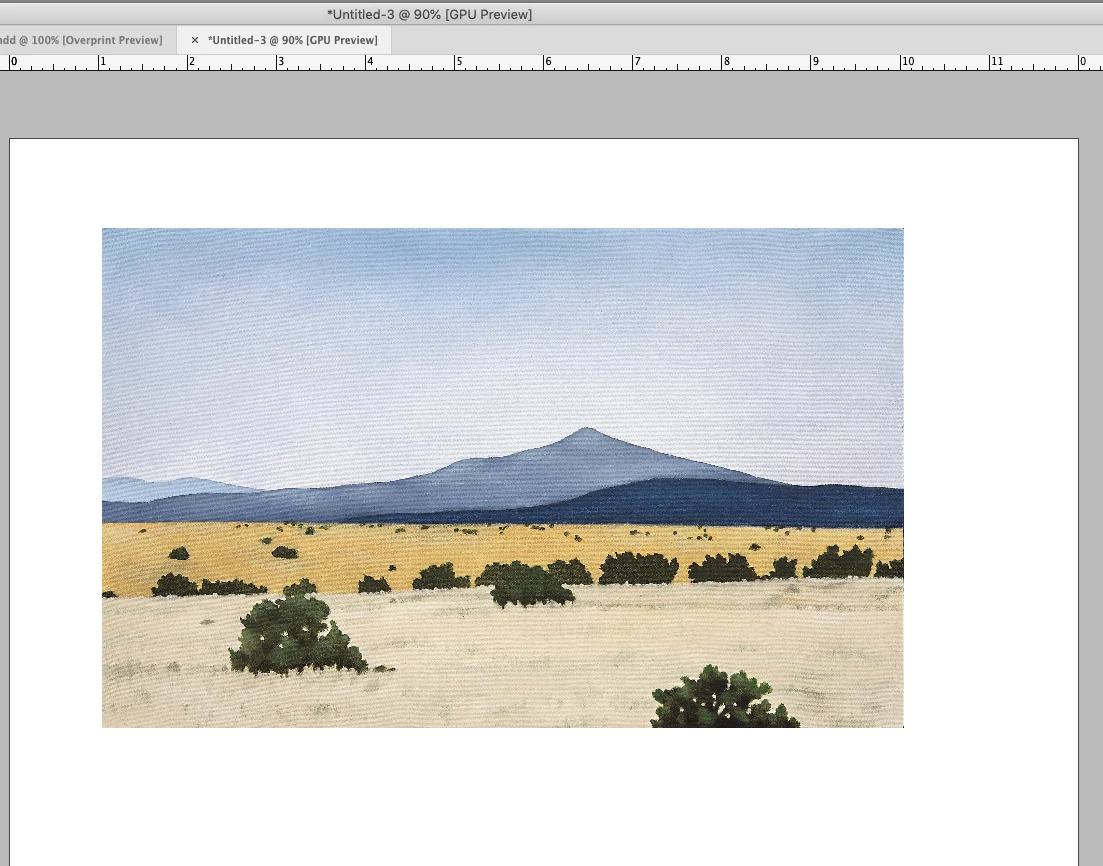
I've attached the TIFF. The moire doesn't show up in PhotoShop at any resolution. It also doesn't show up at 100% in inDesign, but it does show up if I go down to 75%:


I originally did do some scaling after placing it - in this latest version, I've placed it at 100%, and the resulting PDF has less moire though still some.


RvdT
Inspiring
November 7, 2023

Is your image (psd) scaled in inDesign?

If yes. Make the image 300 dpi at the actual size. If there isn't moire visible at 100% in Photoshop there shouldn't be any in inDesign or Acrobat at 100%.

If there is a difference in Acrobat at 100% you need to check your image resample settings in inDesign (pdf export settings).

Community Expert
November 7, 2023

Placing the image at 100% will absolutely help this possible issue.

Inspiring
November 7, 2023

Thank you - I redid this without any scaling this time - see my note below to Rob Day -

Robert at ID-Tasker
Legend
November 6, 2023

Have you tried to simulated raster in Photoshop? 


Inspiring
November 6, 2023

I'm not familiar with simulating raster - the TIFF is already a raster image. "Raster" is greyed out on all menus. ?

Robert at ID-Tasker
Legend
November 6, 2023

If you know angles and what kind of a raster will be used - you can use Photoshop to simulate each plate - I'm sorry but I'm on the phone so can't give you more details. 


Community Expert
November 6, 2023

Is the digital capture of the original painting or a lithographic reproduction?

If it is a litho, there will be a very fine line screen, hardly seen with naked eye, but would be seen under magnification. And yes, this could cause a moiré in the print process. A possible solution to this issue would be to add a slight amount of noise to the image in Photoshop.

Inspiring
November 6, 2023

The TIFF of the painting came from a photo taken in the studio, so no reproduction of any kind.


The texture of the underlyin canvas shows through in some of her paintings, and I wondered if that's what was causing the moire. Was hoping not to alter the image in any way, but it sounds like I better.

Community Expert
November 7, 2023

The screen capture shows considerable compression artifacts. I realize this might be the image you posted. What kind of image compression is applied to image. You should use LZW. If need be, do you have access to a raw image? Also, in the PDF export process, you may want to test a PDF that does not compress images.


As for the print side: what is the print method: digital or offset? Do you know if your print provider offers stochastic or random dot screening?