

Moving parent page text box doesn't update the rest of the document
I'm sure I'm missing something obvious here, but I've had this work perfectly for me and also never work no matter what I try, so I must be messing something up in the set-up stage.
I'm formatting a novel, and after getting the proof copy I'd like to move the text boxes out a little. Problem is that moving the text box out on the parent pages doesn't update them on the document itself, I'm assuming because the link was broken when I placed the text and unlocked the boxes from the parent pages?
Sample page:
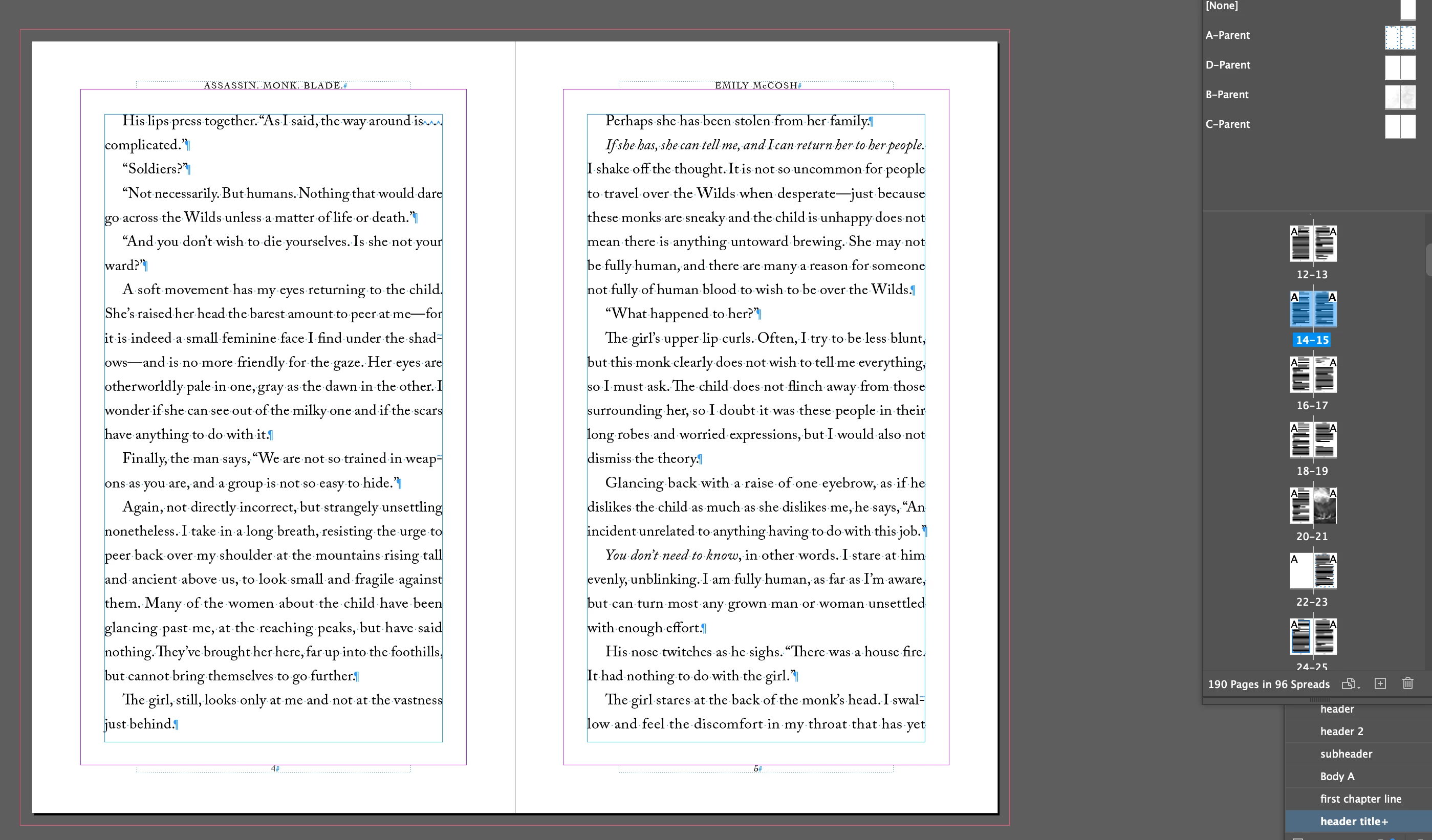
Nudged the text frames out on the parent pages but obviously doesn't update to the rest of the doc:
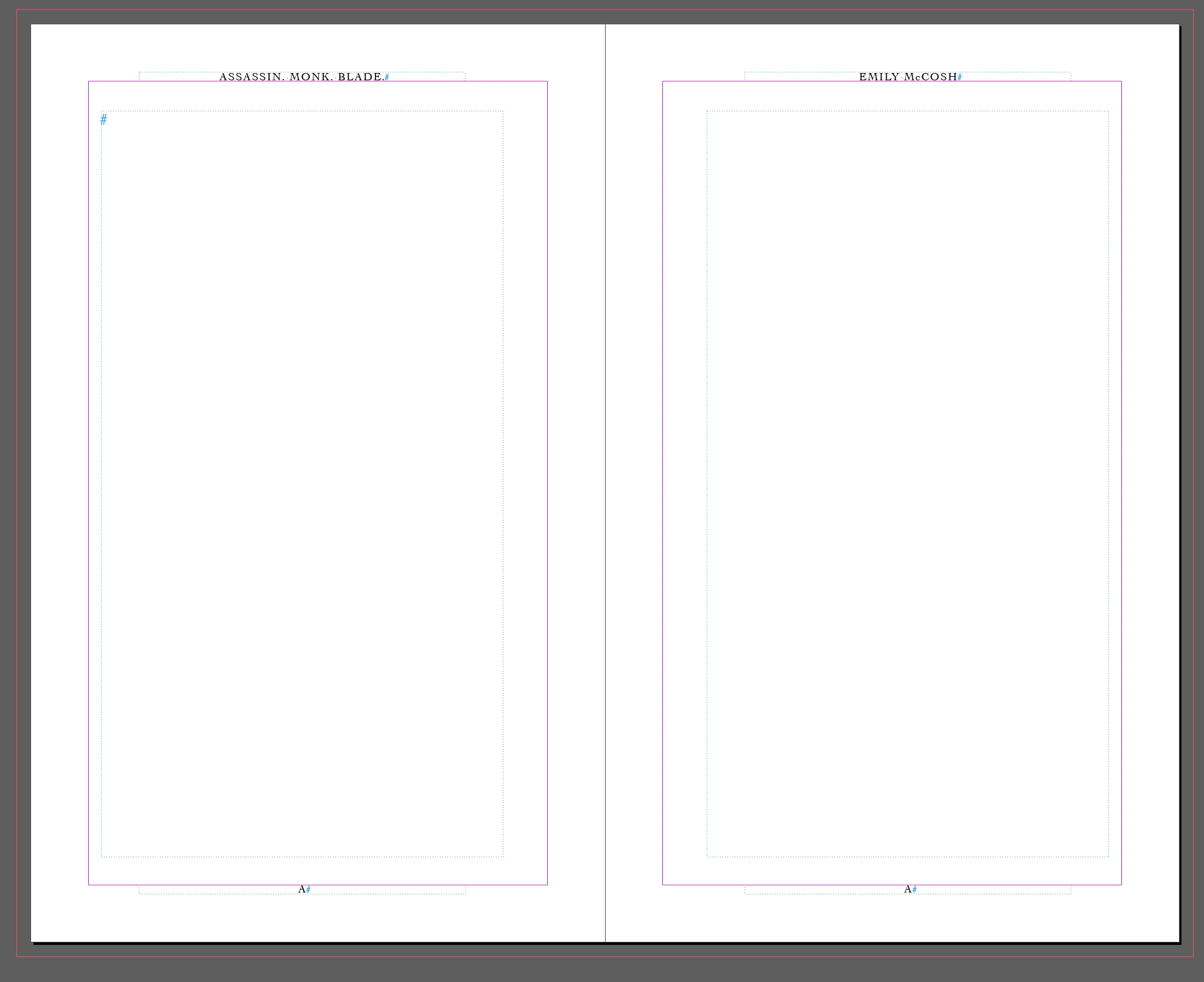
I understand that this must be because placing the text unlocks the text boxes and unlinks them from the parent pages...but I don't understand how I'm supposed to handle this. If I need to go back and nudge out the margins after I've placed the text, I would think this is why parent pages exist, but if they just get automatically unlinked, I don't know what to do.
I've tried reapplying the parent page, but it just pushes the pages I have down and doubles up the page number. I would just delete the pages and reflow the text, but I have some images placed in and I'd rather not have to go through the entire thing again just to replace them, especially when all I want to do is move the text frames out a bit.
Like I said, I've had it work before, and I really have NO idea why it works perfectly sometimes, and sometimes not, when my workflow is the same each time. 😅
I'm sure I'm missing a very basic concept here so thank you all in advance for your help!!


 AdChoices