
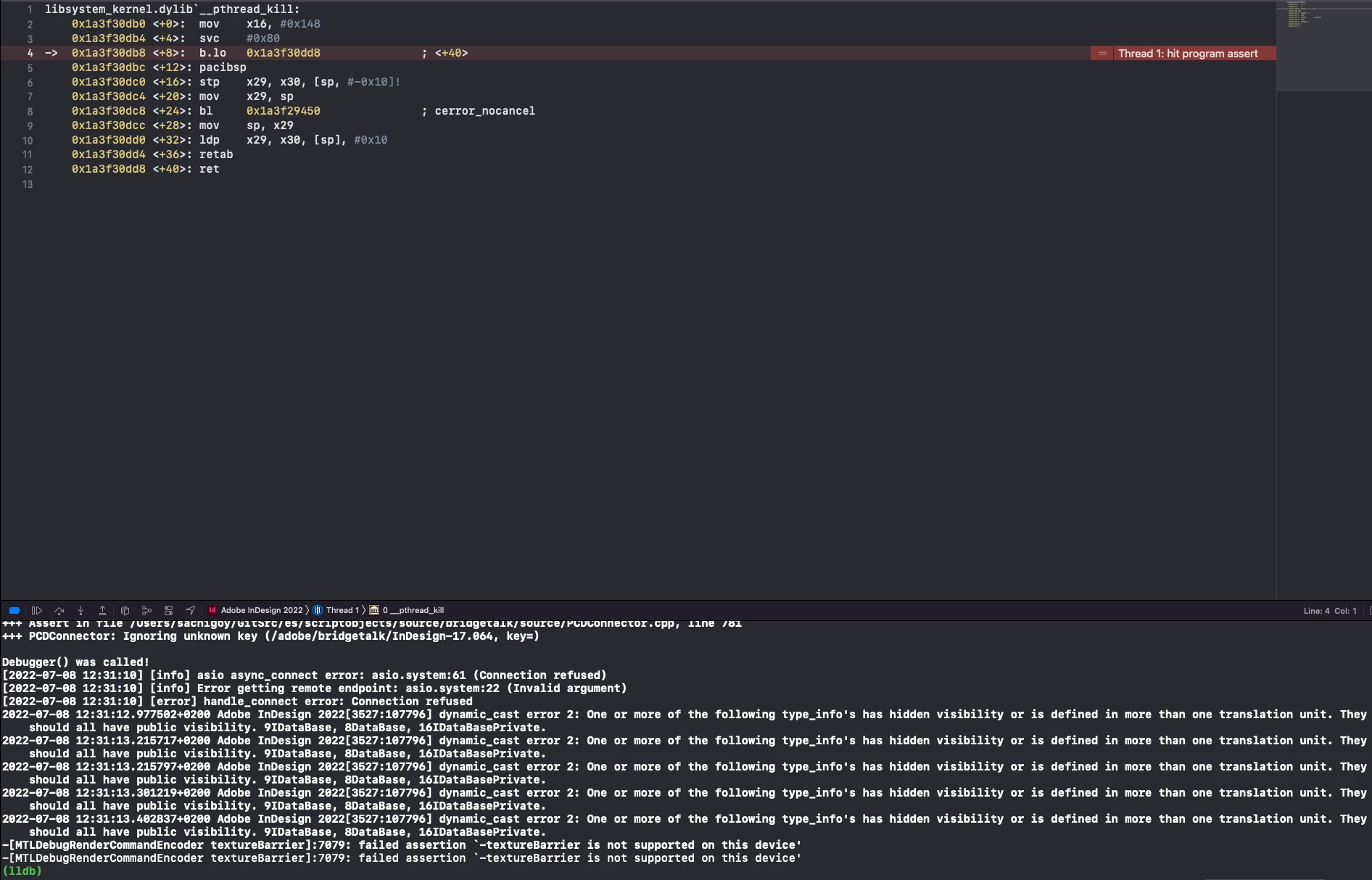
[MTLDebugRenderCommandEncoder textureBarrier]:7079: failed assertion `-textureBarrier is not support
Hi everyone,
I start immediately by saying that I am a beginner so there will probably be big mistakes in what I say, having said that, I'm developing a plug-in on Indesign 2022 Debug, my code compile without error then InDesign 2022 Debug starts correctly, because i want to debug the code, but when i try to load an indesign file, there is this assert or exception or something else that i don't know that block the execution of the program (see photo).
I tried to find out what it could be and i found that textureBarrier is a deprecated method(see photo) used in MacOS 10.11 to 10.14, but I've MacOS 12.3.
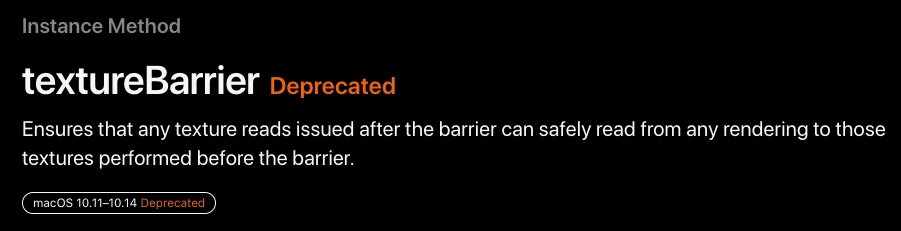
So it makes sense that it gives me a mistake, but I don't know to resolve it.
Someone will probably say "change in the project the target version of MacOs", but it doesn'y work(see photo)

Another strange thing i noticed is that compile for indesign 2022 release it WORKS correctly, WHY??, but i can't debug it, cause it doesn't attack the process☹ (see photo) (if somone konw how to debug the release version tell me beacuse debug is so so slow)
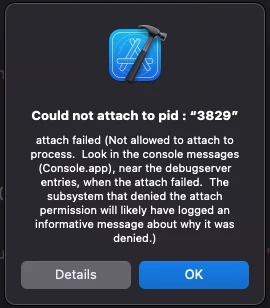
So to resume if i tun it for Indesign 2022 Debug give me the error of textureBarrier, and if i run for Indesign 2022 release it works, but i can't debug that.
One mistake I might have made was moving the project from an imac(2012) with macOS (10.15.7) and compiling the project on the MacStudio without having change anything to the project settings, but honestly I really don't know what I should change.
If it can help i leave the configuration of my computers :
Device : MacStudio (M1 Max)
OS : MacOS (12.3.1)
Indesign : Indesign 2022 (version : 17.2.1.105)
Xcode : Xcode (version : 13.2.1)
Device : iMac (2012 intel)
OS : MacOS (10.15.7)
Xcode : Xcode (version : 12.2)
I really really thank anyone who can help me or at least give me some indication of how to solve it.
Stefano
 AdChoices