Answered
Multiple Arrows from a Single Point - How To?
I want five arrows pointing at different objects, but all starting from the same point. How can I do this?

I want five arrows pointing at different objects, but all starting from the same point. How can I do this?
1. Draw the first arrow with the Line tool. Use the Stroke panel to add an arrowhead. Point it to the first object.
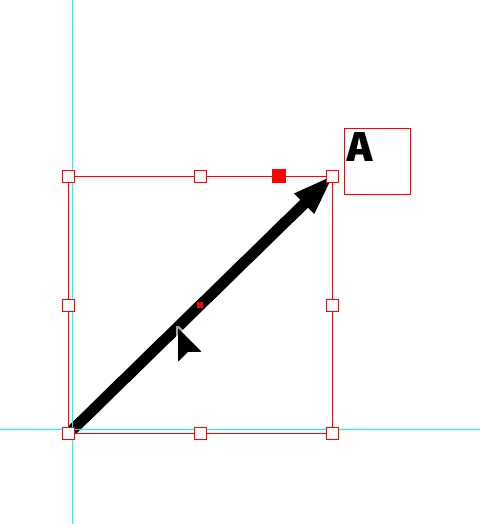
2. With first arrow selected, choose the Rotate tool ( R). Click the origin of the arrow (which you're going to copy and rotate to the second object). This sets the point of rotation. Move outside the arrowhead end and begin dragging. I dragged counter-clockwise. As you drag, hold down the Option/Alt key to duplicate the arrow. Drag it to the second object. Be sure to release your mouse before releasing the Object/Alt key.
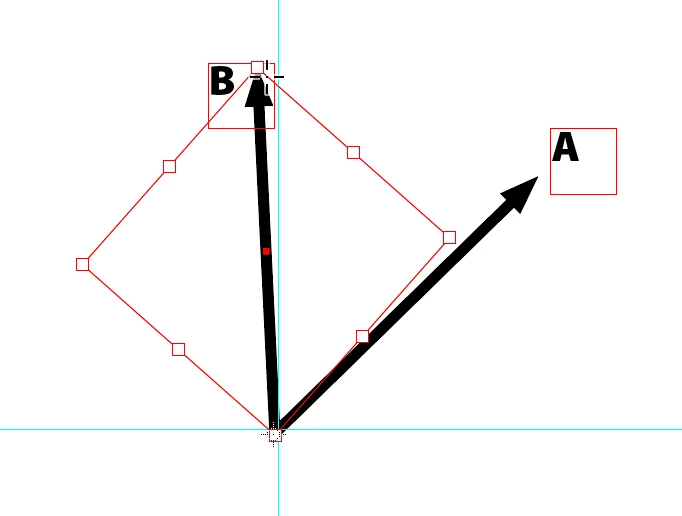
(3) Repeat the steps in #2. Rotate tool still selected. Click the arrow origin. Begin to rotate opposite end of arrow. While dragging, press Option/Alt to duplicate the arrow. Release mouse before releasing Option/Alt.
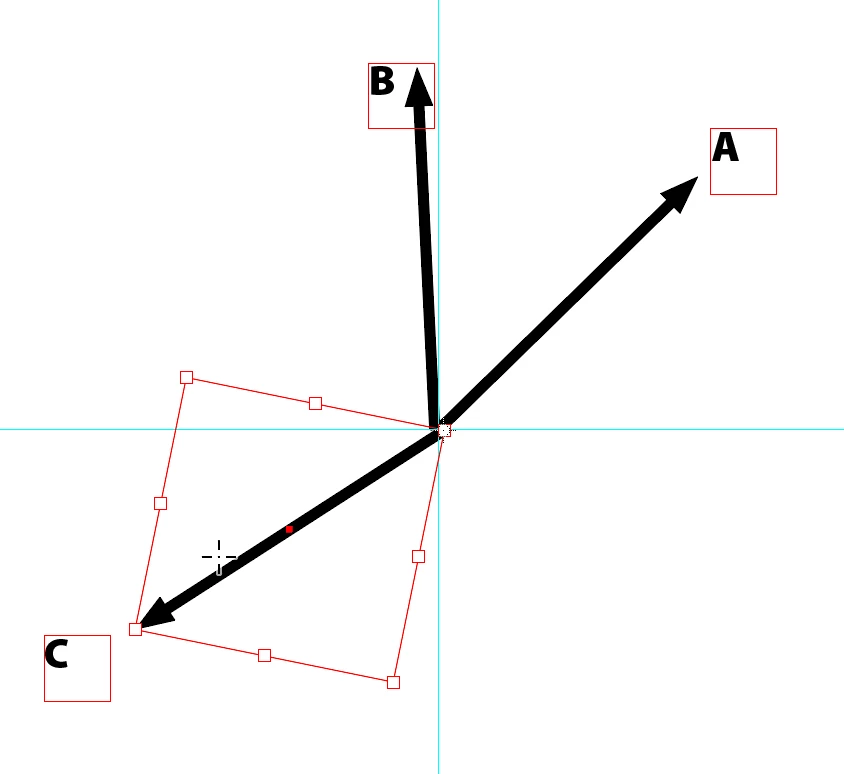
Repeat twice more.
Already have an account? Login
Enter your E-mail address. We'll send you an e-mail with instructions to reset your password.
 AdChoices