Known Participant
January 11, 2017
Answered

Multiply text with background

  • January 11, 2017
  • 3 replies
  • 1928 views

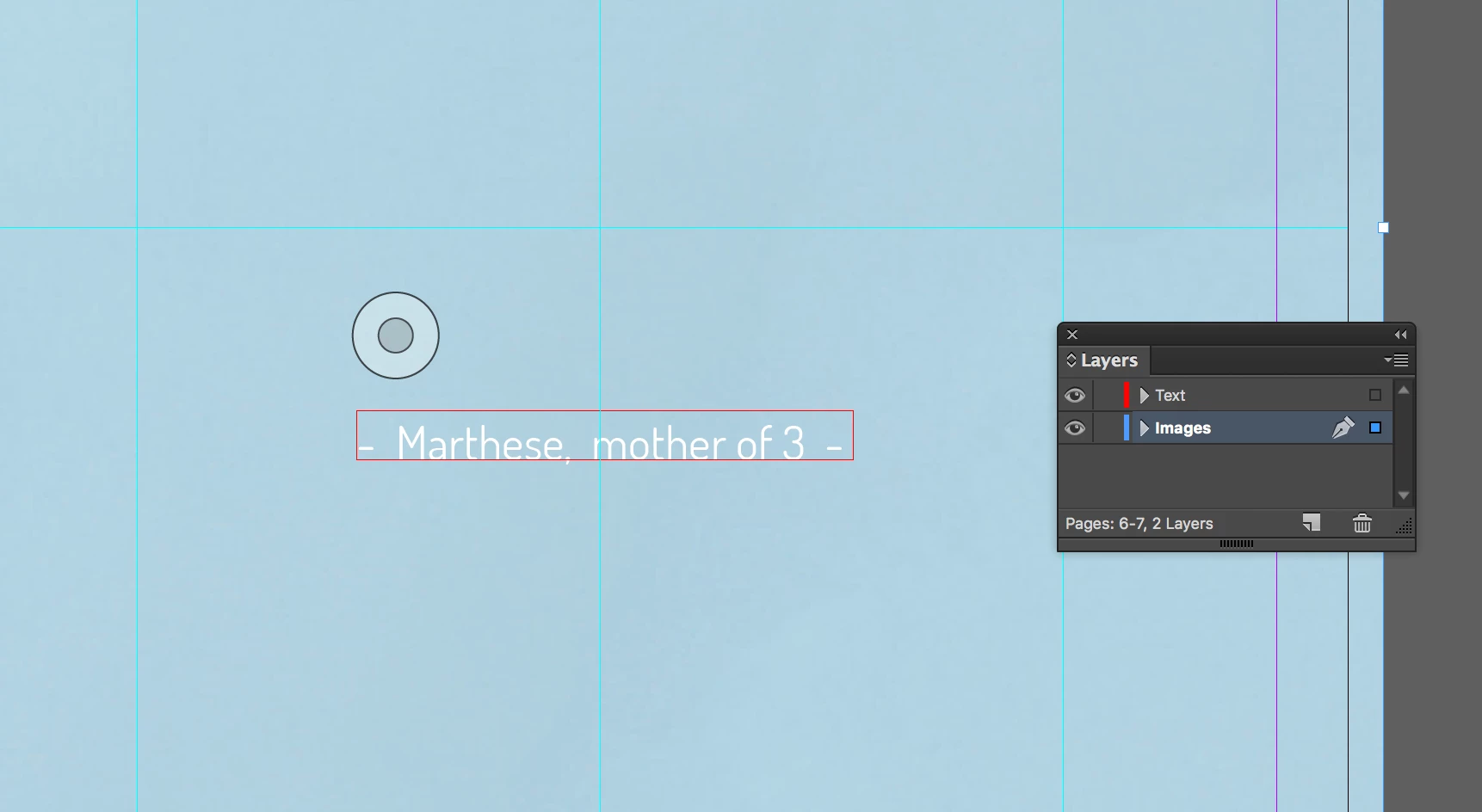
I need to multiply text with a background.
Result wanted is that the text becomes a tint of the background colour (perhaps changing opacitities once multiply has been added)
When multiply effect is added, the text dissapears, even when changing opacity.
    This topic has been closed for replies.
    Correct answer Mike Witherell

    Basic law of multiply and white: white disappears. Perhaps experiment with a different blend mode and a grayscale instead of white?

    3 replies

    Inspiring
    January 11, 2017

    Hi Juliaa

    To get the text to become a tint of the background colour I would use the Swatch Panel and apply the colour to the text then in the Tint value option change it to the desired tint value you are happy with.

    The multiply option in blending mode will blend the top colour (your text colour) with the background colour it is on and as your text colour is whitish it will disappear once you blend it with the darker background colour.

    Doug A Roberts
    Community Expert
    Community Expert
    January 11, 2017

    that's because the text is white. you can't 'multiply' by nothing, so to speak.

    Mike Witherell
    Community Expert
    Mike WitherellCommunity ExpertCorrect answer
    Community Expert
    January 11, 2017

    Basic law of multiply and white: white disappears. Perhaps experiment with a different blend mode and a grayscale instead of white?

    Mike Witherell