Inspiring
August 9, 2022
Answered

My client wants RGB values for Word

  • August 9, 2022
  • 2 replies
  • 614 views

(Apologies as original question was posted in error to Photoshop discussions board)

My client wants RGB equivalents of their Brand colours for use in, for example, Word documents and, therefore, should I simply give them the RGB shown in Swatch Options?


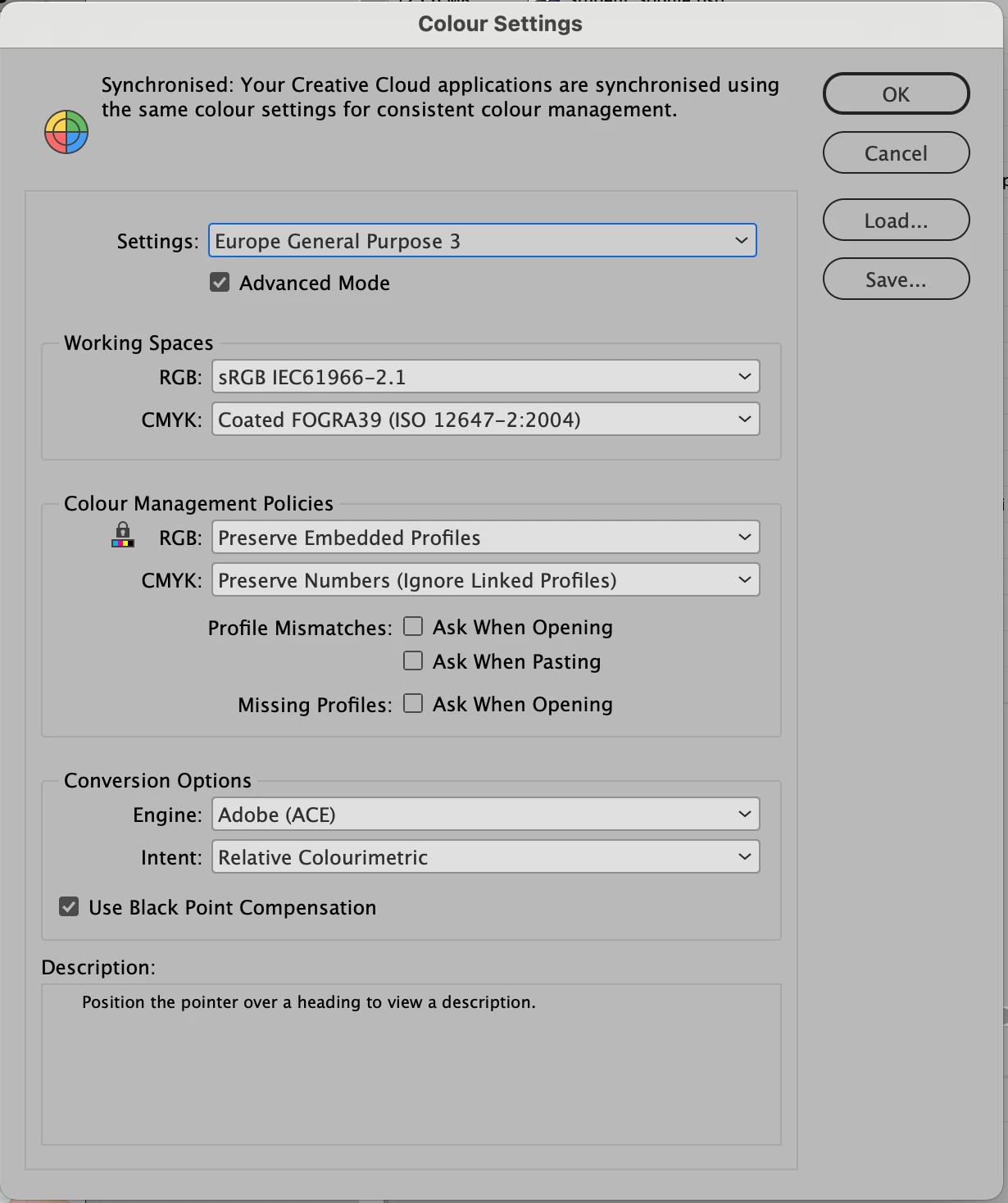
These are my Settings in Bridge.


This topic has been closed for replies.
Correct answer rob day

The problem with defining "The" brand color as a device dependant CMYK color is, its appearance would change depending on the document’s CMYK profile (the print condition).


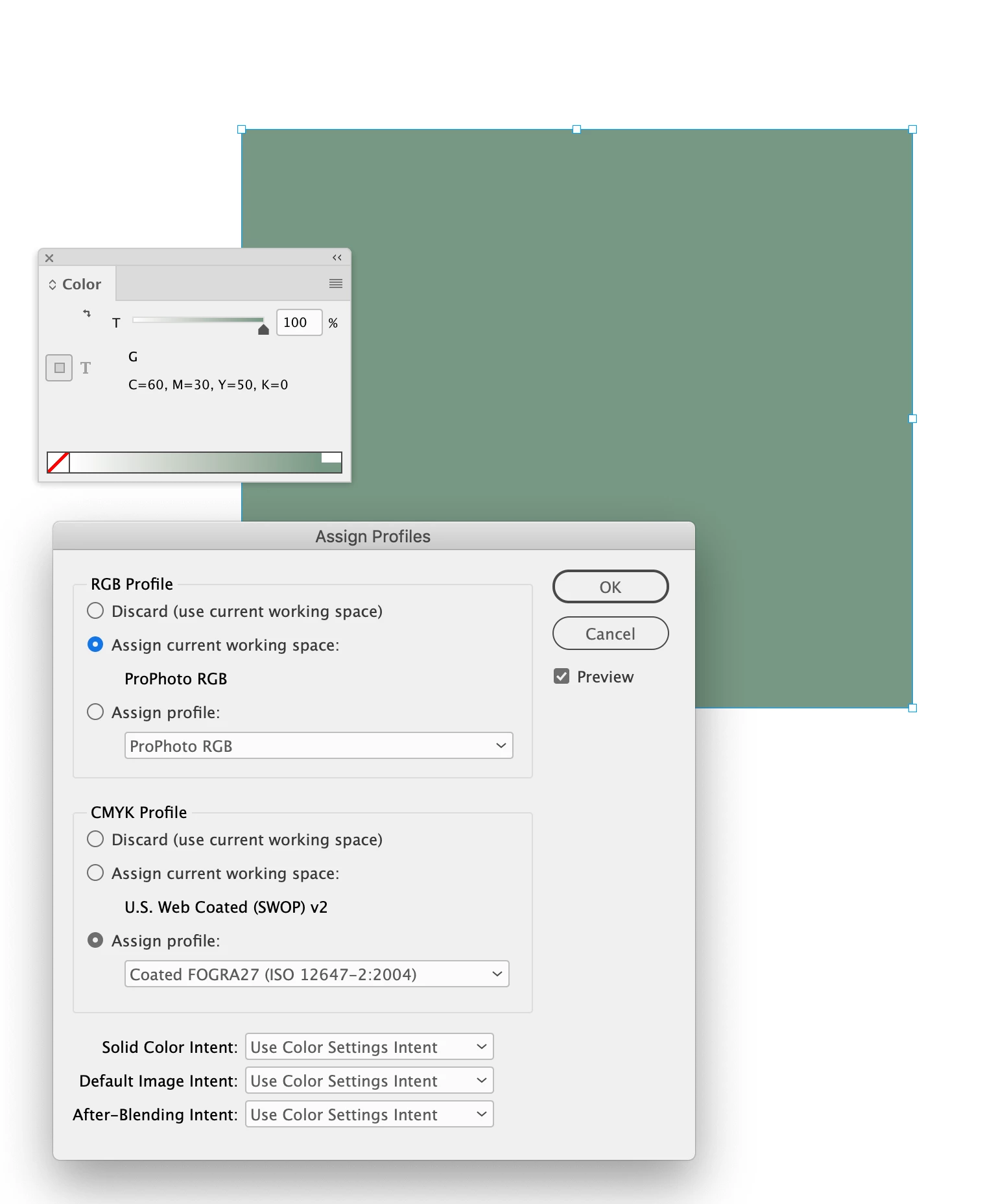
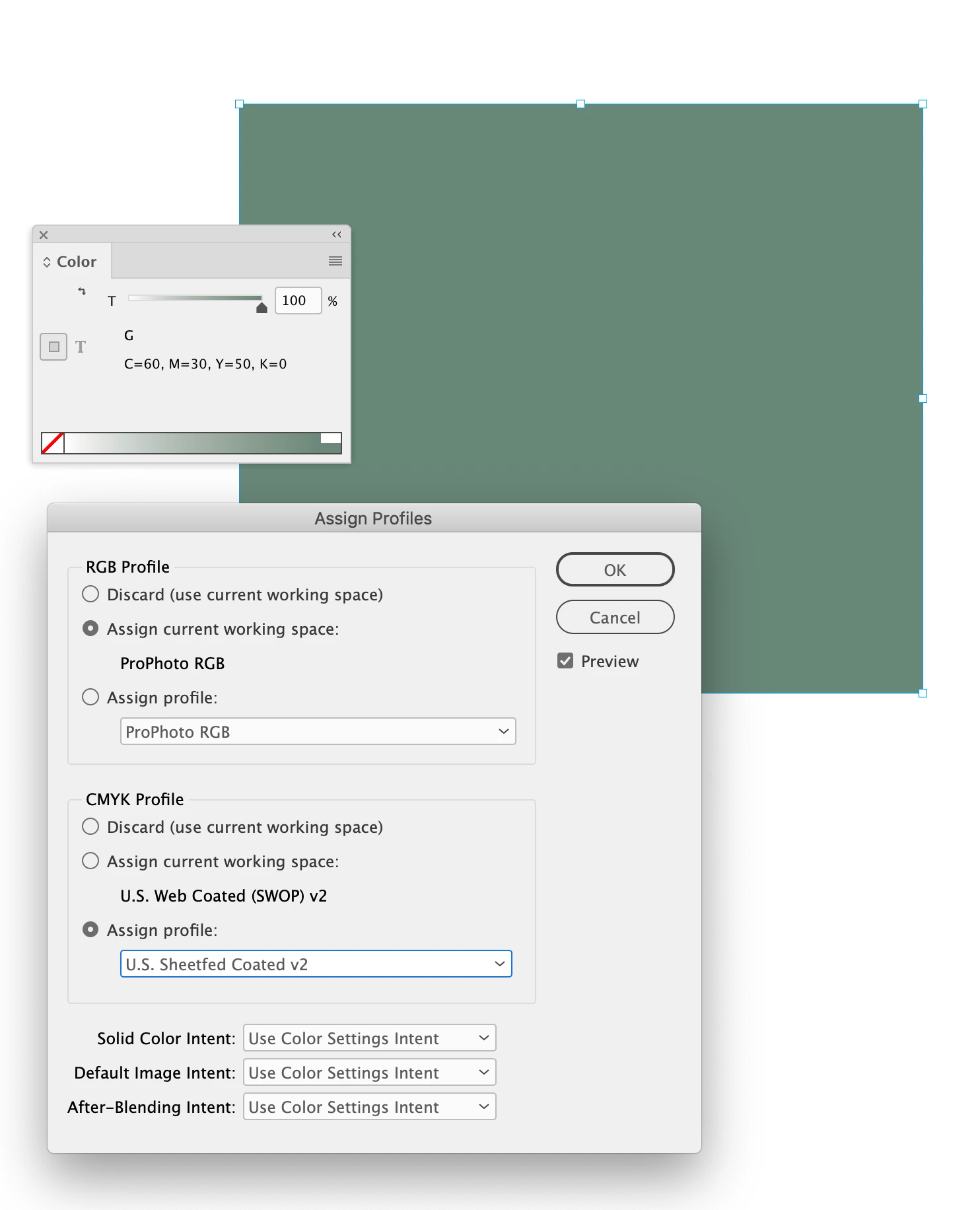
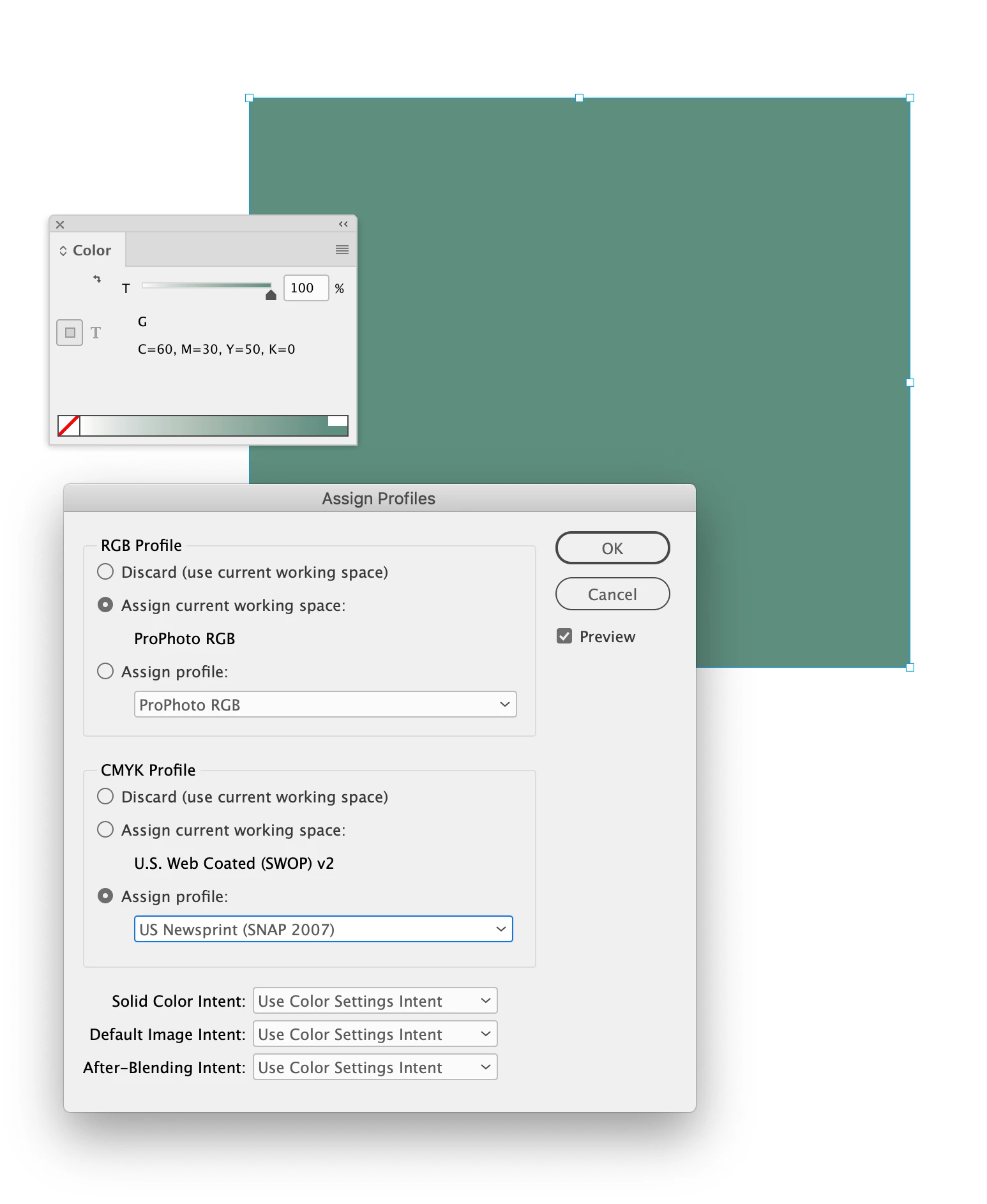
So if you start with a source CMYK color like 60|30|50|0, you can see the value’s appearance changes depending on the assigned CMYK output profile.


Here’s Coated FOGRA27, US Sheetfed Coated, and US Newsprint SNAP. Which one would represent the brand’s intended appearance? In these cases you would get different conversions back to RGB depending on the source CMYK profile assignment.


The Pantone solid ink library swatches are defined as Lab, so the color is not affected by the document profiles. The Lab swatch is displayed directly in the system’s monitor profile—the accuracy of the preview only depends on the accuracy of the monitor profile.


You could also reference a printed PANTONE solid ink swatch as the brand source. Just keep in mind not all Pantone solid ink colors are in the CMYK or RGB gamuts.

2 replies

rob day
Community Expert
Community Expert
August 9, 2022

Hi @Michael5ED9 , If the source for the branding is a Pantone color you can get the sRGB (web default) hex or RGB value by setting your document’s RGB profile assignment (Edit>Assign Profiles, not Color Settings) to sRGB and converting the Pantone+ solid  Lab color to RGB. So for example if the brand color is Pantone 159:


Open the Color panel and change the color to RGB, and you will get the closest sRGB hex or RGB values:


This also might help:

https://community.adobe.com/t5/indesign-discussions/branding-color-guide/td-p/10818696

Inspiring
August 9, 2022

Hi Rob.

No the colours are my own created CMYK values but probably could match to the nearest Pantone. Still a great tip, though, so thanks.

Must admit should know more about this than I do. I'll check out that link. 

rob day
Community Expert
rob dayCommunity ExpertCorrect answer
Community Expert
August 9, 2022

The problem with defining "The" brand color as a device dependant CMYK color is, its appearance would change depending on the document’s CMYK profile (the print condition).


So if you start with a source CMYK color like 60|30|50|0, you can see the value’s appearance changes depending on the assigned CMYK output profile.


Here’s Coated FOGRA27, US Sheetfed Coated, and US Newsprint SNAP. Which one would represent the brand’s intended appearance? In these cases you would get different conversions back to RGB depending on the source CMYK profile assignment.


The Pantone solid ink library swatches are defined as Lab, so the color is not affected by the document profiles. The Lab swatch is displayed directly in the system’s monitor profile—the accuracy of the preview only depends on the accuracy of the monitor profile.


You could also reference a printed PANTONE solid ink swatch as the brand source. Just keep in mind not all Pantone solid ink colors are in the CMYK or RGB gamuts.

Kevin Stohlmeyer
Community Expert
Community Expert
August 9, 2022

Yes give them the RGB breakdowns in your swatch options. Word does not have color management like Adobe products do so your color settings are fine set to sRGB.

Inspiring
August 9, 2022

Cheers Kevin. Have always found RGB conversions a challenge.