alejandram60584567
Participating Frequently
February 13, 2018
Question

My cursor loaded with text does not place the text within the frame created on master page

  • February 13, 2018
  • 3 replies
  • 825 views

Hello,

I am having a problem that is driving me crazy. I am putting together a book. I created the text frames in the master pages,
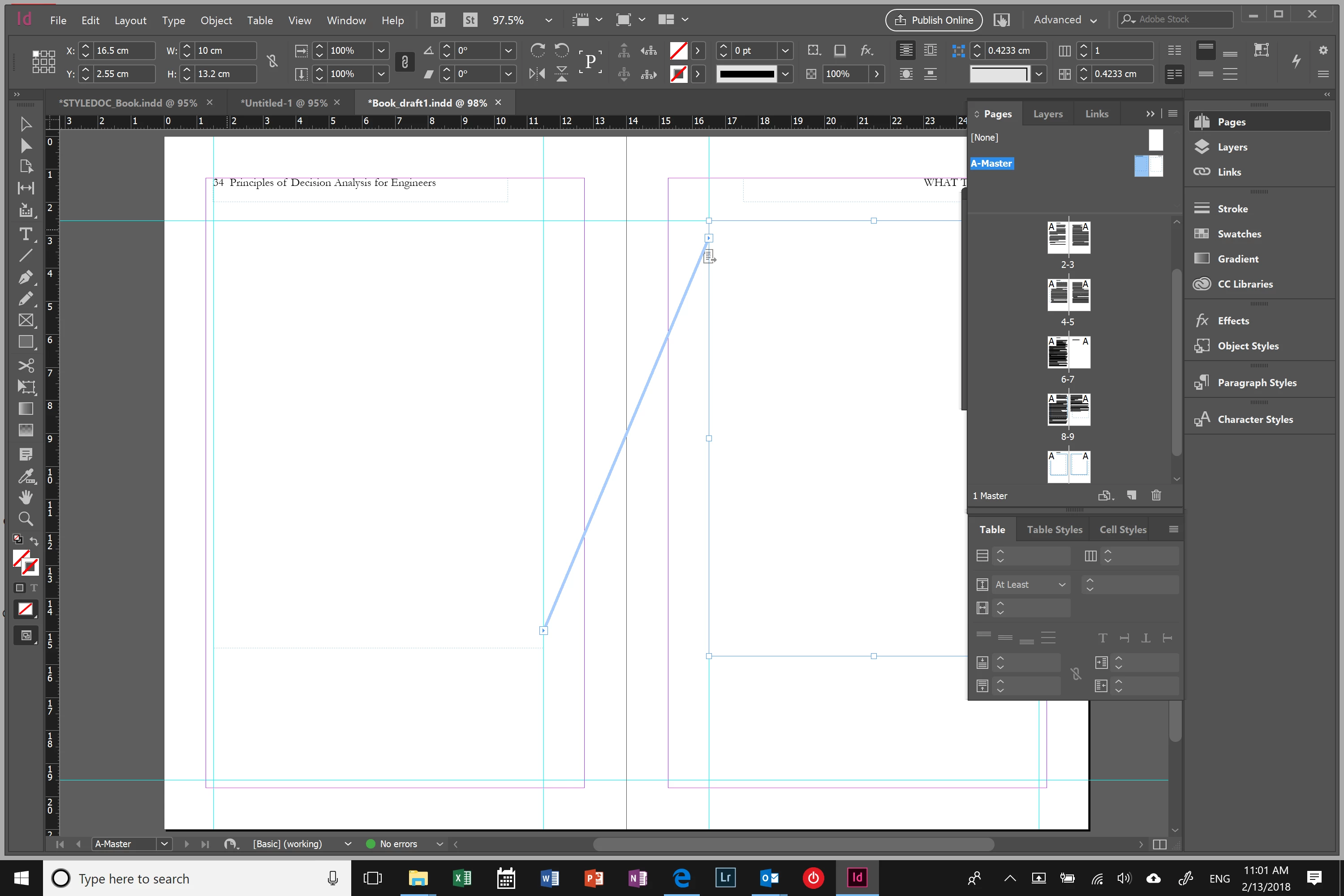
when I try to place the text (smart text reflow), the loaded cursor recognizes the text frame and it does show the parenthesis. However, when I click the shift button to reflow the text only the snake arrow appears (without the parenthesis) - I could not make an screen shot of this-.

Then, I click to place the text and it creates a new text box on a different place and it also creates new text frames in the following pages filling up the margins (my text frames are smaller than the margins to better show it to you).
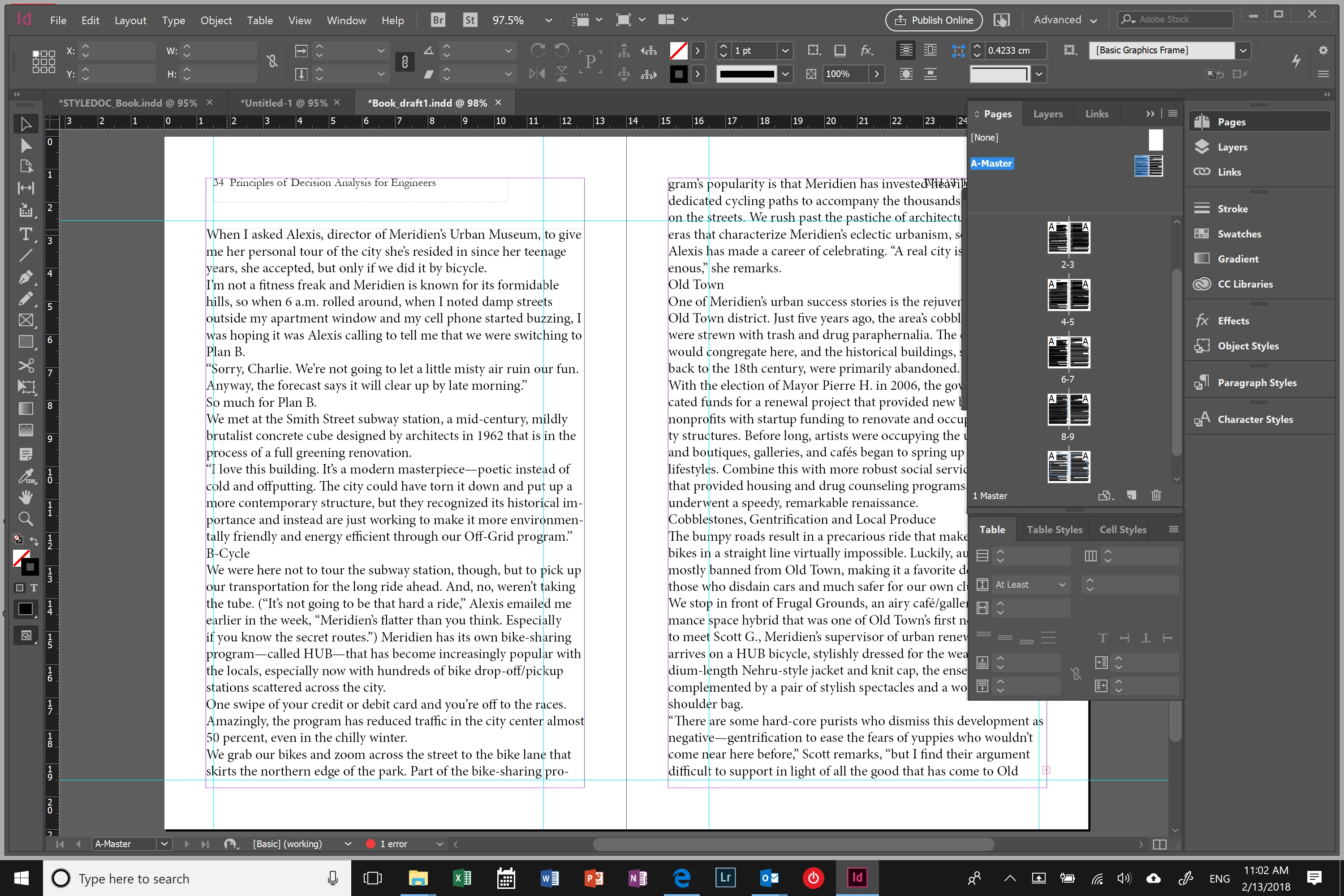
As you can see in the first screen shot I threatened the text frames in the master page and I also selected those text frames as primary text frames in the master page.

I also saw that year ago people asked this same questions without getting a successful answer.

Do you know how to solve this?

Thank you!!

Alex

This topic has been closed for replies.

3 replies

alejandram60584567
Participating Frequently
February 13, 2018

Thanks BarbBinder,

I have tried that... I have spent days on this and it looks that it is not that simple.

I have notice the following:

- When I place the cursor in the text area it shows the icon with the parenthesis.

- When I click shift, the snake arrow appears but the parenthesis disappear.

Also, the text field is framed with a light blue line instead of a dotted blue line.

This is what happens when I click inside the text field:

Any thoughts?

Thanks

Barb Binder
Community Expert
Community Expert
February 13, 2018

Yes. A master page frame edge is dotted—the blue line means there is a frame on the body pages.

You'll need to do some clean up (again, undo is helpful here). Delete the available frames from the body pages, reapply the master pages, and you may need to navigate to the master pages and disable the primary frames—check the body pages one more time for solid blue edges—and then re-designate the master page frames as primary frames.

Save! Then, Shift click in the middle of page 1 and not near the edges when you place your text.

~Barb

~Barb at Rocky Mountain Training
alejandram60584567
Participating Frequently
February 13, 2018

This helped Barb! Thanks!

It now shows the parenthesis when I click the shift button. However, when I try to place it, it places the first text frame in the middle.

How can I avoid this from happening?

Alex

Derek Cross
Community Expert
Community Expert
February 13, 2018

You would also probably find it useful to learn how to use the Microsoft Word Import Options dialogue box:

http://incopysecrets.com/retaining-important-formatting-when-importing-word-documents.php

alejandram60584567
Participating Frequently
February 13, 2018

Thank you Derek,

I already explore that and imported several texts, one of them a cleaned one from Adobe, but that keeps on happening...

Barb Binder
Community Expert
Community Expert
February 13, 2018

Hi Alex:

Choose Edit > Undo and try again, but this time Shift+click the loaded text cursor in the middle of the frame, not near the edges.

~Barb

~Barb at Rocky Mountain Training