


Participant
April 12, 2023
Question

My cutouts keep exporting with a white background, even though there is not one in preview mode

  • April 12, 2023
  • 1 reply
  • 335 views

Help! My cutouts keep exporting with a white background, even though there is not one in preview mode. When I preview the document or export it as a JPEG, everything looks completely fine. But, whenever I try to export or PDF the document, the cutouts develop white backgrounds that were not even initially present in the original picture. I've attached images of what it looks like. Any help is much appreciated! I did the cutouts on PhotoShop, and almost every other one is okay. I just really don't want to have to find and redo all the cutouts if I don't have to!
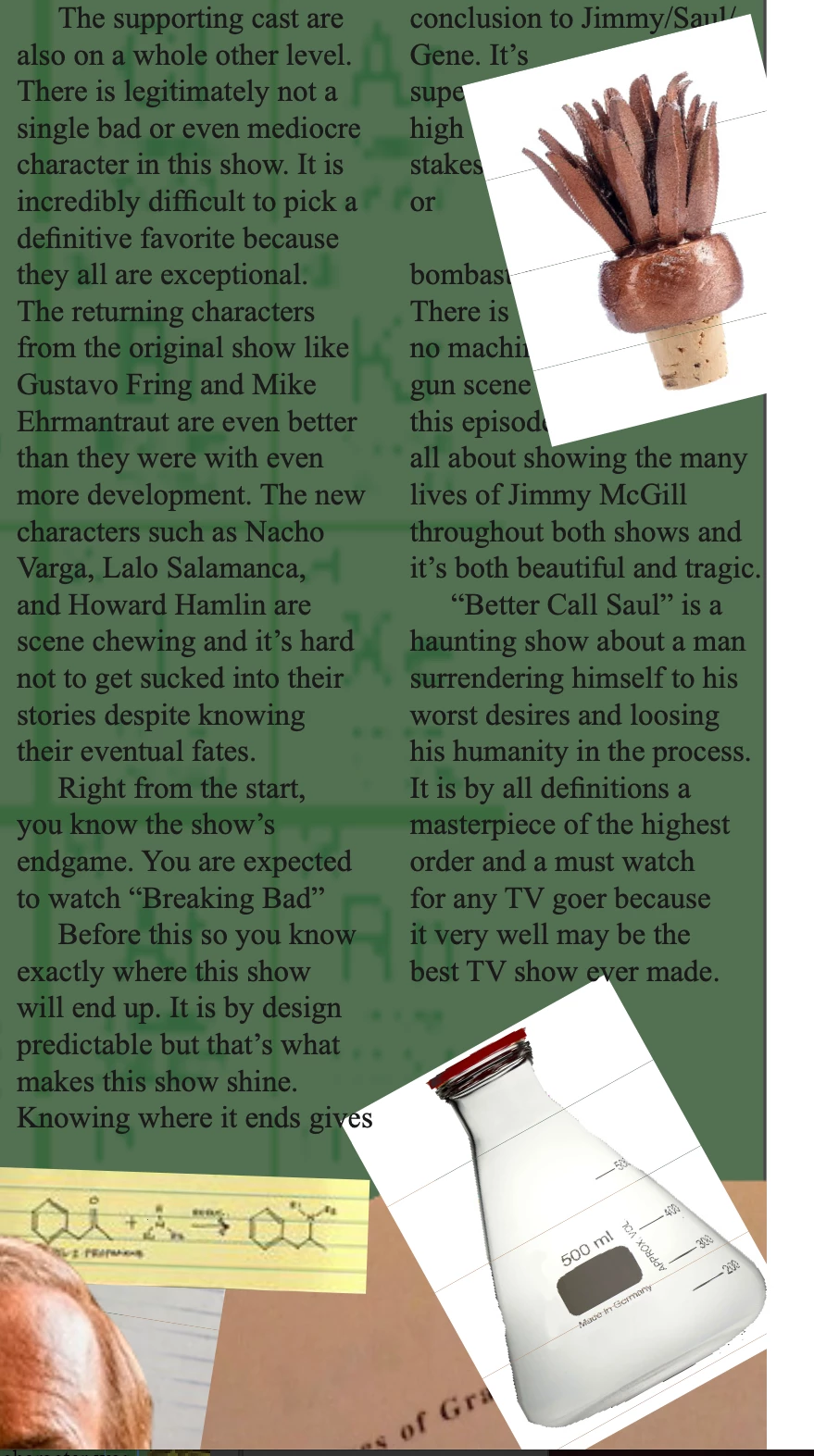
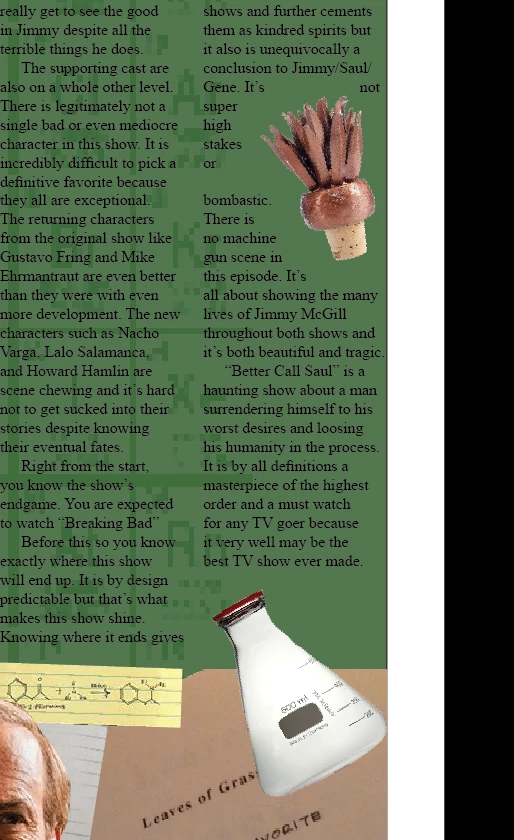
  

This topic has been closed for replies.

1 reply

Scott Falkner
Community Expert
Community Expert
April 12, 2023

What progrm are you using to view the PDF? How are the images masked? Is it a clipping path or a mask?

Participant
April 12, 2023
Sorry, I'm a little bit of an amateur, but I was just opening them in a PDF
viewer. I did the cutout through PhotoShop and then usually use TextWrap to
surround the image, but only some of them were messed up.

When I looked at clipping path, it said I wasn't using it. When I used the
clipping path, it fixed some of the cutouts, but it made some of the other
cutouts pixelated. Please let me know if I can provide any other
information, and sorry if none of this makes sense!
Frans v.d. Geest
Community Expert
Community Expert
April 12, 2023

Make sure to view the PDF in Adobe Acrobat, other pdf viewers may gave trouble with transparency like paths and masks (like Apples own Preview, don't use that)