Participant
February 12, 2019
Answered

My inDesign exports as an illustrator file? Pdf is not working?

  • February 12, 2019
  • 2 replies
  • 434 views

Hi Community,

I have a big problem... I'm currently on InDesign 14.0.1

I have a file of 22 pages with text and images and hyperlinks connected to the images.

When I export this as a PDF (Interactive) my file becomes a illustrator file but with the .pdf behind it? (very weird).

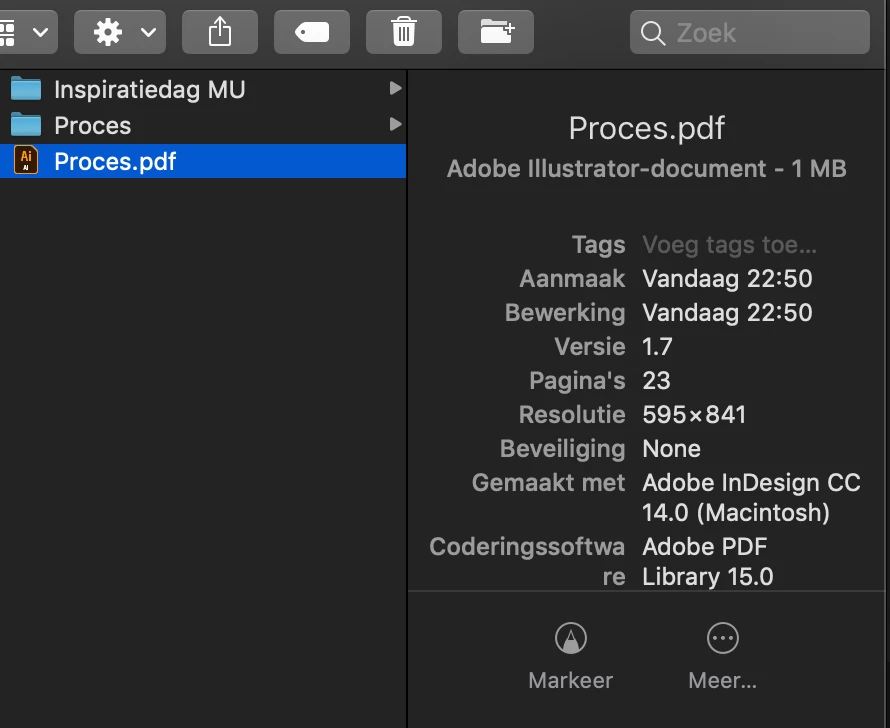
It looks like this in my Finder:
When I open it, It opens Illustrator with this message:
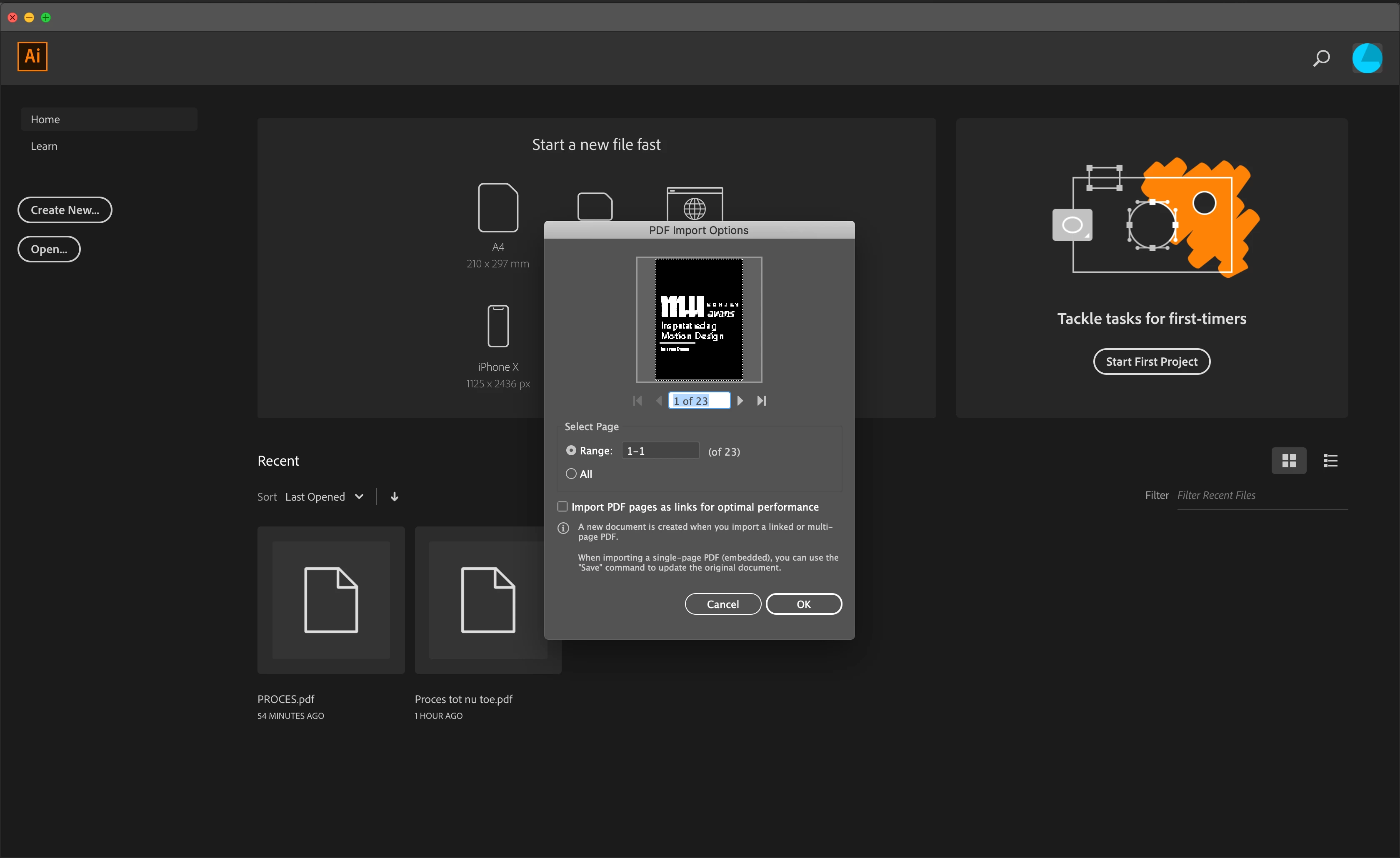
My Illustrator is on version 23.0.1

But the problem is I want it as an Interactive PDF

Also when I export from InDesign as PDF (print) I have the same problem...

Hope you can help...

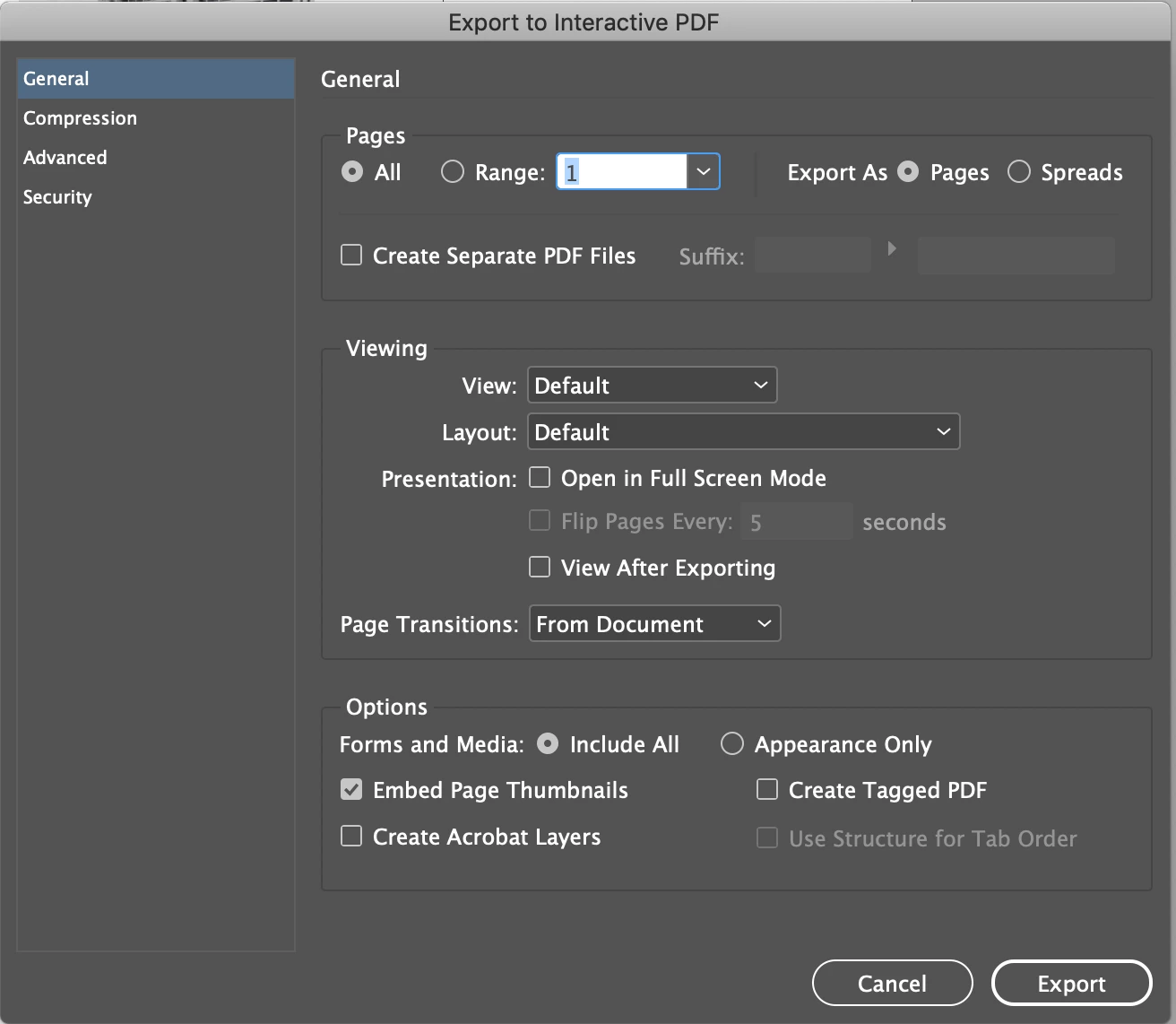
These are my export settings:
This topic has been closed for replies.
Correct answer JonathanArias

its is not becoming and illustrator file. its a .pdf. your file association is just off and its showing an illustrator preview icons instead of a .pdf preview icon.

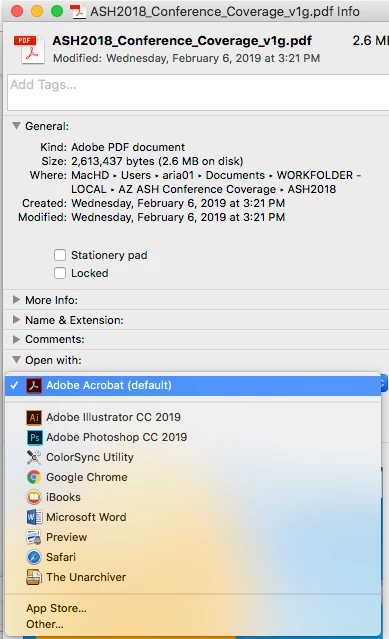
Select that .pdf. go command "i", in the properties, under, open with. select acrobat and tell it to apply as default, like this:

2 replies

Abambo
Community Expert
Community Expert
February 12, 2019

It doesn’t become an Illustrator file, but you instructed your OS to consider PDF files as Illustrator files. This is OS related, and you need to reattribute the PDF extension to Acrobat again. How this can be done should be asked in an Apple forum.

ABAMBO | Hard- and Software Engineer | Photographer
JonathanArias
JonathanAriasCorrect answer
Legend
February 12, 2019

its is not becoming and illustrator file. its a .pdf. your file association is just off and its showing an illustrator preview icons instead of a .pdf preview icon.

Select that .pdf. go command "i", in the properties, under, open with. select acrobat and tell it to apply as default, like this:

larsvdAuthor
Participant
February 12, 2019

It worked, thanks for the provided screenshot!

Feel so dumb

BobLevine
Community Expert
Community Expert
February 13, 2019

Don’t. You’re not the first to report this so whether it’s an Adobe thing or an Apple thing, it’s not something you did.