
Mysterious padding around table - no inset set
Hi,
I'm working with a table in InDesign. When I click on it, there are several different "frames" that appear around it (not that that's what they actually are, I just can't think of a better way to describe them).
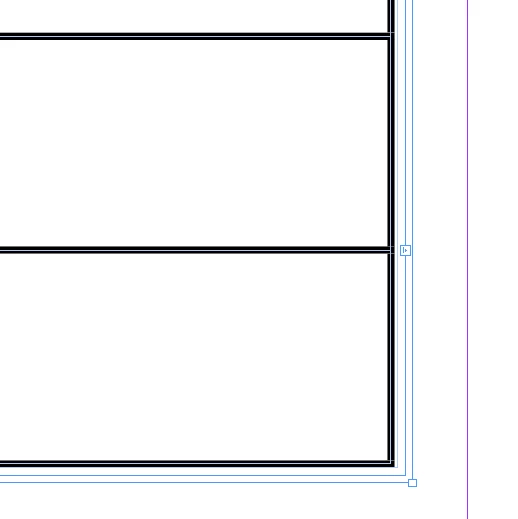
I'm not used to this - normally the bounding boxes around tables come right up to the center of the stroke, like the below table that I created in the same document as above.
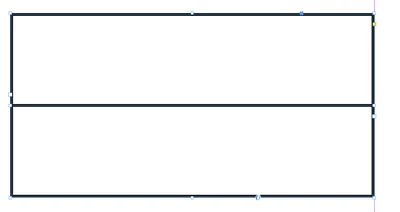
I've checked inset spacing and have ctrl +alt + C'd (Fit frame to content). My original table with all the frames is a threaded table (too much content for one page) but I don't think that has anything to do with it, as I'm seeing the same issue in a similar document with a table that is not threaded.
Not a huge deal when it comes down to it, but it's just not what I'm used to and it's throwing me off. Would love to know why it is behaving like this if it's some setting that's right in front of my face that I'm missing. Thanks!
 AdChoices