
Zaiquiri
Participant
February 1, 2019
Question

Mysterious text frame padding

  • February 1, 2019
  • 2 replies
  • 1240 views

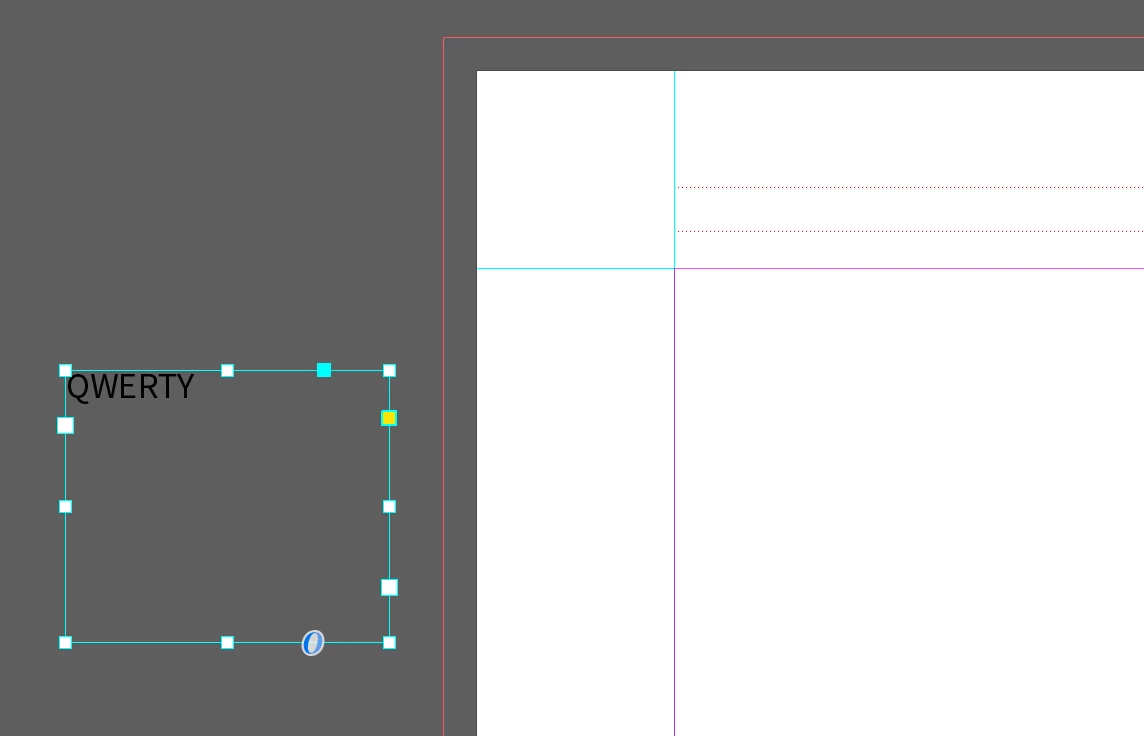
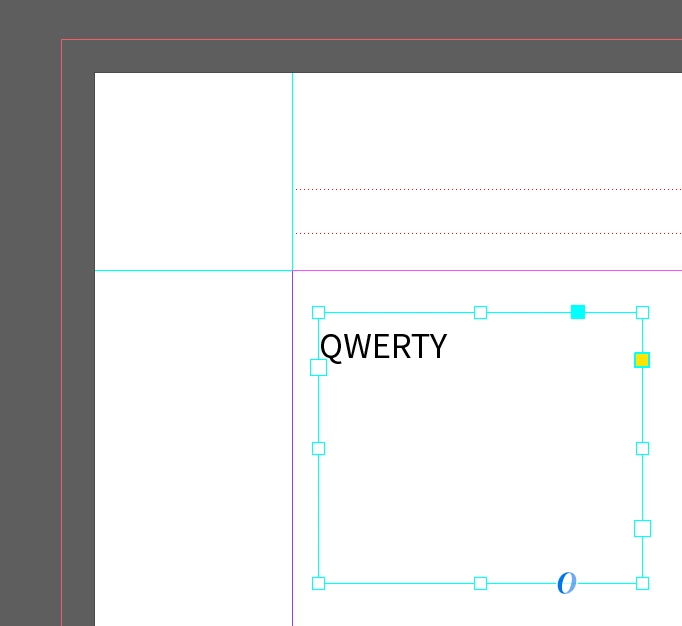
I've been working with an InDesign template that appears to have a setting somewhere that tells all text frames to give a small top padding when on the spread. I cannot figure out what is defining this behavior. In the first photo, I created a text box off the spread, and as you can see, there is no top padding. Then I dragged it onto the spread, and a padding appears. Any idea what setting is causing this behavior?
    This topic has been closed for replies.

    2 replies

    Community Expert
    February 1, 2019

    Hi Zaiquiri ,

    my guess is that the text in your frame is following the baseline grid of the document that you can control from InDesign preferences.

    See into the applied paragraph style to turn it off. Or to the Properties panel after selecting the text. Or see into the Paragraph panel.

    Here my Properties panel from my German InDesign CC 2019 showing the function turned on:

    If that happens to you all the time after adding a text frame turn the function off when no text is selected.

    Regards,
    Uwe

    Community Expert
    February 1, 2019

    You most likely have "Align to Baseline Grid" turned on. In the Paragraph panel, lower right you can turn on or off.