
Need advice for Data Merge and possible scripting
Hello Community,
I'm more or less an InDesign newbie, just learning as I go based on individual project needs. Those projects are typically rare, but this is one that keeps coming back and I want to refine the process as much as possible.
I have a booklet that I've put together that pulls data from a .csv and arranges it in a predfined A4 template.
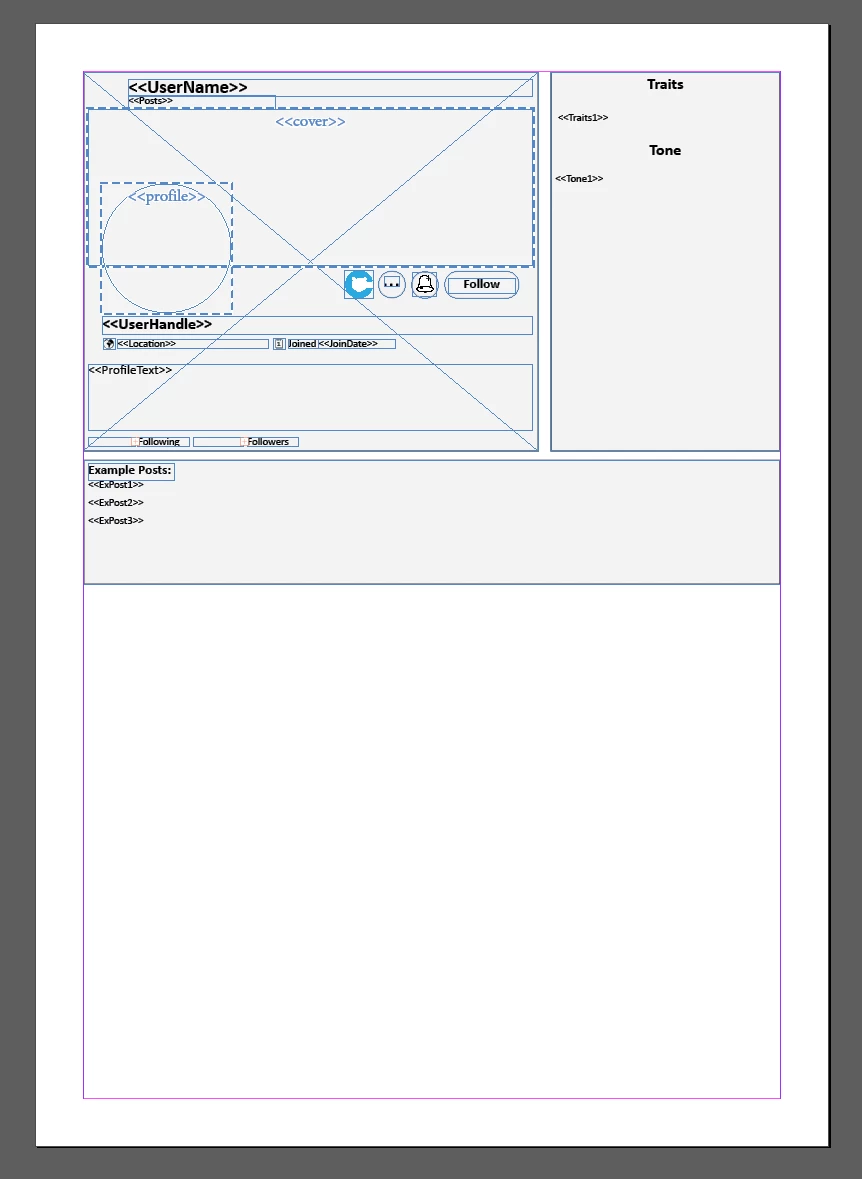
Then, the create merged document duplicates that template and puts two to a page.
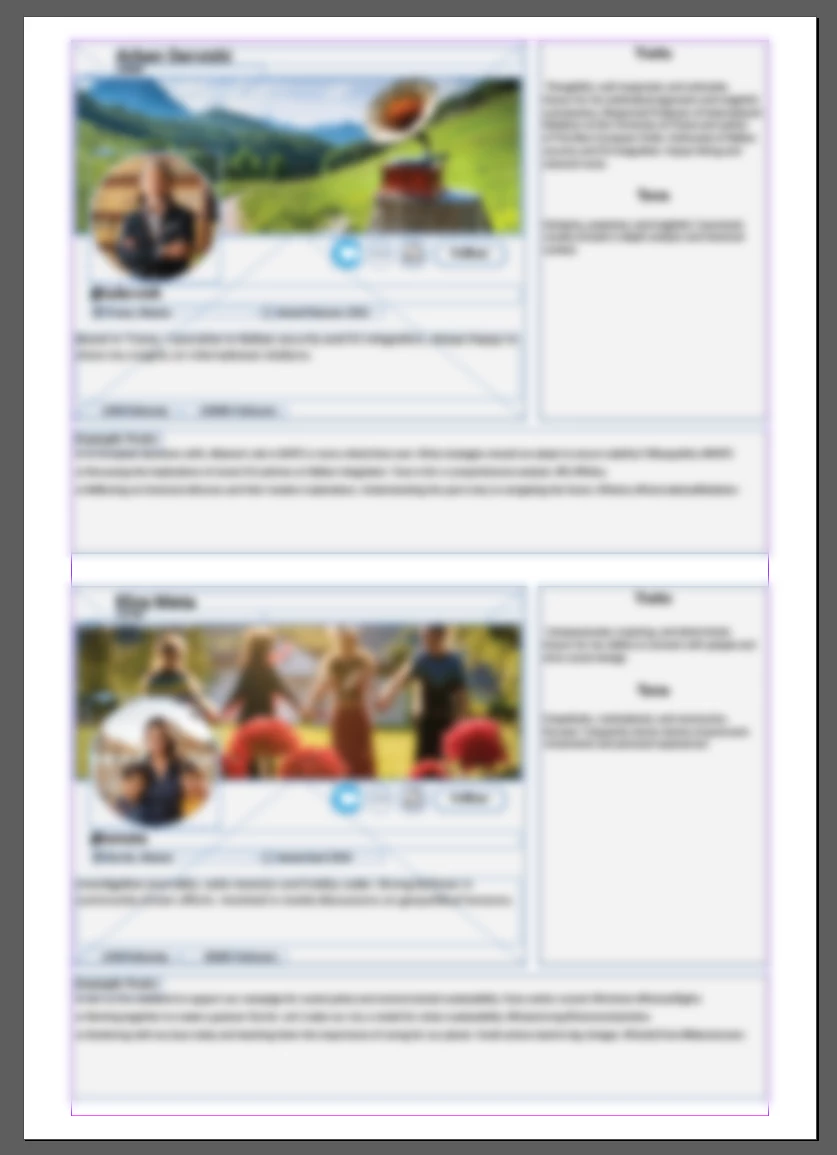
However, the final booklet needs some section headings and title pages. At the moment my process has been to just leave an extra row in the .csv to make that template section empty so that it can be manually deleted after the merge.
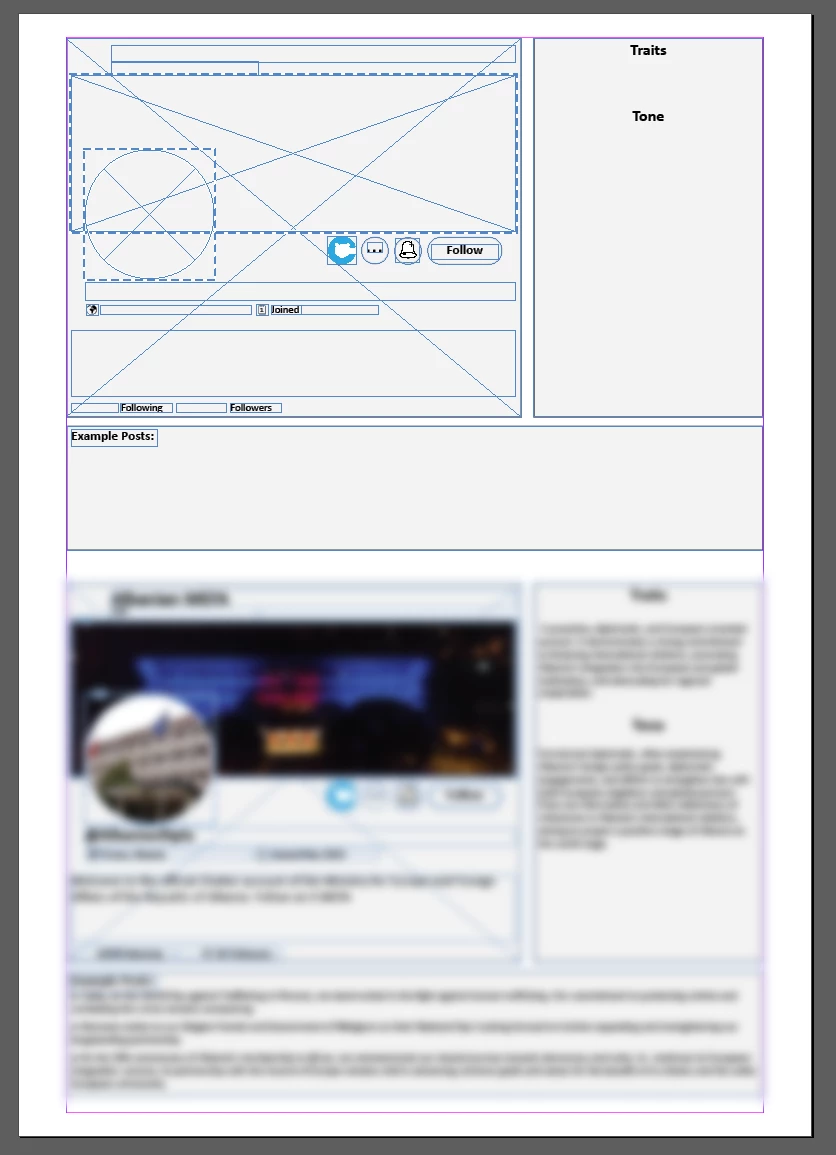
And then I manually go through and delete the empty areas and add section headings to each area where there is now a void.

And the last step is to then manually drop in these Title or Chapter pages (if you will) between the major "sections". For this I also leave rows empty in the .csv where a collection of records wouldn't naturally end with a full page.
What I would *like* to do is have this process be automatic in the process of the create merged document (if that's possible). Through my own research I've found hints that it could be possible through using different Master Pages, putting the right keywords into the .csv at the appropriate section/title pages and then using a script within InDesign. But I wanted to be sure that it's actually possible before I launch myself down that rabbit hole.
And, of course, if anyone has any specific tips or advice (maybe something glaringly obvious that I'm missing), I'd be glad to hear it.
TIA


 AdChoices