Hello Amanda!
Below are two different scripts, the first one is for changing the swatches per your requirements and the second one is for "looking for text and changing to" you'll just to modify the "What you want to find" and the "Change to" for your needs. You could combine the two scripts together if you wanted.
re: This isn't something we do every day, but we have hundreds of documents to process and the find/change function in Indesign is great, but scripts will cut down on time, which matters with this many documents.
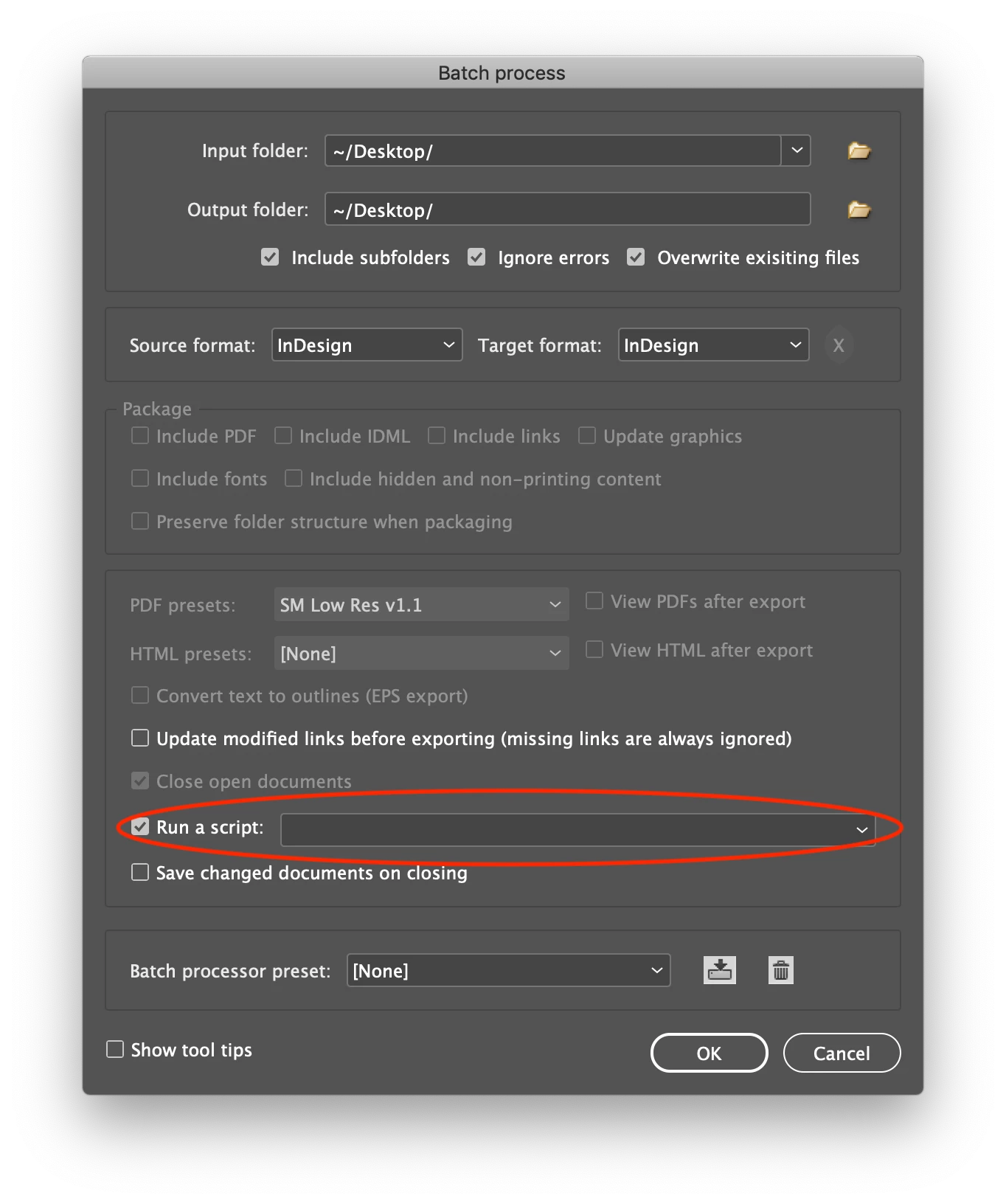
You could use Peter Kahrel's batch_convert.jsx to run either of the scripts I posted to run on all the Indesign documents that need to be proessed in one shot.
https://creativepro.com/files/kahrel/indesign/batch_convert.html
Note: all three swatches must exist in the document(s) for this script to work.
var doc = app.activeDocument;

doc.colors.item("C=82 M=100 Y=11 K=0").remove("GGS purple");

doc.colors.item("GGS purple").remove("PANTONE 186 C");
var doc = app.activeDocument;

//Clear the find/change text preferences.
app.findGrepPreferences = NothingEnum.nothing;
app.changeGrepPreferences = NothingEnum.nothing;

//Set the GREP find options (adjust to as needed)
app.findChangeGrepOptions.includeFootnotes = false;
app.findChangeGrepOptions.includeHiddenLayers = true;
app.findChangeGrepOptions.includeLockedLayersForFind = true;
app.findChangeGrepOptions.includeLockedStoriesForFind = false;
app.findChangeGrepOptions.includeMasterPages = true;

//Look for the text and change to
app.findGrepPreferences.findWhat = "What you want to find";
app.changeGrepPreferences.changeTo = "Change to";
doc.changeGrep();

//Clear the find/change text preferences.
app.findGrepPreferences = NothingEnum.nothing;
app.changeGrepPreferences = NothingEnum.nothing;
Regards,
Mike

 AdChoices