

Yogesh Yogi
Participant
April 1, 2026
Question

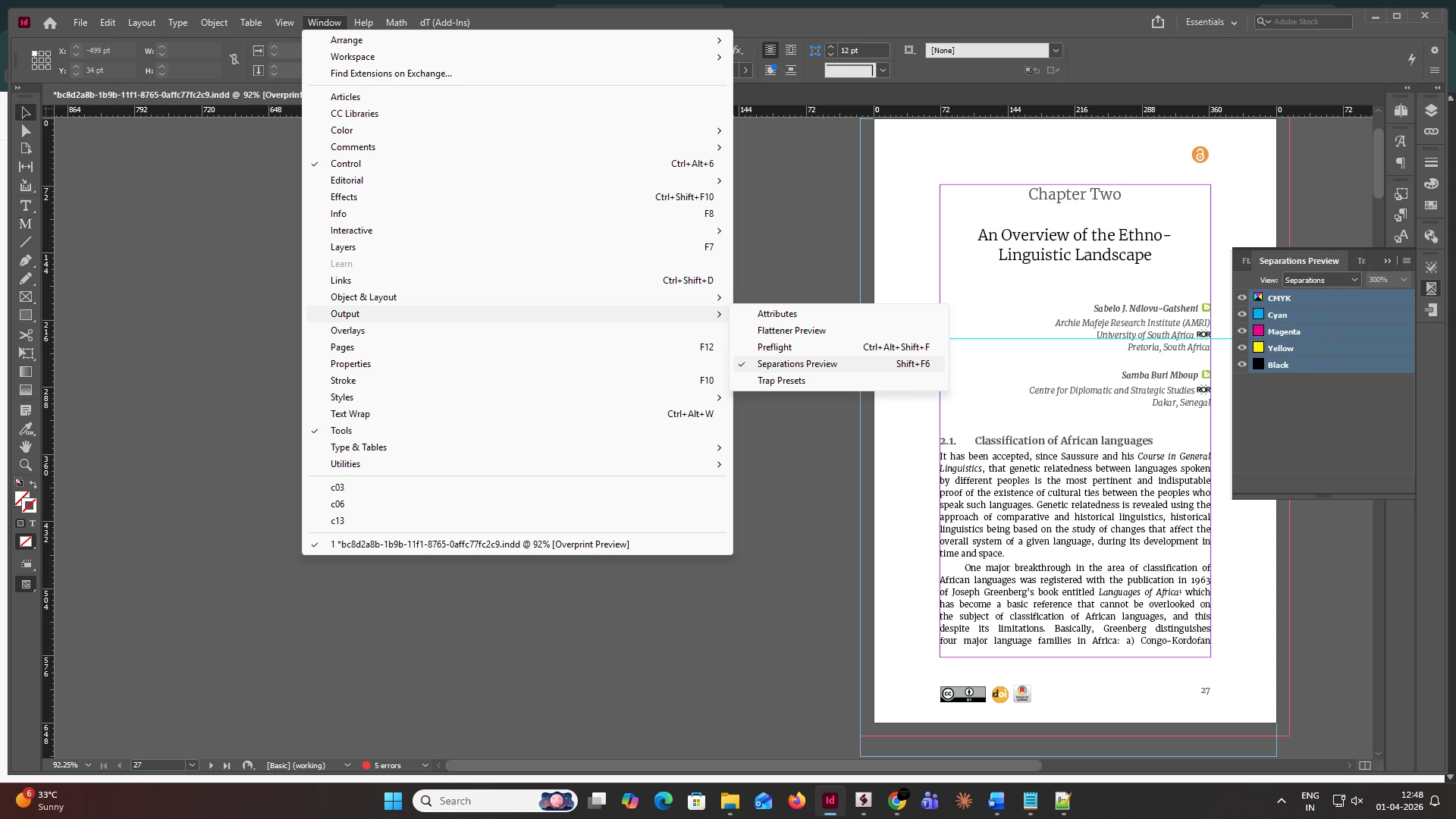
Need help in Finding the syntax for separation preview

  • April 1, 2026
  • 2 replies
  • 62 views

Need help in Finding the syntax for separation preview….. In the InDesign We are automating the flow through extendtool kit using Javascript where we are facing the problem finding the Proper Syntax for accessing the Separation previews in the Windows panel …. InDesing App » windows » separation previews.. also the shortcut for that is “Shift+F6”. Kindly provide me the Syntax.
 

    2 replies

    rob day
    Community Expert
    Community Expert
    April 1, 2026

    Hi ​@Yogesh Yogi ,  Maybe this?:


    var op =  app.menuActions.itemByName("Overprint Preview")
    if(!op.checked){
    op.invoke();
    };

    Before and after:


    Yogesh Yogi
    Participant
    April 2, 2026

    Hi ​@rob day 

    Thank you. This works fine. However, I also need to enable/disable specific CMYK options (for example, activating or deactivating Yellow or Cyan).

    Could you please provide the syntax for this? I would really appreciate it.

    rob day
    Community Expert
    Community Expert
    April 2, 2026

    I don’t think there is a way to manipulate the Separation Preview’s inks display via JS.

    Community Expert
    April 1, 2026

    Hi ​@Yogesh Yogi  what exactly do you want to achieve? Open this panel? If so then you can use the following code

    app.panels.itemByName("Separations Preview").visible = true

    -Manan
    Yogesh Yogi
    Participant
    April 1, 2026

    Hi ​@Manan Joshi Thank you for the response, But this syntax only make the separate previews visible and not visible …. and I can’t able to access the options inside that separation preview panel…. is there Any other syntax can help me to access inside the separation previews 


    Community Expert
    April 1, 2026

    I am not able to understand what you are trying to say. Please elaborate it. What exactly do you want to do. You said “But this syntax only make the separate previews visible and not visible” how can something be visible and also not visible.

    Now about options inside the panel, which options do you want specifically?

    -Manan