var doc = app.activeDocument;
var characterStyle = doc.characterStyles.itemByName("ISmallcap");
if (characterStyle.isValid) {
  characterStyle.capitalization = Capitalization.SMALL_CAPS;
}
The oboce code works, just tried it, anyhow thanks for the response @Laubender
I tried , but I don't see that property, I can see only capitalization with small cap, so only i posted
var doc = app.activeDocument;
var charStyles = doc.characterStyles;
for (var i = 0; i < charStyles.length; i++) {
   $.writeln(charStyles[i].capitalization);
  //charStyles[i].capitalization = Capitalization.SMALL_CAPS;
}
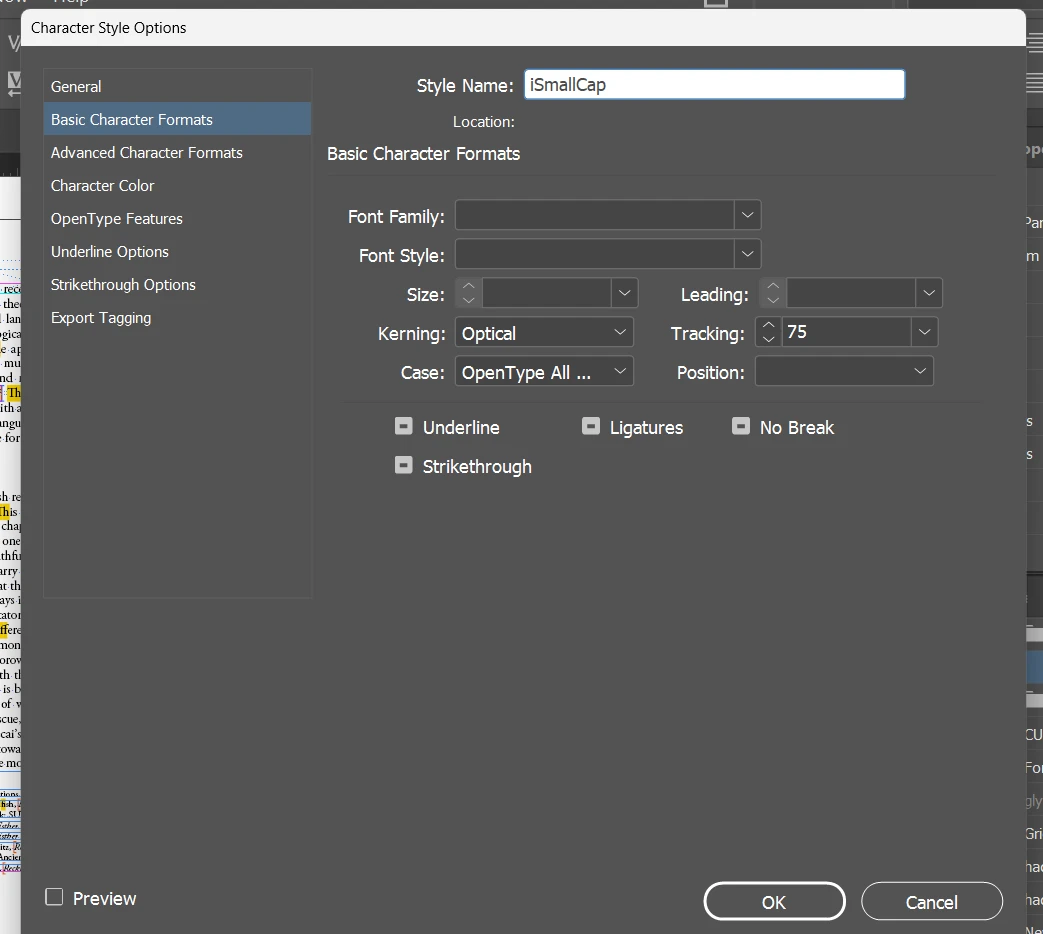
I am trying to change "Case" in basic character formats from "openType All small Caps" to "Small Caps" of particular characterStyle but i am unable to get it
var doc = app.activeDocument;
var characterStyle = doc.characterStyles.itemByName("ISmallcap");
if (characterStyle.isValid) {
  characterStyle.capitalization = Capitalization.SMALL_CAPS;
}
The oboce code works, just tried it, anyhow thanks for the response @Laubender

 AdChoices