veronicad61354798
Participant
November 10, 2021
Answered

No break certain words

  • November 10, 2021
  • 2 replies
  • 592 views

Is there a way to set up certain words with No Break? For example, the name of the company, I don't want to hyphenate but it is. I know I can set up a character style to correct it but I was hoping to set up the word to NEVER break. 
This topic has been closed for replies.
Correct answer jmlevy

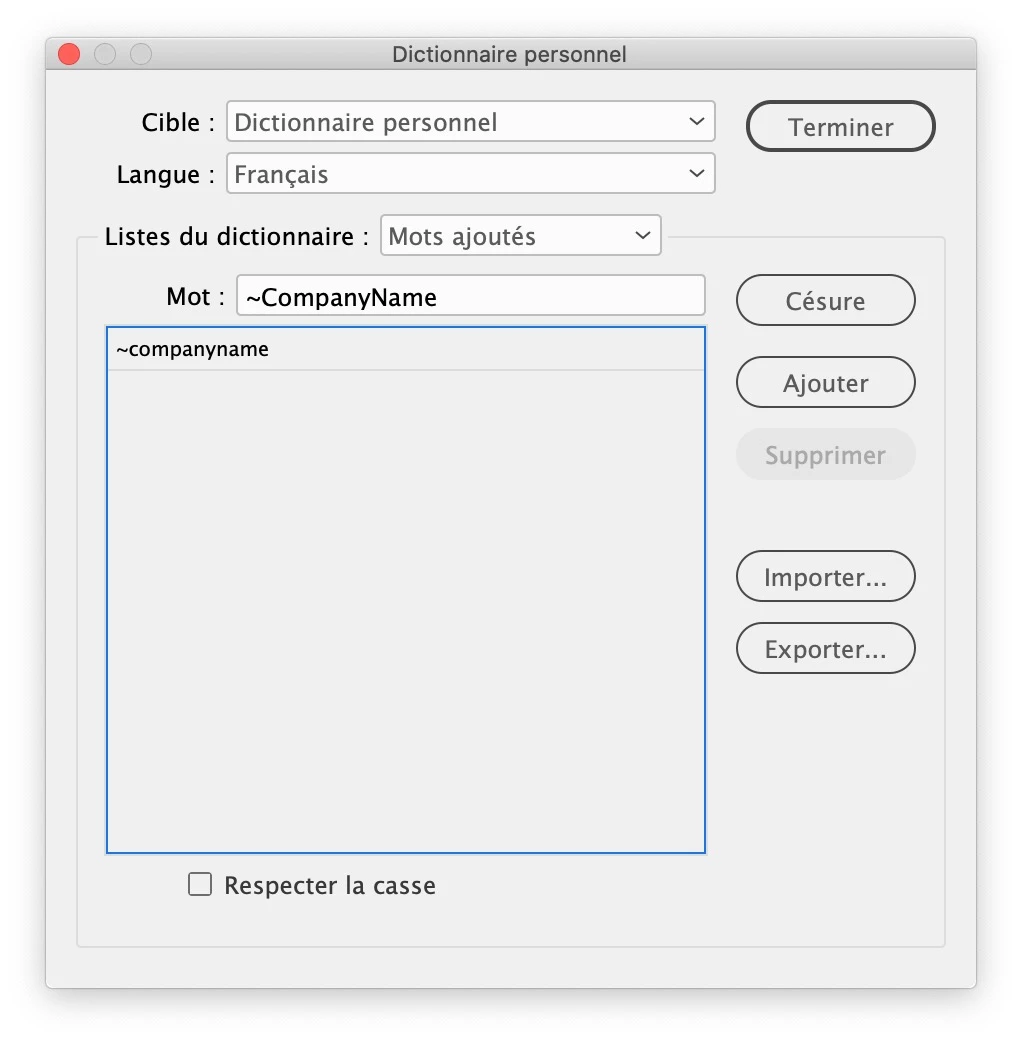
You can also add the company name in the user dictionary (Edit menu > spelling > user Dictionary). Add the name and insert a tilde before it.

More details here:

https://helpx.adobe.com/indesign/using/spell-checking-language-dictionaries.html

and see the “Add words to dictionaries” section

2 replies

jmlevy
Community Expert
jmlevyCommunity ExpertCorrect answer
Community Expert
November 10, 2021

You can also add the company name in the user dictionary (Edit menu > spelling > user Dictionary). Add the name and insert a tilde before it.

More details here:

https://helpx.adobe.com/indesign/using/spell-checking-language-dictionaries.html

and see the “Add words to dictionaries” section

veronicad61354798
Participant
November 10, 2021

That is great! Can I also add it to a document? I am creating a template for others to use. Can I add it to the file?

Dave Creamer of IDEAS
Community Expert
Community Expert
November 10, 2021

Yes, you can add the word to the document dictionary OR merge your user dictionary into the document (under preferences).


BTW, note that multiple-word company names won't work in the dictionary. 

David Creamer: Community Expert (ACI and ACE 1995-2023)
Dave Creamer of IDEAS
Community Expert
Community Expert
November 10, 2021

Create a character style with only No Break set. In the Paragraph style settings, create a GREP style. Select your character style, but instead of any grep code, type the word(s) in that field.

David Creamer: Community Expert (ACI and ACE 1995-2023)
veronicad61354798
Participant
November 10, 2021

Thank you!