Participating Frequently
December 4, 2022
Answered

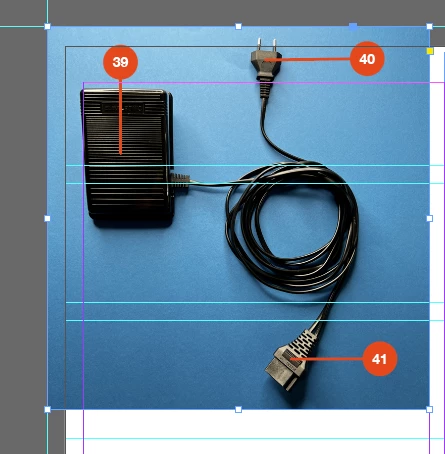
No Info on image
  • December 4, 2022
  • 2 replies
  • 1642 views

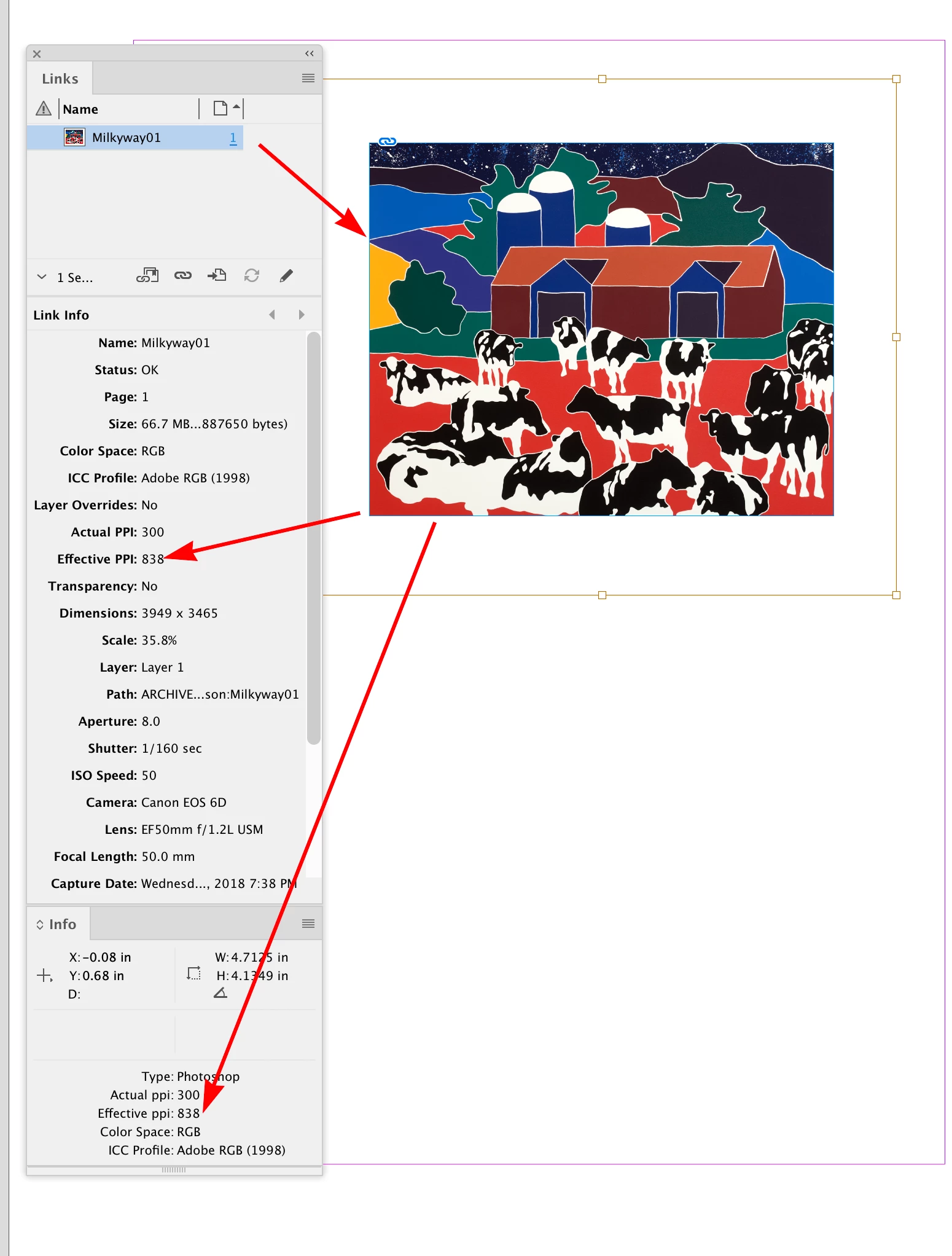
This is the image

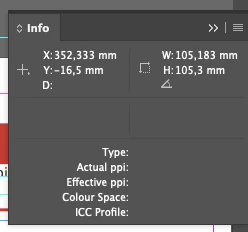
This is the Info Panel


This topic has been closed for replies.
Correct answer rob day

It worked before. 
But the image is Copy & Pasted from omniGraffle
It worked sometimes ago. 
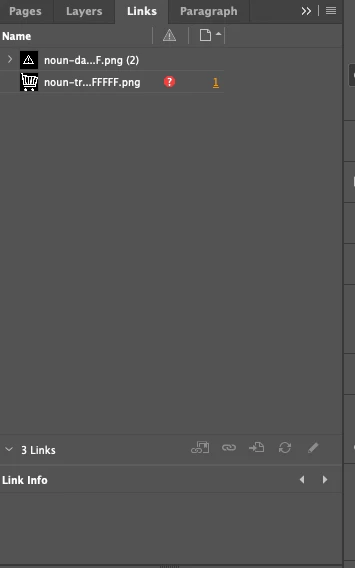
I have some warning, but it is not the image. 
Is there any other way i can check effective ppi.


Also you are showing the Info panel, the full Link Info is available for File>Place... images in the Link Info panel


Pasted shows no link:
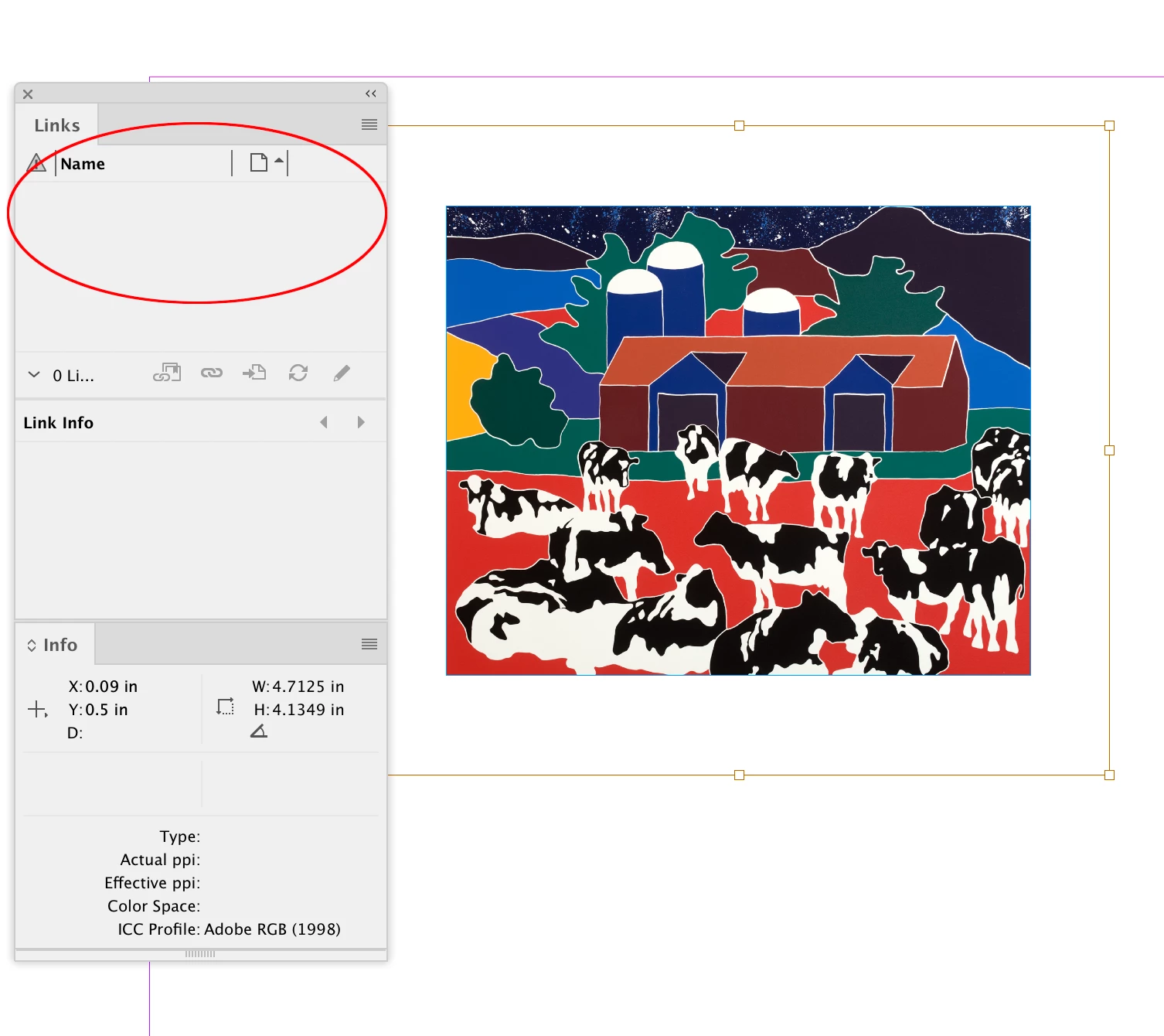


Linked:
 

2 replies

Barb Binder
Community Expert
Community Expert
December 4, 2022

Did you place the image into InDesign, or paste it? 


~Barb

~Barb at Rocky Mountain Training
Participating Frequently
December 4, 2022

I have used Paste Into

Steve Werner
Community Expert
Community Expert
December 4, 2022

Strange. Place Into for a PNG doesn't work for me:


James Gifford—NitroPress
Legend
December 4, 2022

Select the image, not the frame. Click in the center until you have a red frame and handles indicating you've selected the content of the frame. the image, and not the frame itself.


If not that, I'd suggest you've selected an overlay frame containing the callouts, and not the image or image frame itself.


Participating Frequently
December 4, 2022

Now with the image selected


James Gifford—NitroPress
Legend
December 4, 2022

Is the image present (available to InDesign)? In the Links panel, does it show a filename without a warning icon?


If this is a preview, loaded when the image was placed, but the image file is now inaccessible, I think it would show this lack of info.


If all is good, it might be another bug needing the ID preferences deleted and reset. Is this the first time you've encountered this since updating, by chance?
