Lordrhavin
Inspiring
June 10, 2026
Question

No textFrame in graphic cells

  • June 10, 2026
  • 1 reply
  • 10 views

I’m trying to insert a textframe into a tables cell:

  for (var r = 0; r<table.rows.length; ++r) {
var cell = table.rows[r].cells[0];
cell.contents = "";
cell.cellType = CellTypeEnum.TEXT_TYPE_CELL;
var myFrame = cell.textFrames.add();
myFrame.geometricBounds = [0, 0, 20, 40];
myFrame.contents = "!";
};

This leads to the error that a “graphic cell cannot contain a textframe” (Error 11310). But I explicitly set it to CellTypeEnum.TEXT_TYPE_CELL, right?

How does this work?
    1 reply

    rob day
    Community Expert
    Community Expert
    June 10, 2026

    ’m trying to insert a textframe into a tables cell:


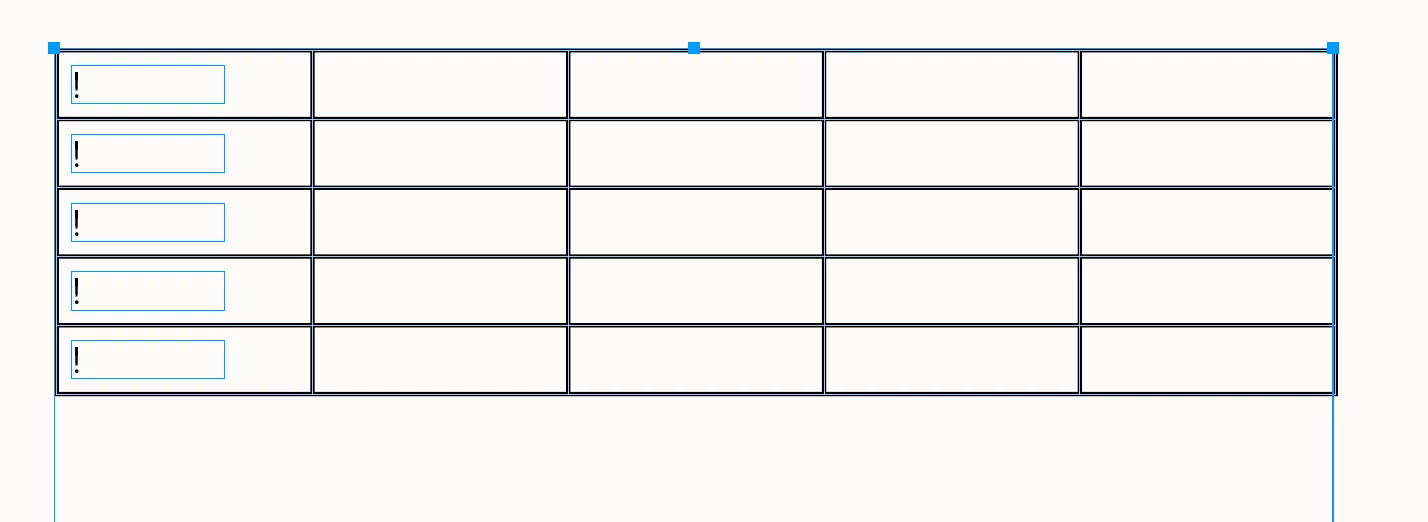
    Hi ​@Lordrhavin , If you want to add a textFrame inside a cell, I think you have to add it at an insertionPoint. So this adds a new textFrame at the cell’s first insertion point


    app.scriptPreferences.measurementUnit = MeasurementUnits.POINTS;

    var tables = app.documents[0].stories.everyItem().tables.everyItem().getElements();
    var t = tables[0]

    var c, myFrame;
    for (var r = 0; r<t.rows.length; ++r) {
    c = t.rows[r].cells[0];
    myFrame = c.insertionPoints[0].textFrames.add();
    myFrame.geometricBounds = [0, 0, 10, 40];
    myFrame.contents = "!";
    };

    app.scriptPreferences.measurementUnit = AutoEnum.AUTO_VALUE;


    After run