Known Participant
September 8, 2025
Answered

Node editor missing from properties panel

  • September 8, 2025
  • 4 replies
  • 272 views

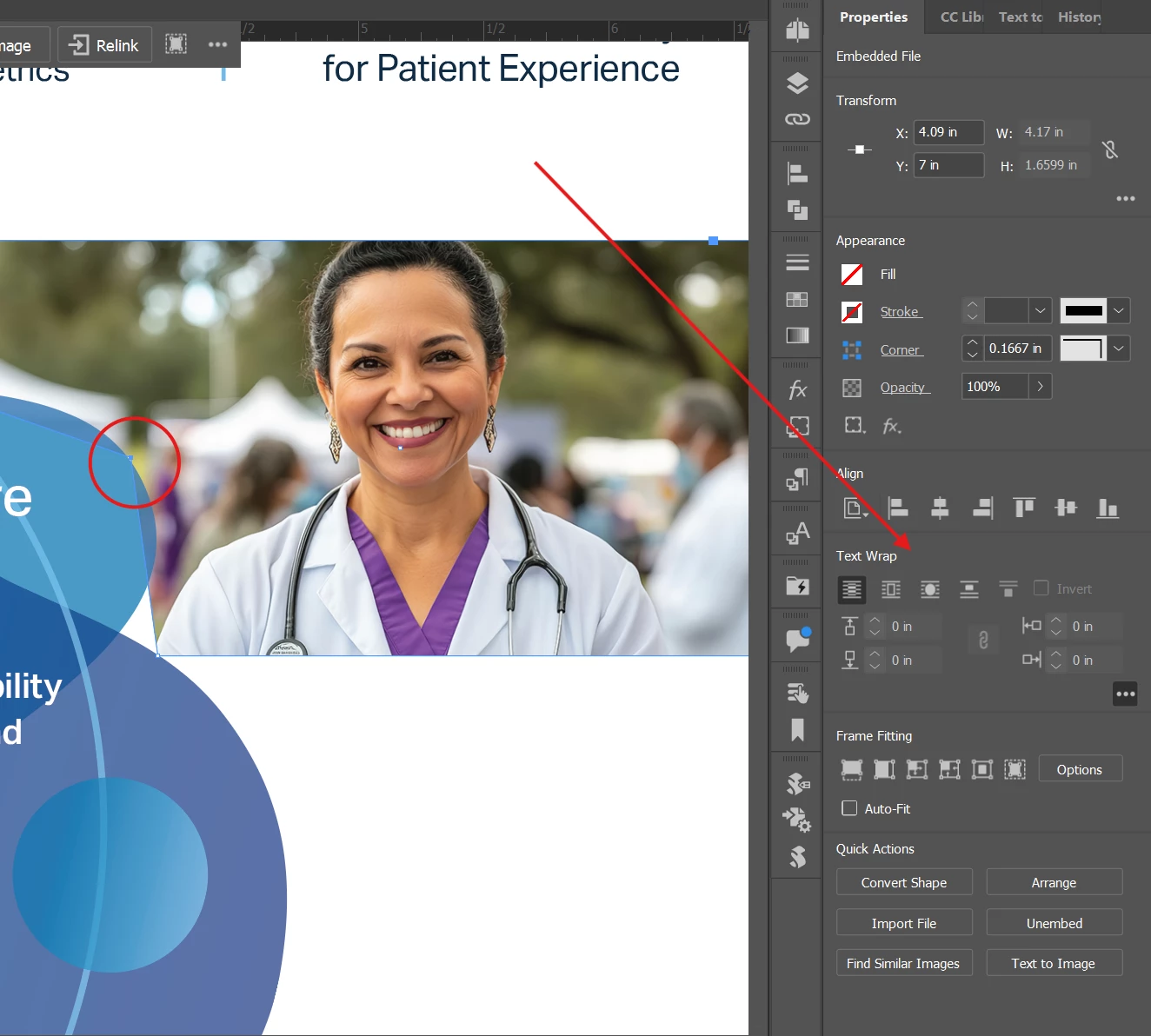
Convert the point type (e.g., to a smooth or corner point) is missing from the properties panel. I can't for the life of me find it anywhere and the intuitive panel is no showing me the option anymore. Please help. 
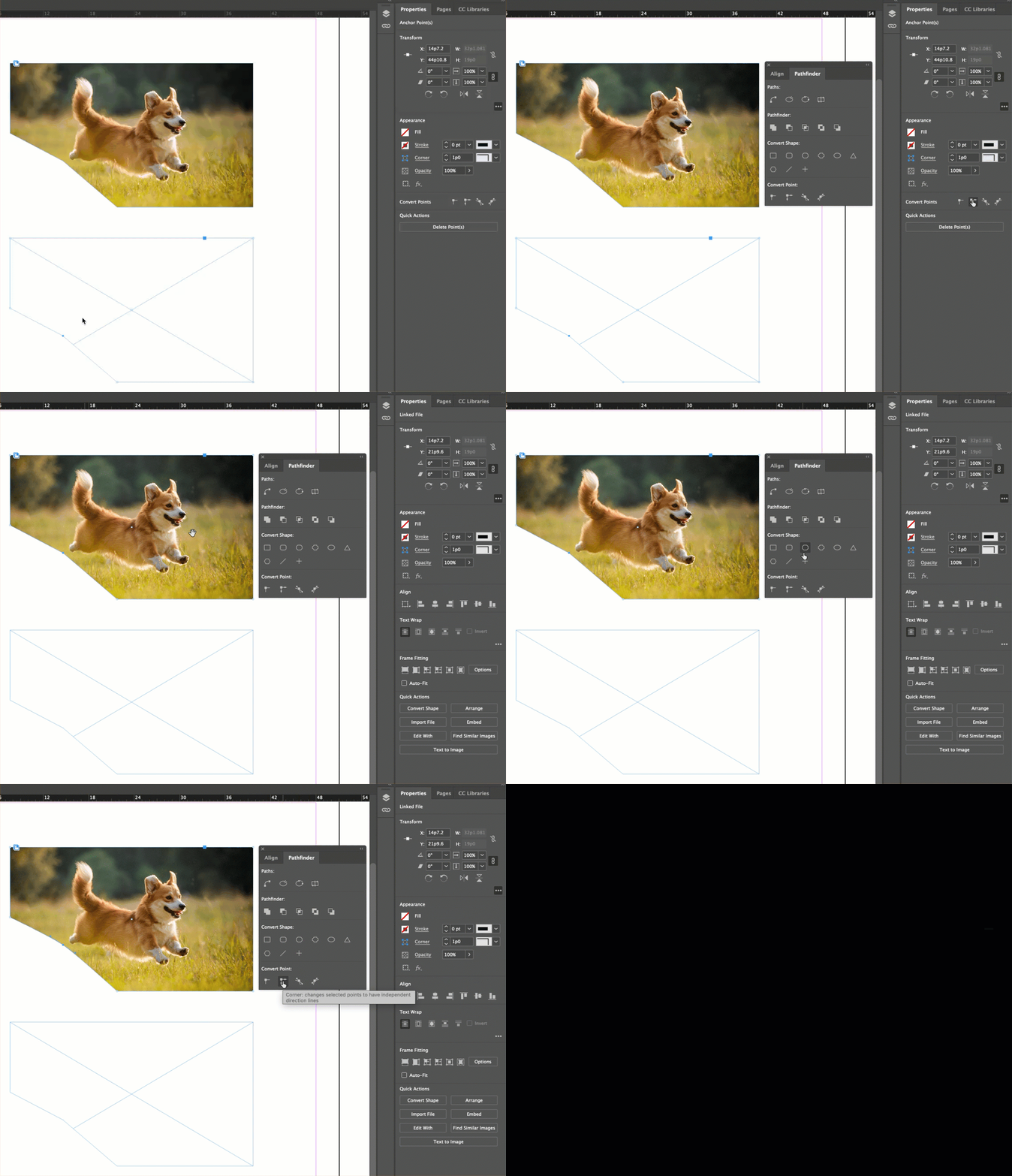
Here is an example:
I am trying to round the node circles, but the option to do so from the properties panel is no longer displaying there. 


Correct answer Barb Binder

Hi @Quel_Belle:


I see what you are asking now—sorry.


The Properties panel was introduced as a tool for new users, who wanted to get up and running without attending training. It offers commands that new users are looking for. I'm watching it become significantly more useful for all level users in Photoshop and Illustrator, but it is still lagging behind in InDesign. 


The Convert Point tools are there for an empty frame, but not for one with an image inside. Use Window > Object & Layout > Pathfinder for your example. 


~Barb


4 replies

Peter Kahrel
Community Expert
Community Expert
September 8, 2025

With the node selected, convert it to Smooth:


[Barb beat me to it with a different approach]


Known Participant
September 9, 2025

Thank you! Her response is exactly what I was looking for. I just couldn't find it in my Window menu! Derp me. 🙂 

Barb Binder
Community Expert
Barb BinderCommunity ExpertCorrect answer
Community Expert
September 8, 2025

Hi @Quel_Belle:


I see what you are asking now—sorry.


The Properties panel was introduced as a tool for new users, who wanted to get up and running without attending training. It offers commands that new users are looking for. I'm watching it become significantly more useful for all level users in Photoshop and Illustrator, but it is still lagging behind in InDesign. 


The Convert Point tools are there for an empty frame, but not for one with an image inside. Use Window > Object & Layout > Pathfinder for your example. 


~Barb


~Barb at Rocky Mountain Training
Known Participant
September 9, 2025

Aha! That's where it was hifing! Yeah, the intuitive panel got me too lazy, lol. Also, it is back now, so must have been a glitch. Thank you so much, that is exactly what I had lost. 😛 

Known Participant
September 8, 2025

@Barb Binder 
The node is selected with the Direct Selection tool, you can see it is blue when the other nodes are white.

Barb Binder
Community Expert
Community Expert
September 8, 2025

Select a path with the Direct Selection tool. 

~Barb at Rocky Mountain Training
Known Participant
September 8, 2025

The node is selected with the Direct Selection tool, you can see it is blue when the other nodes are white.