Participant
August 13, 2026
Question

None of my adobe services are working

  • August 13, 2026
  • 10 replies
  • 92 views

None of my adobe services are working. I have tried everything I can, can someone help me?

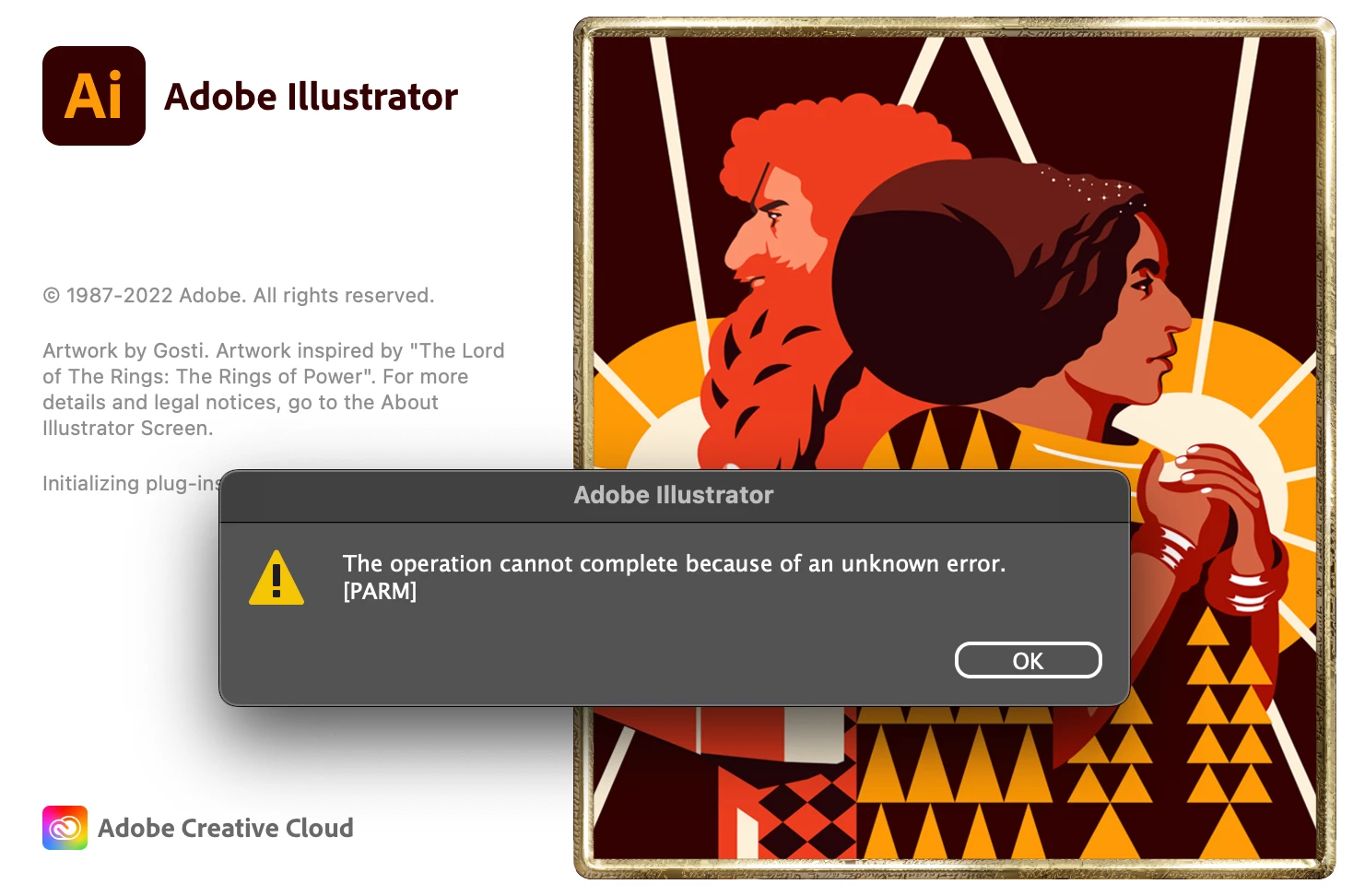
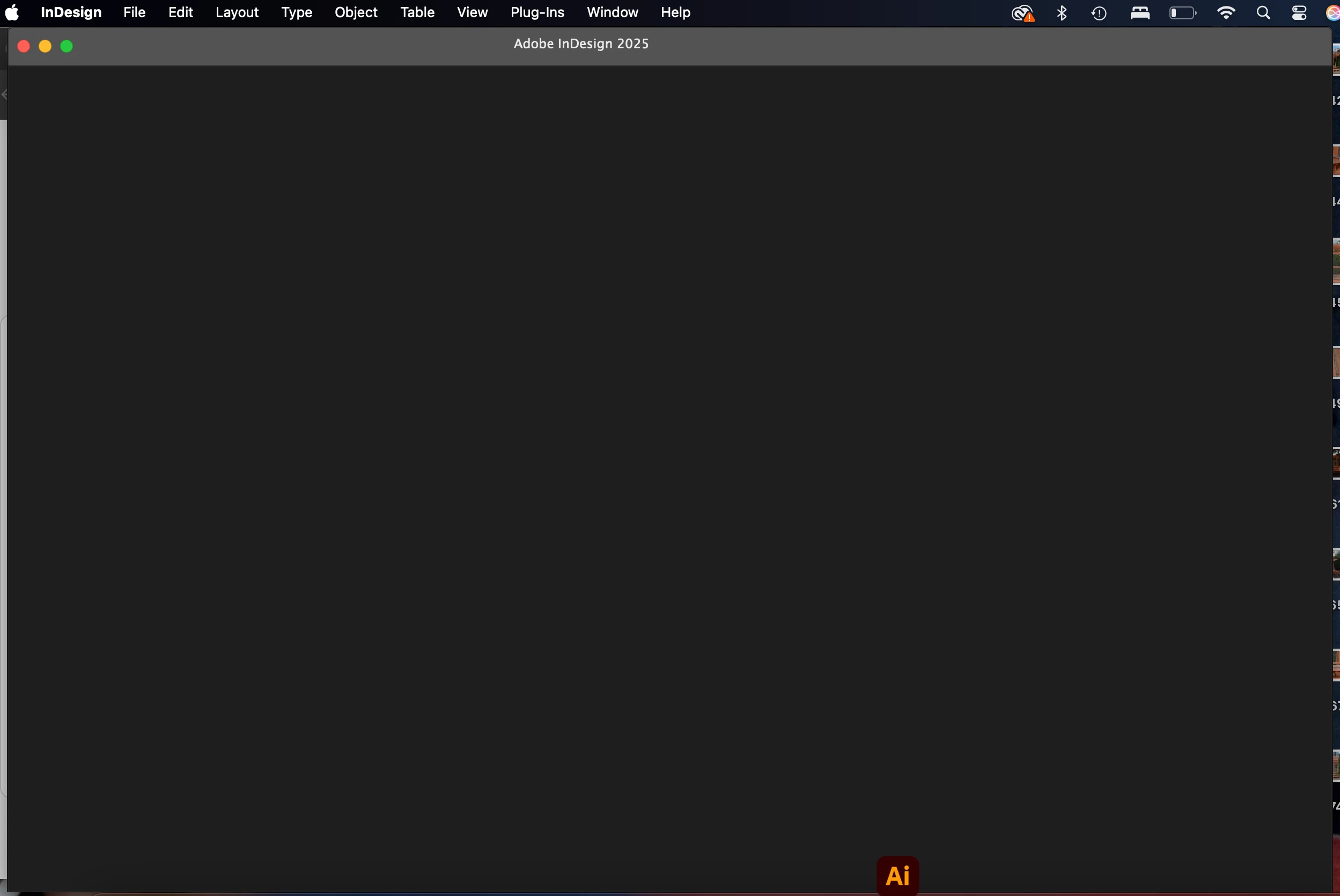
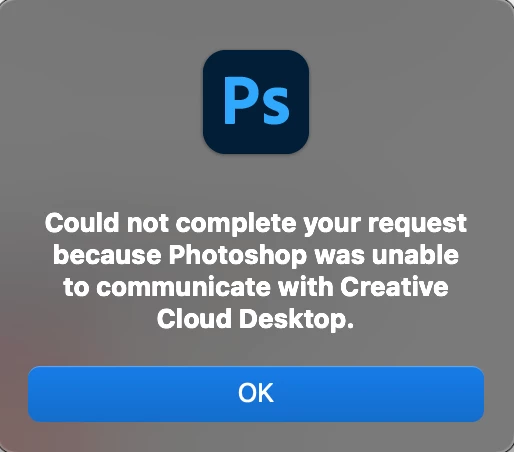
These are screenshots of what happens when I try to open any of my apps. 
 

    10 replies

    nik.m
    Community Manager
    Community Manager
    August 19, 2026

    Hi ​@Divine_photo892c, just checking in to see if you’re still experiencing this behavior or if the apps are working now.

    If you’re still seeing the same behavior, please let us know, and we’ll be happy to help further.


    Thanks,
    Nikunj

    Participant
    August 26, 2026

    Hi, 


    Nothing is working. My Creative cloud won’t even open. 

    nik.m
    Community Manager
    Community Manager
    August 27, 2026

    Sorry about the experience ​@Divine_photo892c! What happens when you try to launch the Creative Cloud desktop app? Also, which version of macOS are you using?

    You can try removing the Creative Cloud desktop app and all Adobe apps using the Creative Cloud Cleaner Tool. Then, restart your Mac before reinstalling them. You can find instructions for using the tool here: Use the Creative Cloud Cleaner Tool.

    Let us know how it goes!

    Thanks,
    Nikunj

    Participant
    August 13, 2026

    None of my Adobe services are working right now. I’m unable to access or use any of the Adobe applications/services. Could you please check if there’s an issue with my account or if there’s a service outage?

    Community Expert
    August 13, 2026

    As per the following page their seems to be no service outage

    https://status.adobe.com/

    -Manan
    leo.r
    Community Expert
    Community Expert
    August 13, 2026

    At this point, 11.40 am Toronto Time, several major issues are listed (as reported by another export on Slack).

    Community Expert
    August 13, 2026

    Did you by any chance uninstall creative cloud desktop app? If not then try launching it or probably reinstalling it

    -Manan
    Abhishek Rao
    Community Manager
    Community Manager
    August 13, 2026

    Hi @Divine_photo892c,


    Sorry you're running into this. Since multiple Adobe apps are affected and Photoshop reports that it cannot communicate with Creative Cloud Desktop, please first try the expert's suggestion and confirm that Creative Cloud Desktop is installed and launches normally.

    If the issue persists, try repairing Creative Cloud Desktop first; if Repair doesn't help, uninstall and reinstall it, then sign out and back in. You can follow the steps here: https://adobe.ly/4qgMcSr

    If the apps still can't communicate with Creative Cloud, run the Limited Access Repair Tool to address possible connectivity/hosts-file issues: https://adobe.ly/3SrwZ4y

    If none of these steps help, you can use the Creative Cloud Cleaner Tool as a final cleanup step: https://adobe.ly/4bODkh0

    Please let us know how it goes.


    Thanks,
    Abhishek