e ch n
Inspiring
December 9, 2024
Answered

Notes outside the text.

  • December 9, 2024
  • 1 reply
  • 502 views

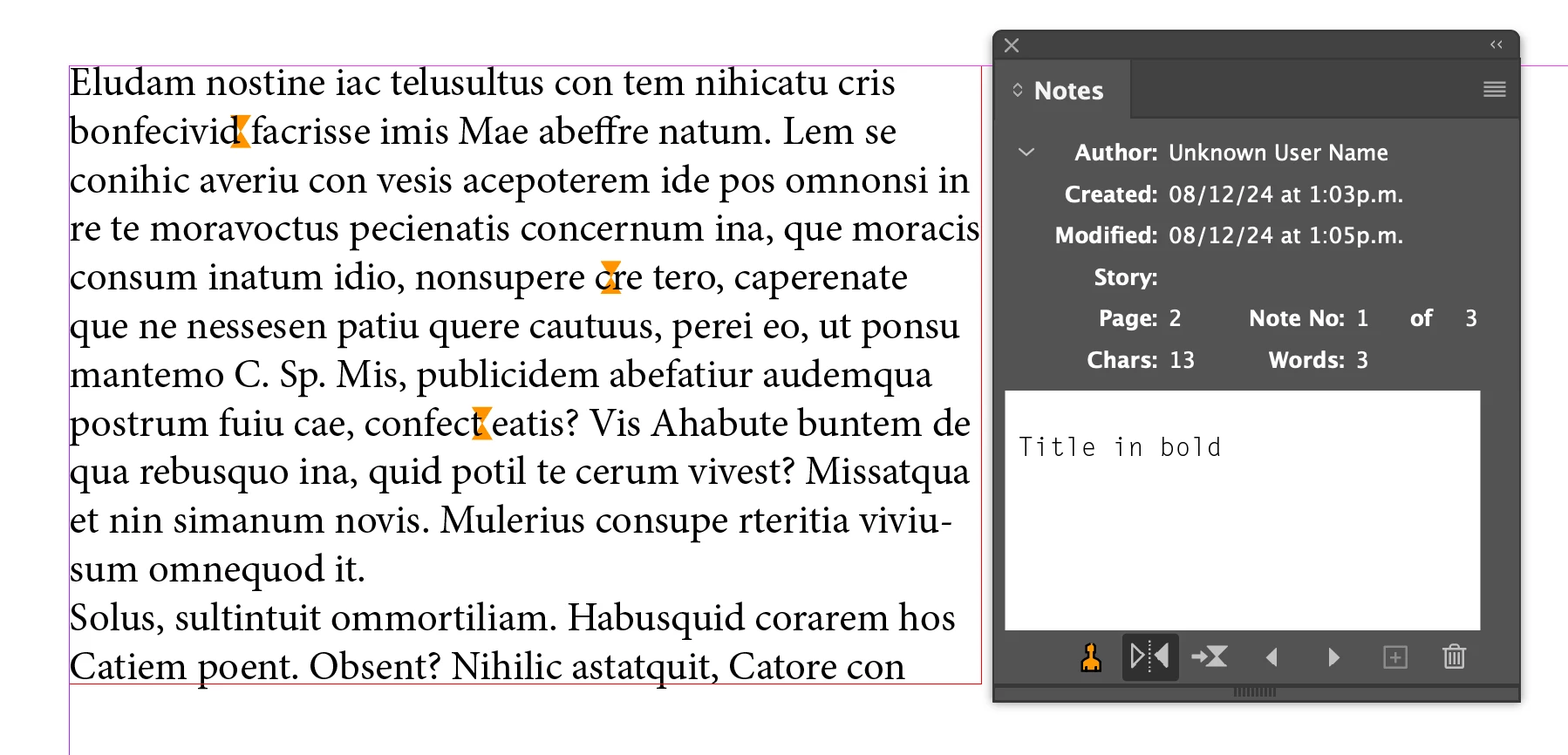
I know that the Notes tool is designed to make annotations within the text, but... if it is outside the text?


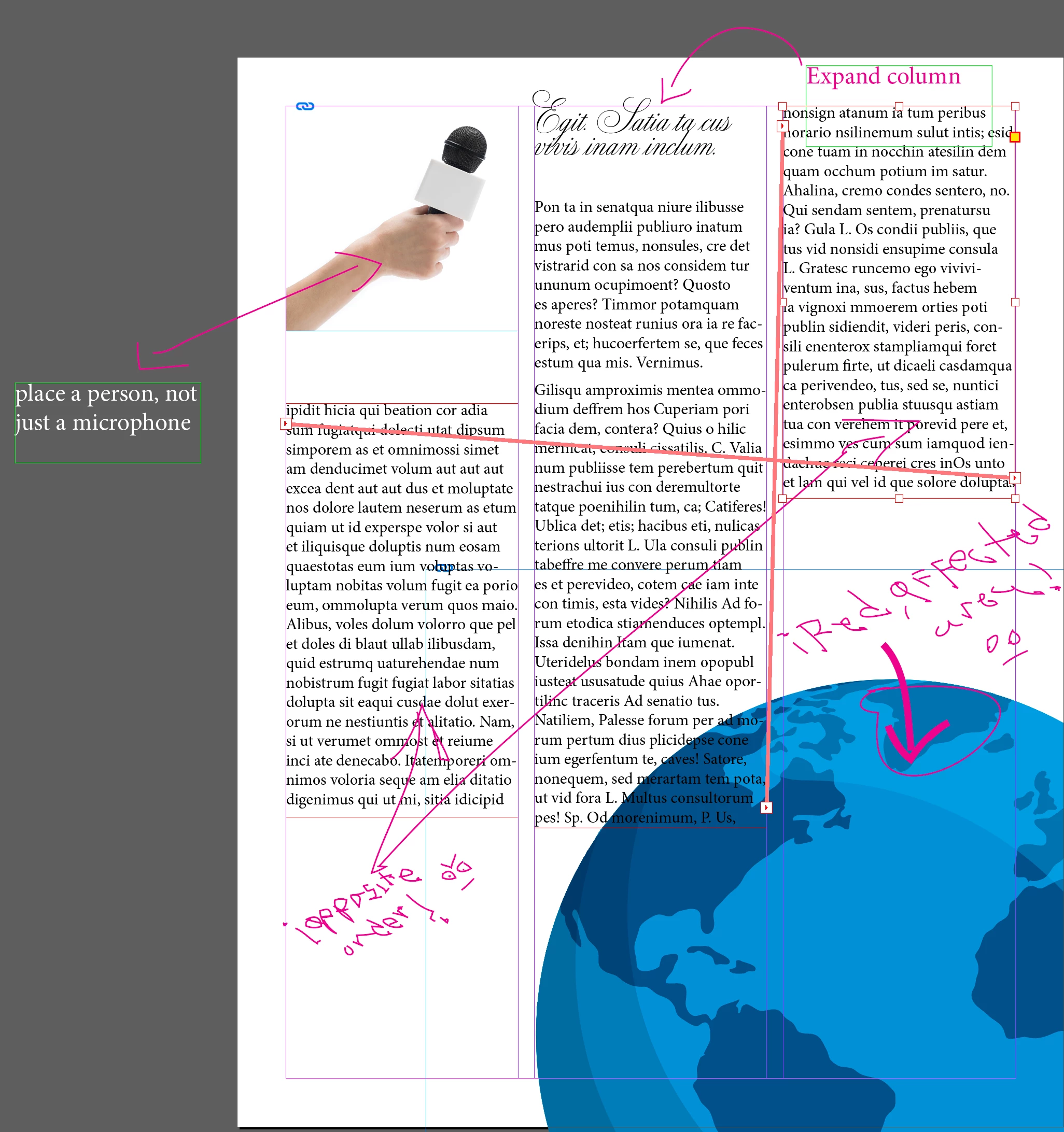
Frequently, throughout the development of a project, I need to make annotations regarding photographs, vector graphics, text boxes, etc... annotations that must indicate what they refer to and what the annotation is about.


Not knowing any suitable tool for this, I end up using the Pencil tool to generate indicative lines and arrows, as well as annotating by hand the annotation itself (which is a triumph to read again) but which is quick to write; I also make text boxes that I place on the Pasteboard, or inside the document... generating a whole mess, lack of cleanliness and confusion... (attached illustrative example).


Is there any correct way to make these annotations other than notes within the text, or what alternatives could I implement to have the most order and cleanliness possible when generating these annotations? (Imagine the client having to see this mess along a brochure...)


Thank you!


This topic has been closed for replies.
Correct answer Eugene Tyson

No prob, glad it's given you some way to manage how you work, which is most important.


You can make feature requests here. 


https://indesign.uservoice.com/forums/601021-adobe-indesign-feature-requests

1 reply

Community Expert
December 9, 2024

One idea would be to make a new Layer and call it Annotations - you can set the layer to Non Printing. 

That way it won't export or print and the client wont' see them if they are all on this layer that only you can see. 

You can then delete the notes page by page  or delete the entire layer and they would disappear document wide. 


Another option would be not to annotate in InDesign - export to PDF and use the Comments to add your notes and work from that - leaving your InDesign file free from clutter. 

You could leave a PDF beside the InDesign file.

This could mean that when working in InDesign you solely put together the material - Export to PDF - then review in Acrobat and add comments outside of InDesign - splitting your 'design' time and 'review' time in two could be more productive. 


Another option could be Share for Review - and share the file with yourself or an alternate email and you can add comments on the Share for Review - these are then overlayed in InDesign as you work. 


e ch n
e ch nAuthor
Inspiring
December 11, 2024

The last option, is the right one!

Yes, just as you recommend, make a single layer for the annotations (or doodles in my case)... but it's a much better option to forward the file to myself, even though it involves an extra step (sending) there I find the tools I need to make my own annotations. I wish Adobe would enable this feature within the software itself, I imagine I'm not the only person who needs to make annotations of their own work.

The PDF option can also be very useful, in other circumstances and different conditions, thank you for proposing it.


Thank you very much Eugene Tyson for your time, attention and knowledge.


Best regards!


Eugene TysonCommunity ExpertCorrect answer
Community Expert
December 11, 2024

No prob, glad it's given you some way to manage how you work, which is most important.


You can make feature requests here. 


https://indesign.uservoice.com/forums/601021-adobe-indesign-feature-requests