
Participant
February 24, 2021
Question

Object Export for Alt Text to Acrobat Accessible PDF

  • February 24, 2021
  • 3 replies
  • 1269 views

We are attempting to make 508(c) Accessible PDF file from client-suppied INDD files. They use graphics that are very complex: two or more financial charts with lots of auxiliary text. Luckily, they supply us with their own choice of Alternate Text,
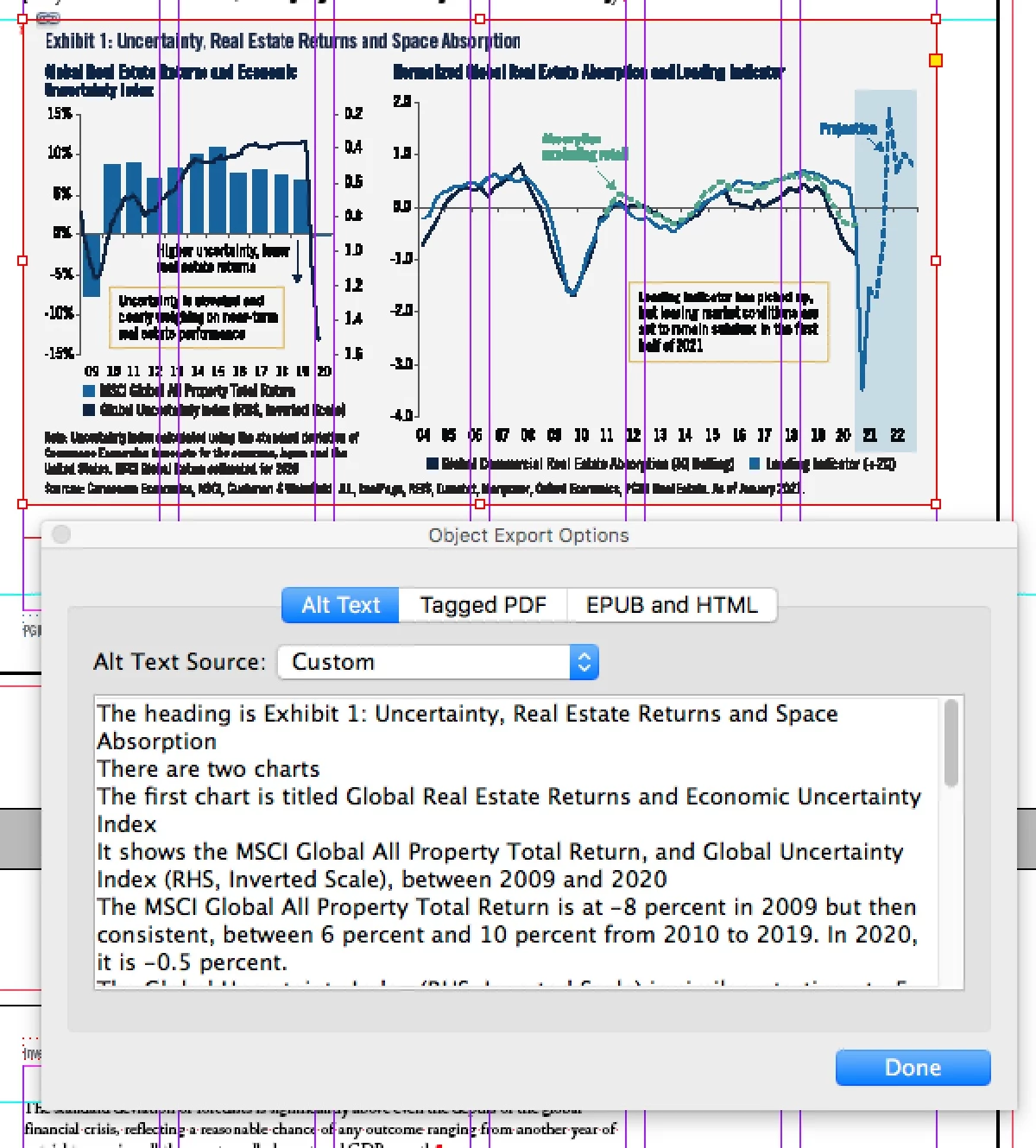
But my issue is getting the Alt Text to read out when exporting to an Accesible Acrobat PDF. I have tried all the permutations of the "Tagged PDF" tab; setting the "Apply Tag" to "From Structure" or to "Artifact," and pasting the Alt Text into the second Custom Text Source box.

The Accessibility Check in Acrobat passes the PDF all right, but it either does not read back the Alt Text, or reads it back and all the other text in the Illustrator file.

A little guidance in this would be greatly appreciated. We are working the job using INDD CS6, because our workplace doesn't have the budget yet to pay for CC subscriptions for every computer at the company.


3 replies

Known Participant
March 12, 2025

I'm a little frustrated that after all this time, the only way we can prevent an ai or other vector file from getting its content "read" is to rastorize the file or outline the fonts, thus making the file used separate from the original that we can still edit if needed. This is a cumbersome way to work, needing two versions of everything. My Adobe subscription rates keep going up, and I feel the ease of making things 508 compliant keeps going down. 

Bevi Chagnon - PubCom.com
Legend
February 28, 2021

We are attempting to make 508(c) Accessible PDF file from client-suppied INDD files.

...

But my issue is getting the Alt Text to read out when exporting to an Accesible Acrobat PDF. I have tried all the permutations of the "Tagged PDF" tab; setting the "Apply Tag" to "From Structure" or to "Artifact," and pasting the Alt Text into the second Custom Text Source box.

By @MMcDermott


Comments...

If you want the Alt-text to read out, never ever ever set the graphic to Artifact. That tells the AT (assistive technology) to ignore the graphic entirely, including its Alt-text.

  1. Check to see that you've UNselected the option to Artifact the graphics.
  2. Alt-text goes in the 1st tab of the Object Export Options. Set the source to Custom:
  3. What software are you using to test the PDF and voicing of the Alt-text?

...

The Accessibility Check in Acrobat passes the PDF all right, but it either does not read back the Alt Text, or reads it back and all the other text in the Illustrator file.

By @MMcDermott


To prevent the Illustrator graphical text from being voiced:

  1. Flatten the layers in Illustrator and re-export a PNG file to place in InDesign. Note: AI files keep the text live which then gets voiced by screen readers.


If that still voices the text, then the convert the Illustrator file's text to outlines and re-export a file to place in InDesign.


...
We are working the job using INDD CS6, because our workplace doesn't have the budget yet to pay for CC subscriptions for every computer at the company.
By @MMcDermott


First, CS6 does not have a complete set of tools for making accessible PDFs. It also contains a helluva lotta bugs when it exports/creates the tagged PDF and the resulting PDFs are not fully compliant.


Second, if you're on CS6, most likely you're also using an outdated version of Acrobat, too, which means its internal accessibility checker and PDF/UA preflight is grossly out of date.


And accessibility is a lot more than passing any version of the Acrobat checker. It takes a trained specialist to check and validate the file.


Your employer must upgrade your software; otherwise you'll spend either a lot of money and time fixing every single PDF you attempt to export from CS6 InDesign, or you'll lose your client because you provided non-compliant PDFs, or you'll pay an external remediator like my firm to fix the bad PDF.


It's a LOT cheaper to subscribe for a year to InDesign @ $600 approx. then it is for my firm (or any other in the business) to fix your PDFs. A LOT MORE $.  And you'll pay that cost every time you export a PDF.  On the other hand, a subscription to the latest version is only a one-time fee each year.


Try to educate your employer about the costs and strategies.


|    Bevi Chagnon   |  Designer, Trainer, & Technologist for Accessible Documents ||    PubCom |    Classes & Books for Accessible InDesign, PDFs & MS Office |
Ian Sayers
Inspiring
February 28, 2021

Convert the text to outlines so it doesn't read it and sees it as a graphic. Make sure the in InDesign is set to a graphic/figure with your alt text in. Also what does your reading order / tag panel show in acrobat ?