
Faith5C32
Known Participant
April 26, 2022
Question

Object won't move to front

  • April 26, 2022
  • 4 replies
  • 611 views

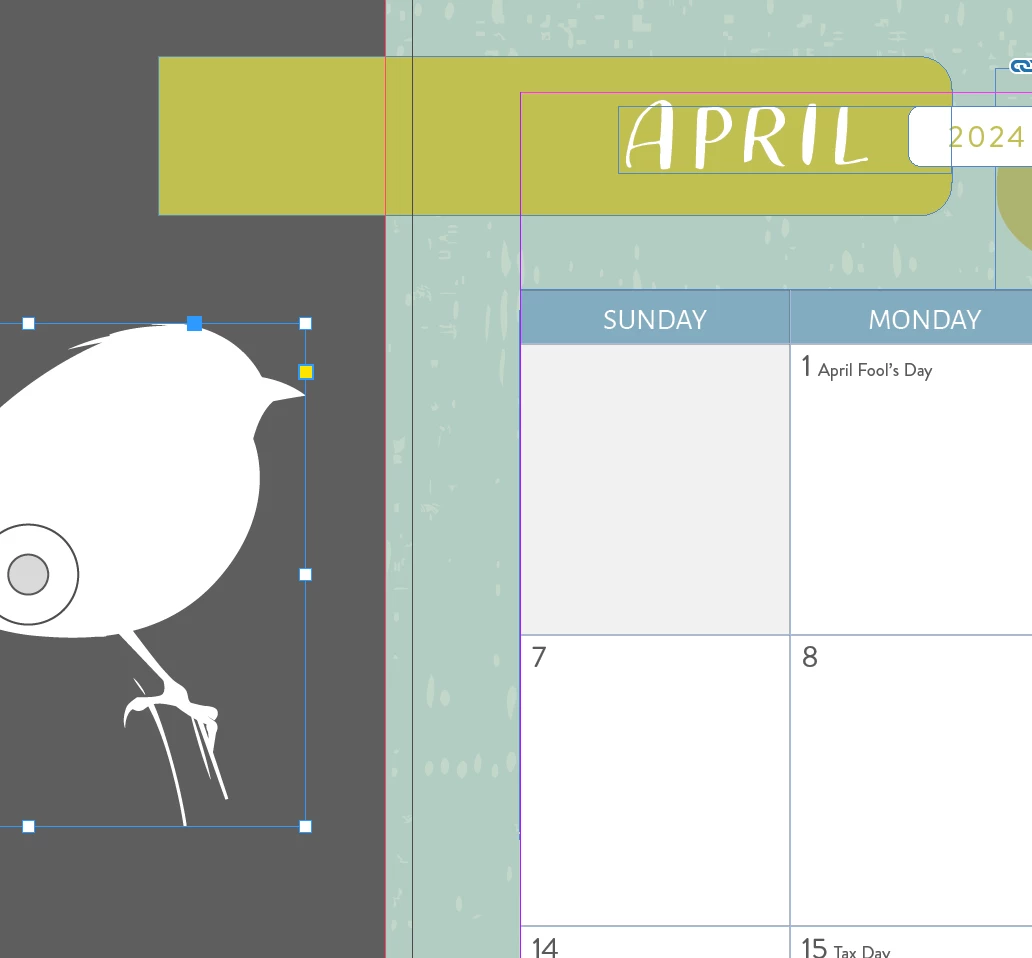
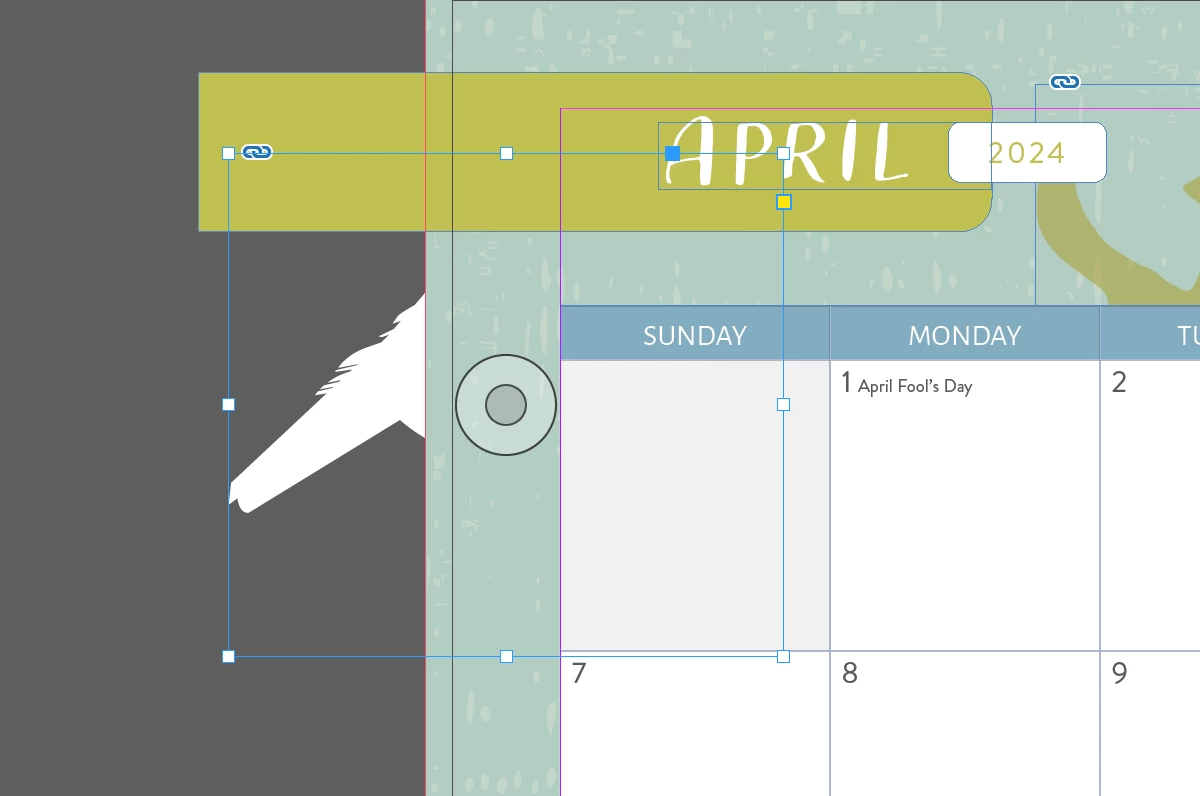
So nothing will get this object to move to the front. I'm trying to get this little bird guy up front....it's on the same layer, there is no text wrap, I don't know what is going on.
This topic has been closed for replies.

4 replies

Peter Spier
Community Expert
Community Expert
April 26, 2022

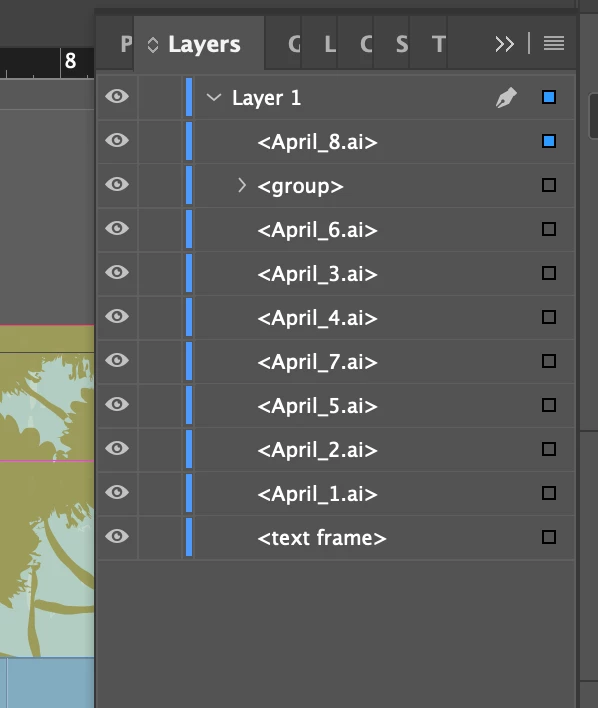
In the layers panel screen grab it's not entirely clear that it was taken with the bird selected. Can we see a bigger image that shows both the layers panel and the bird selected at the same time, please.

Diane Burns
Inspiring
April 26, 2022

Just to be clear, the first screen grab is what you want and the second is what you're getting, is that right? If so, how did you take the first screen grab? Sorry if I missed something here. 

Regardless, as a simple test, what happens if you fill the frame containing the .ai file with a color? Any change?

BobLevine
Community Expert
Community Expert
April 26, 2022

If Barb's suggestion doesn't work, that bird is from Illustrator. Was originally black and then changed to white? Check it in Illy for overprint and turn it off.

Faith5C32
Faith5C32Author
Known Participant
April 26, 2022

No overprint...

BobLevine
Community Expert
Community Expert
April 26, 2022

Package it up and put it in a dropbox folder. Give us a link so we can check it out.

Barb Binder
Community Expert
Community Expert
April 26, 2022

Hi @Faith5C32:


According to your Layers panel the bird (April_8.ai) is at the top. So next up, check the Effects panel. What is the blending mode? 


~Barb


~Barb at Rocky Mountain Training
Faith5C32
Faith5C32Author
Known Participant
April 26, 2022

The blend mode is normal...

Barb Binder
Community Expert
Community Expert
April 26, 2022

In both InDesign and Illustrator? If it is set to Multiply, for example, in Illustrator, you will get the same result. 


~Barb

~Barb at Rocky Mountain Training
