
odd italics
- December 8, 2022
- 21 replies
- 4766 views
Hello! Newbie designer here. I’ve been working with InDesign for about a year, and this is the first time I’ve run into this problem.
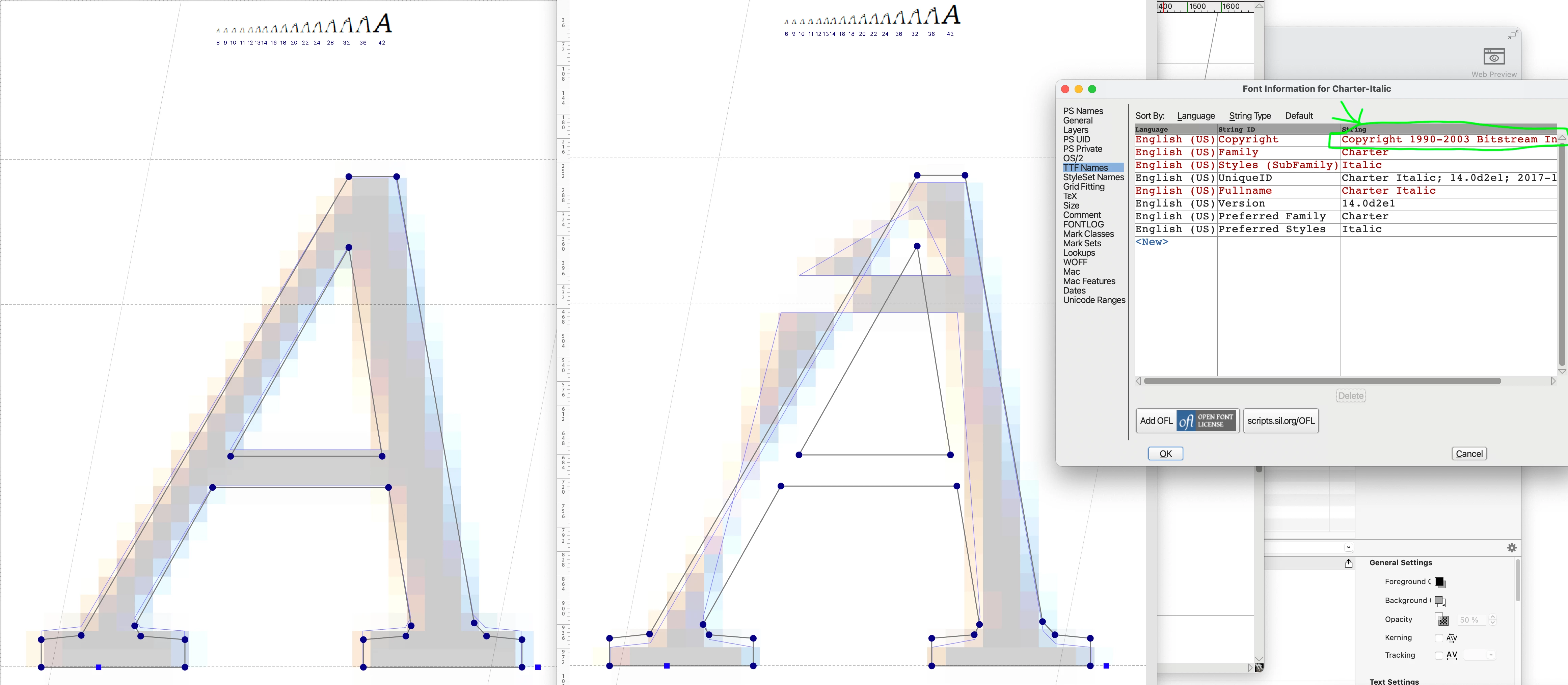
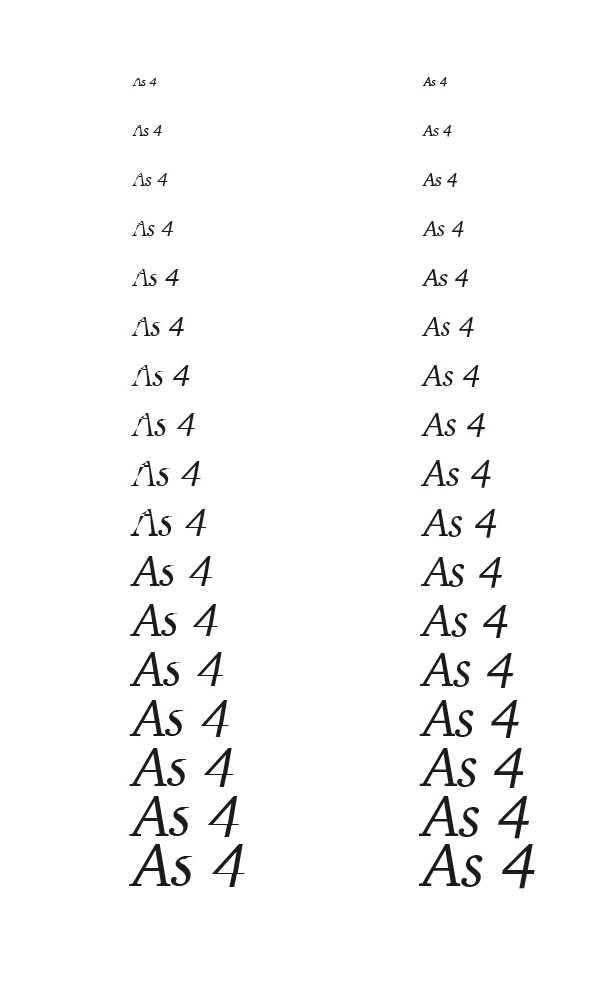
I’m using the font Charter (12 pt) and have noticed an issue with italics: depending on the software and the zoom setting, certain italicized letters lose strokes and definition on the screen. The biggest culprits are uppercase A, B, D, and lowercase S, but there are subtler losses depending on the viewing parameters. I’ve attached some screenshot examples (obvious problem spots are marked with red).
Acrobat, used to view the print quality PDF, seems unable to render the italics correctly unless zoomed in to about 1,000 percent. InDesign needs to be at about 240%. For comparison, the issue doesn’t happen at all on Preview. The issue also doesn’t happen when the document is printed (even when printed from Acrobat).
Two questions:
- Do I need to worry about this font printing correctly when I upload the print quality PDF for print on demand? I assume not, given that the issue doesn’t happen with my own printer, but I want to be sure.
- Any idea what is causing this or how to fix it?
Thank you so much in advance for any help!


 AdChoices