
Answered
Odd looking backwards comma appearing in front of text boxes
Using the most recent version of InDesign CC. Brand new to Indesign and I'm running into an issue with a weird little artifact appearing when I start typing into a new text box. The little comma thingy appears when the document is exported to PDF. I have tried changing fonts but it doens't change. I"m working off of a template created by someone else, so it could have something to do with that but I don't even know how to google for a solution. Any help would be really appriciated.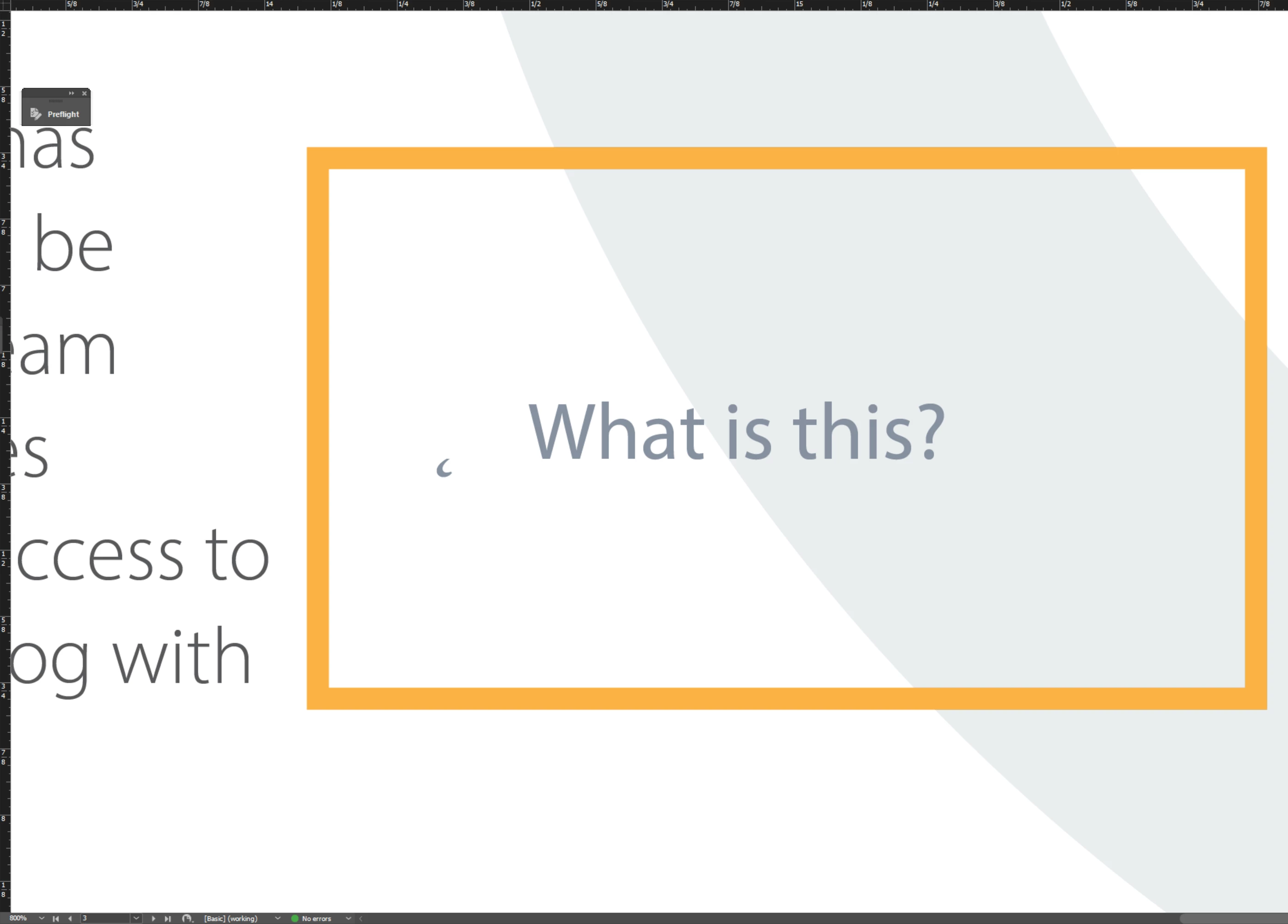
 AdChoices