Hi, I am wrestling with the world’s most frustrating InDesign file. Whenever I drag an image near text, or rearrange text boxes on the page, the text disappears.
Text over graphics (no styles applied).. it acts like I have all these words in the box that it does not have room for but when I extend the box the words are small and don’t have any spaces
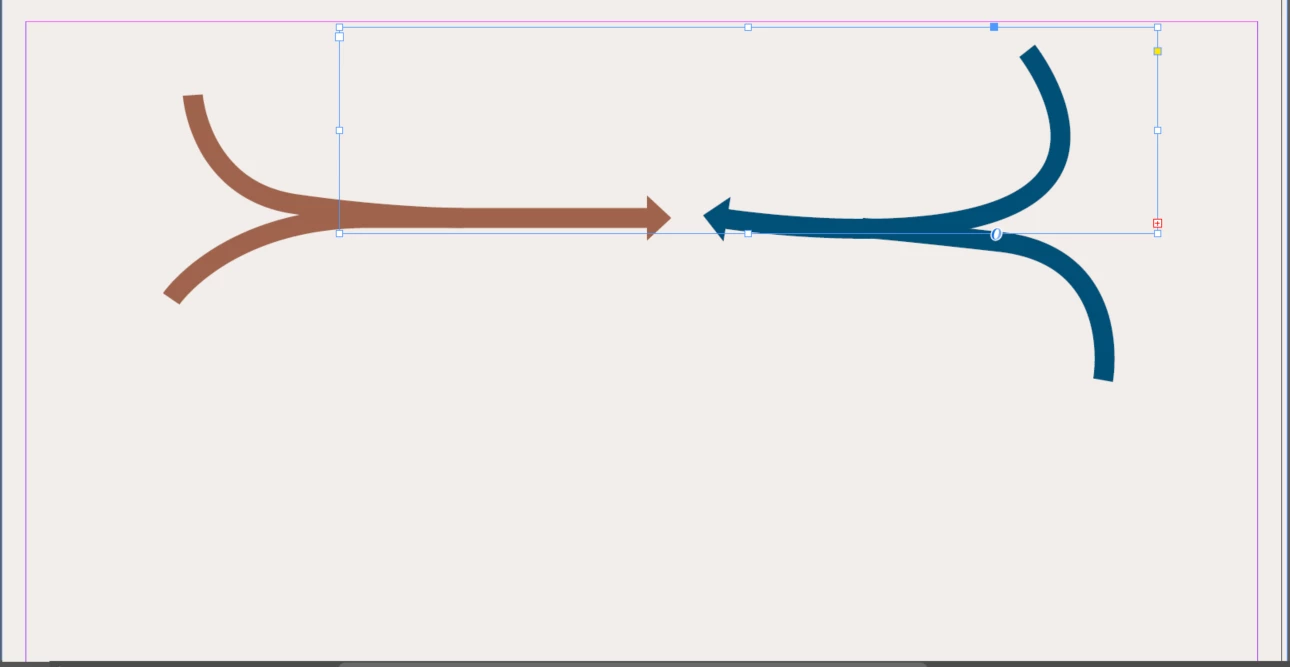
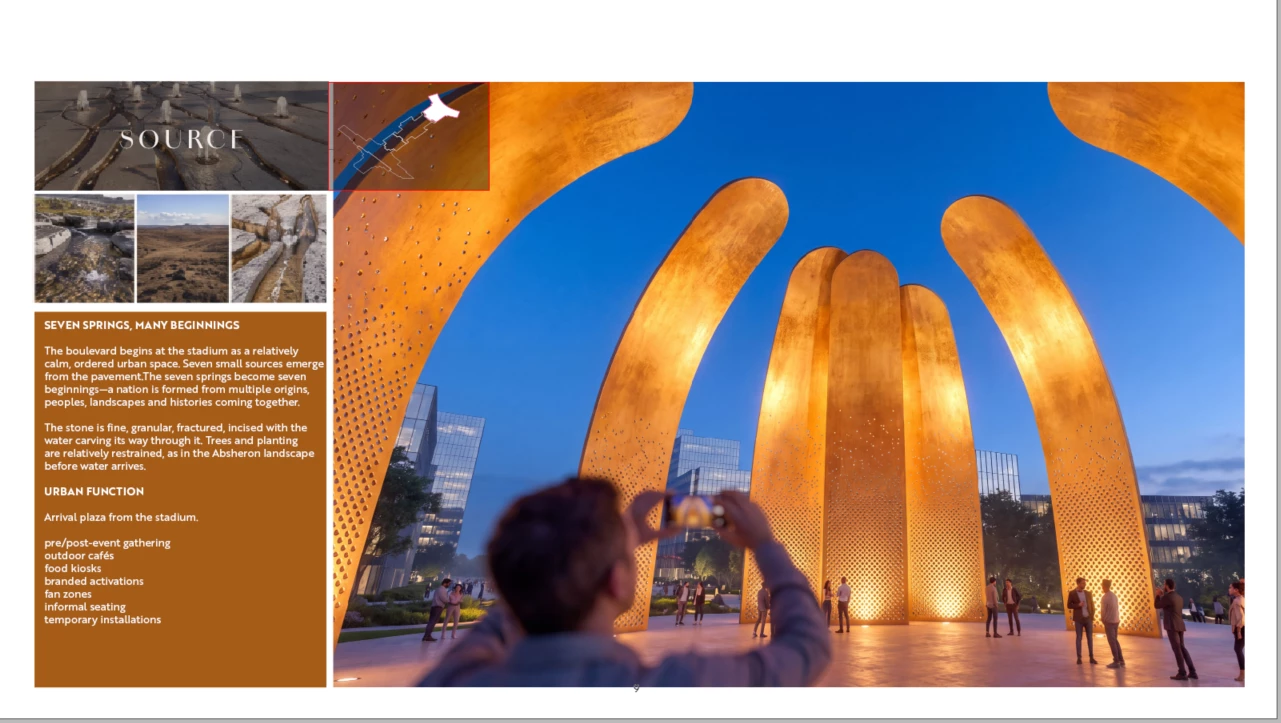
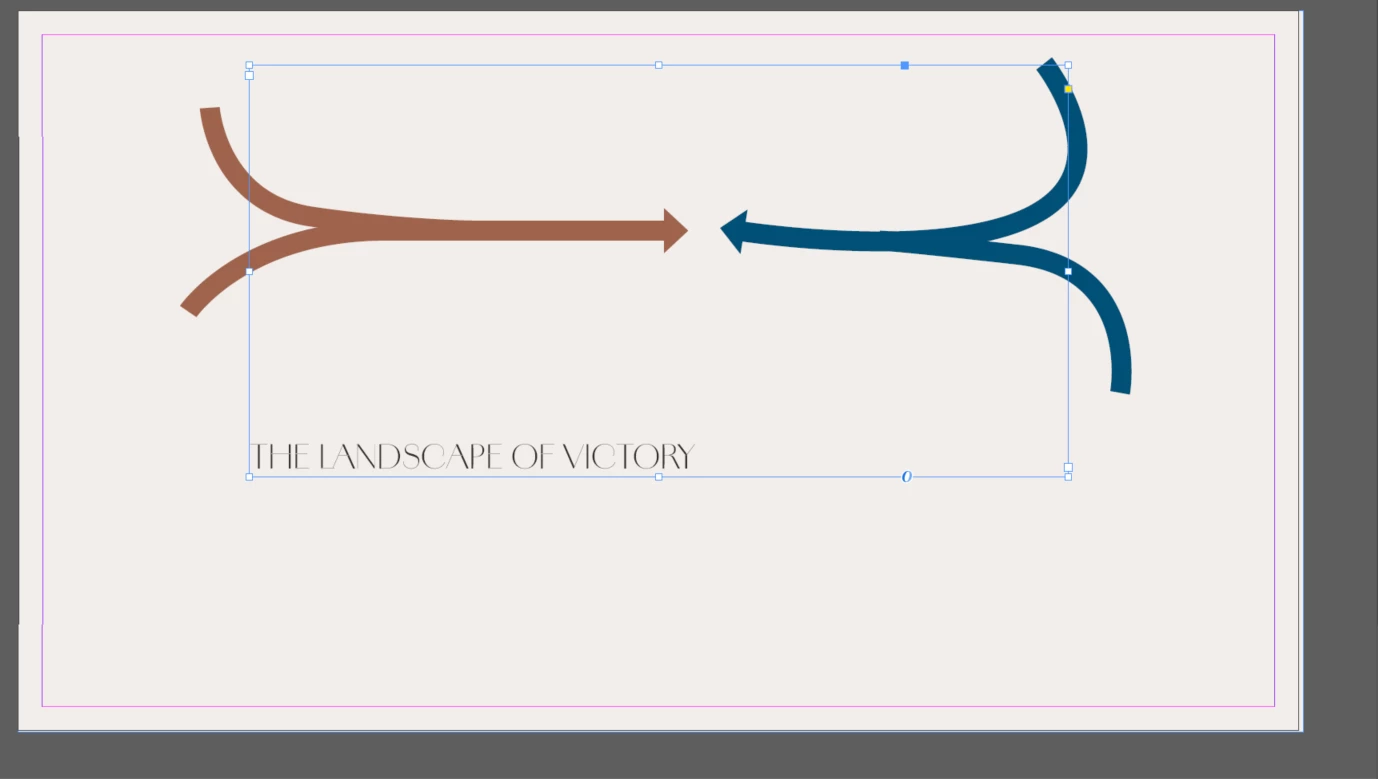
here is an example of what a current page looks like. I am trying to place the keymap next to the text in the subsequent image
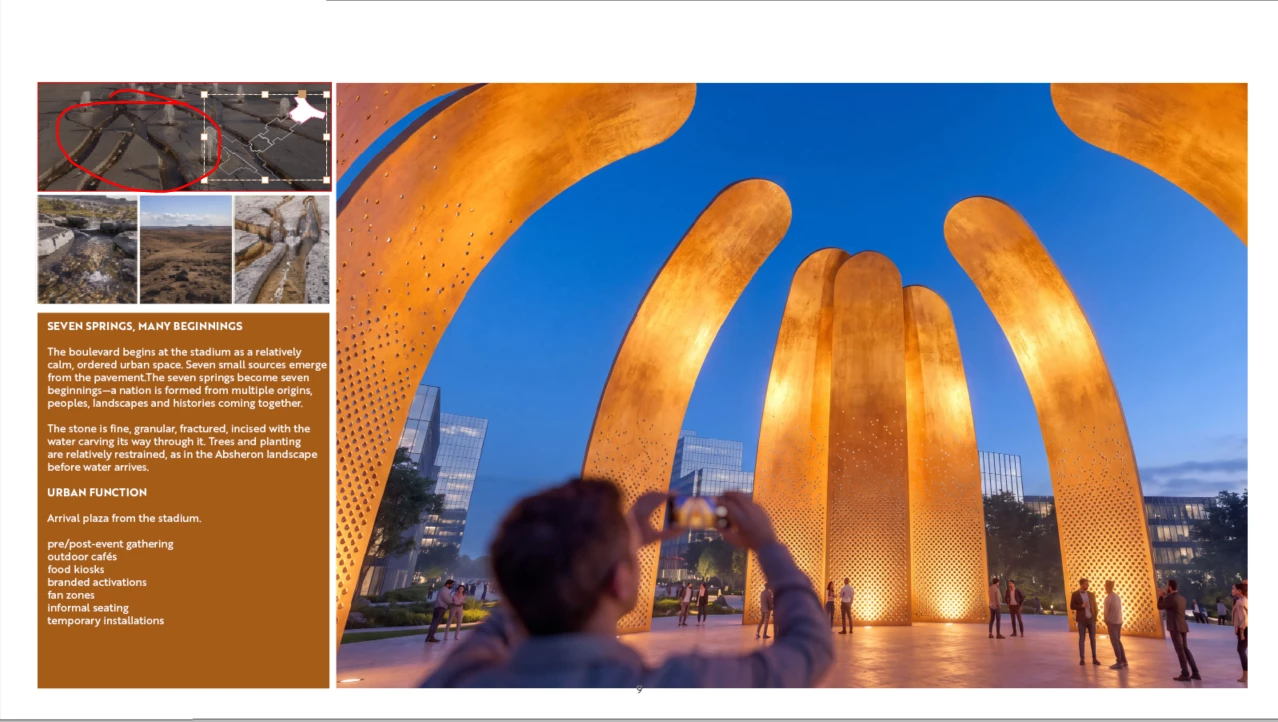
here you can see that the word “source” disappears when I tried to drag the group of objects next to it
In addition, whenever I start over and create a new file in attempts to clear any weird paragraph or object styles, the text box starts aligned to the bottom even though the text frame options are aligned to the top… what the heck is going on here?
Get to know global preferences for tuning up InDesign.
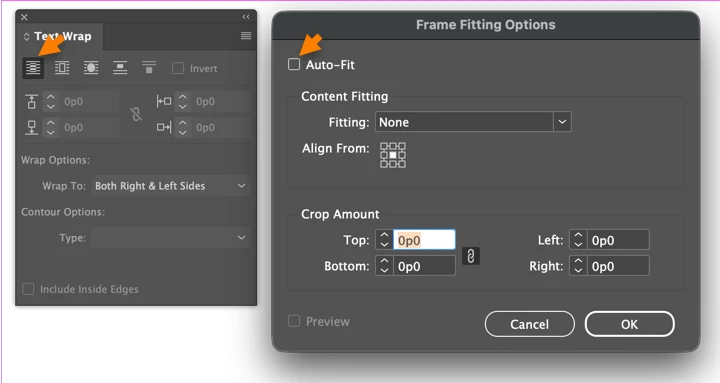
OTOH, your basic problem is the Text Wrap panel is probably set to ON at default, so that when you bring in pix or work with frames, they get Text Wrap turned on, and once you bring that object near an existing text frame, it causes the text to move away.
Where do I go to find these settings? Another thing that annoys me is that in this new version of IND, the Auto-size box is automatically checked when I place images as well,. Is there a master setting where I can change what settings are selected as standard in all documents?




 AdChoices